The TripMapper app - what your clients see
The TripMapper for Business platform seamlessly syncs with the ‘TripMapper Personal' mobile app and web app, resulting in a unique, interactive and engaging experience for your clients.
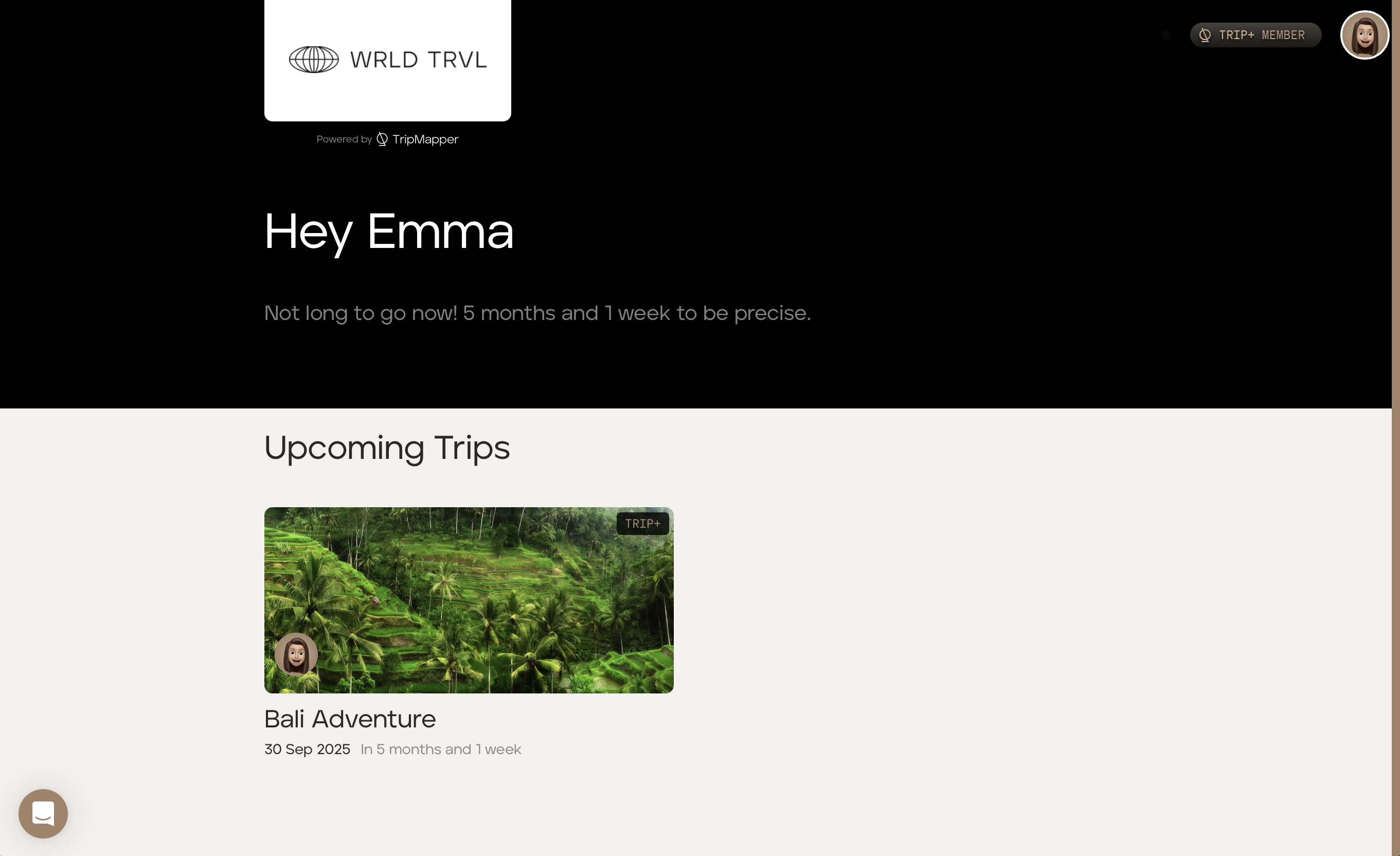
Upcoming Trip
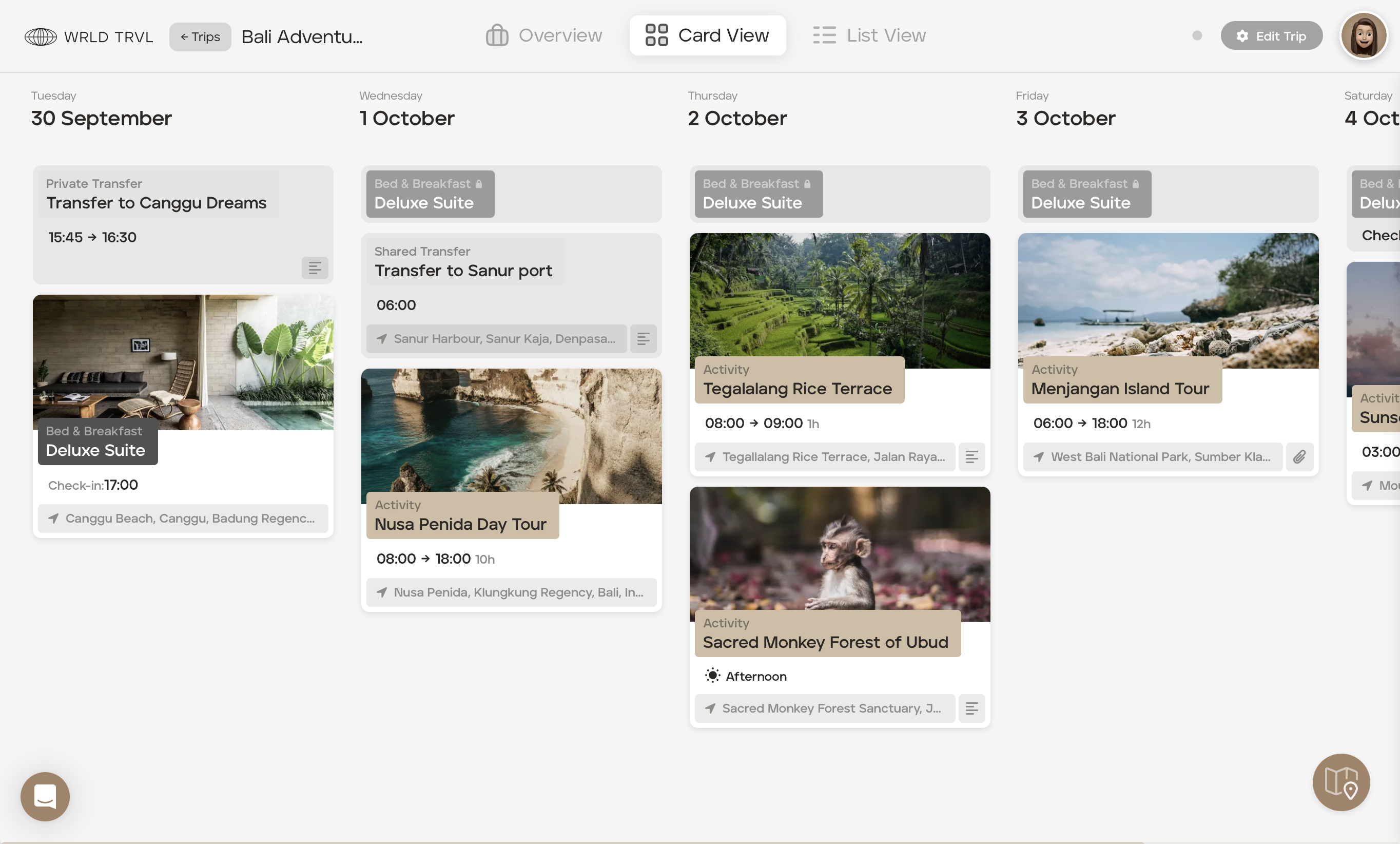
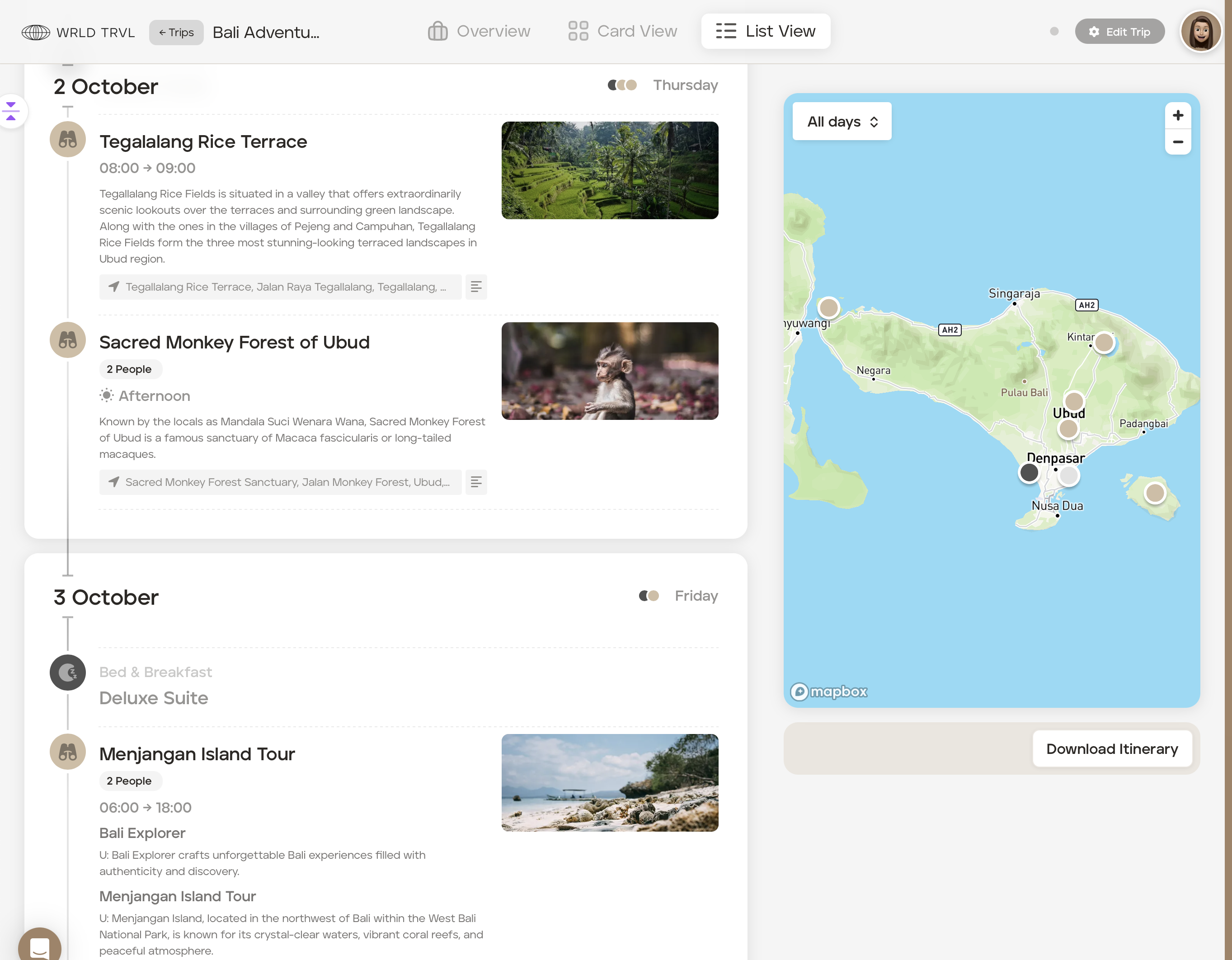
After the proposal has been approved and you have finalised your client's 'Upcoming' itinerary, you can invite them to access their itinerary, tickets and flight information on the TripMapper Personal web and/or mobile app.
When you invite them, the client will receive an email informing them that you have invited them to view their itinerary and that after accepting the invite, they will be able to access their itinerary on the TripMapper Personal web and mobile app. If the client doesn't already have a TripMapper account, the email will inform the client about the account creation process.
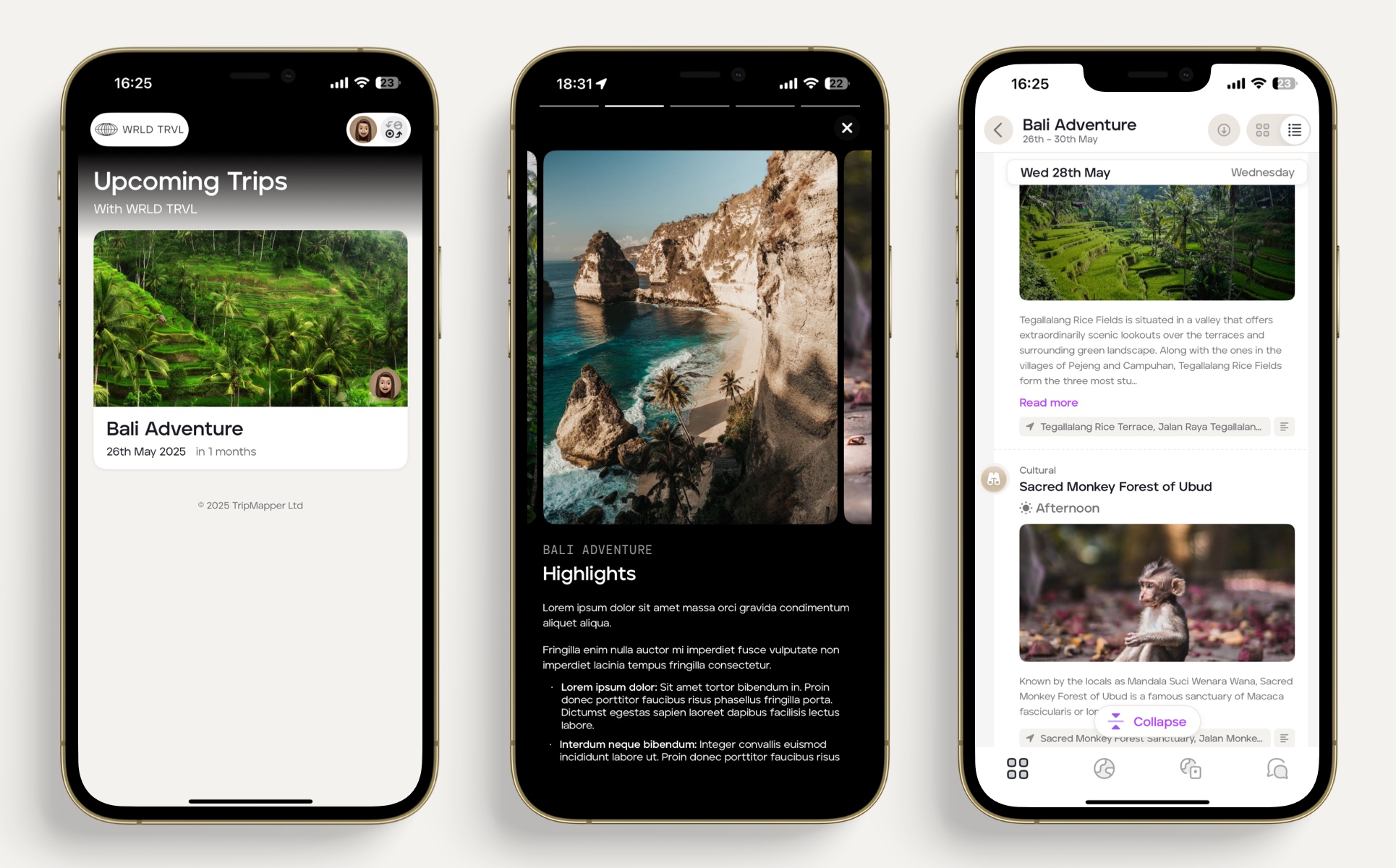
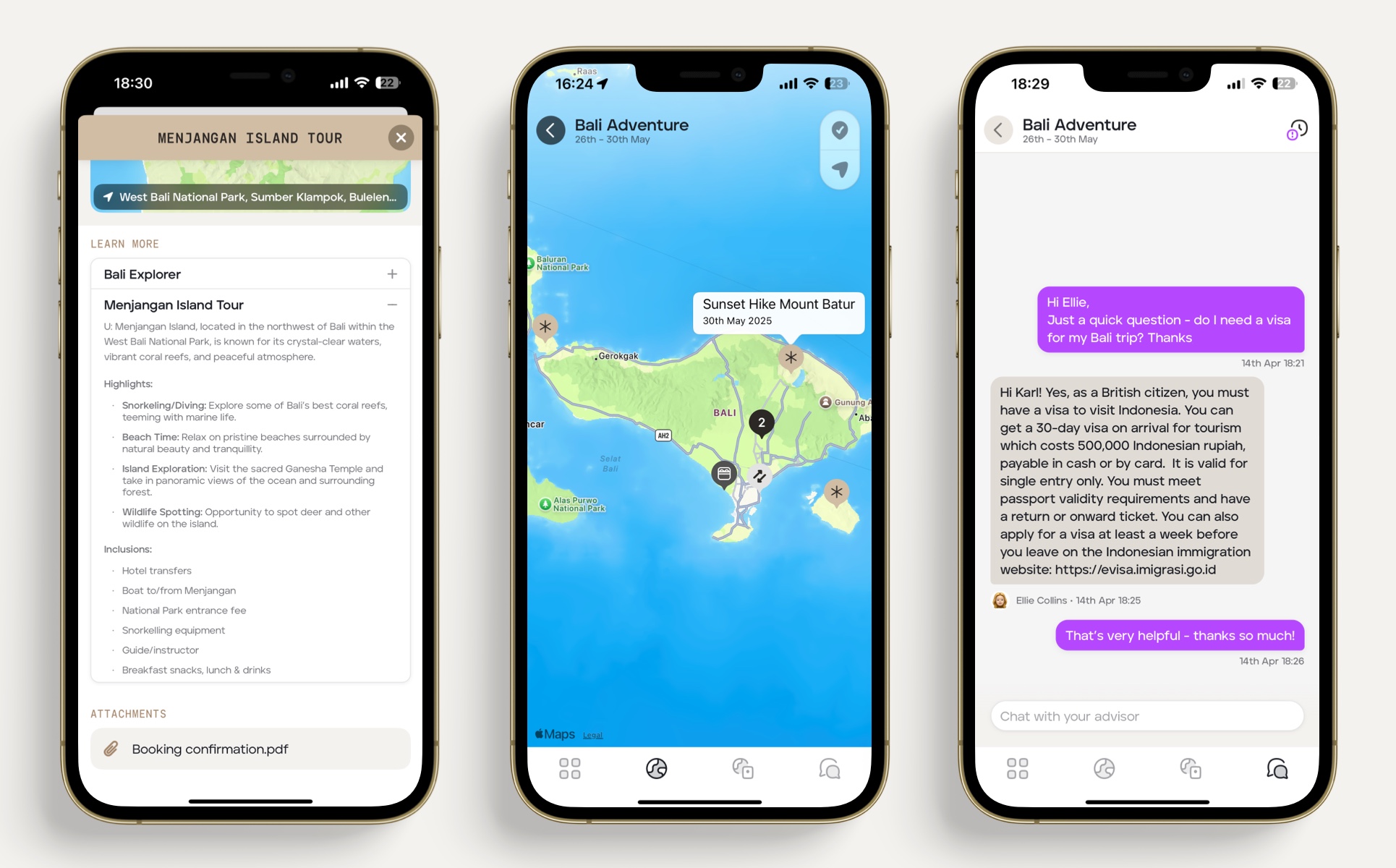
Example: Mobile app with WRDL TRVL branding
Your logo and chosen colour scheme will show on the mobile app.
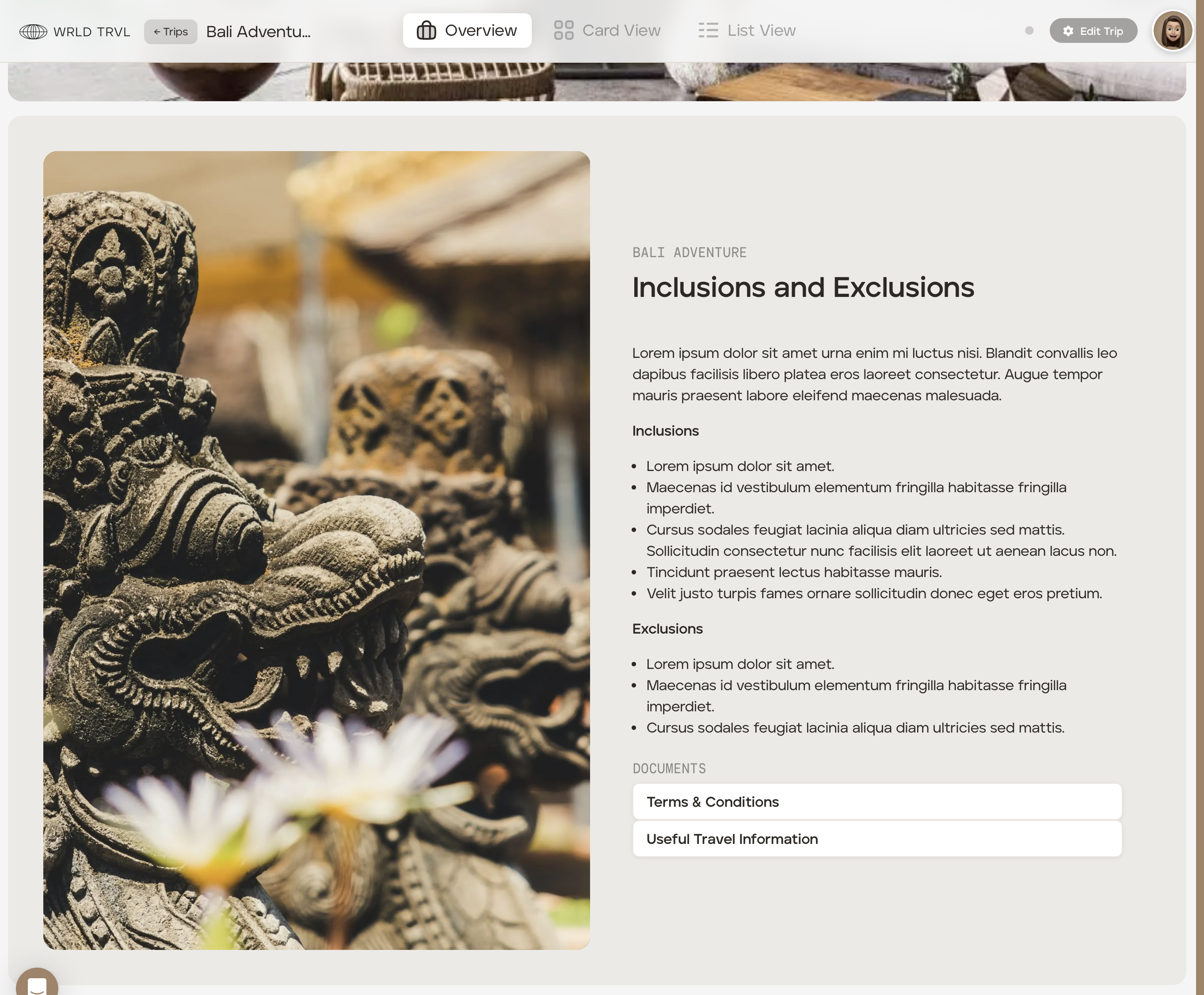
Example: Web app with WRDL TRVL branding
Your logo and chosen colour scheme will show on the web app.