

Resend or revoke a pending invitation to a team member
To resend or revoke a pending invitation to a team member follow the steps below:
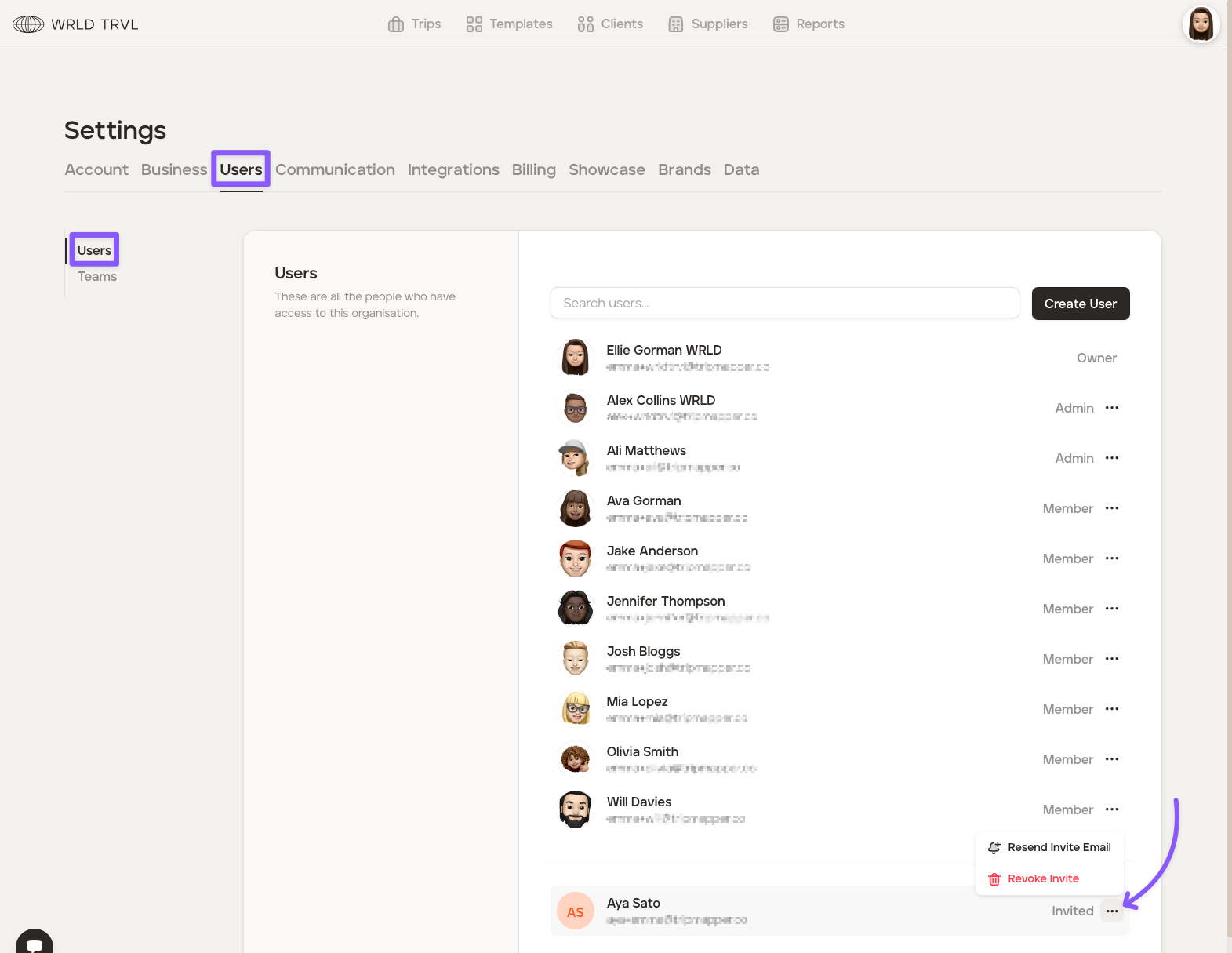
Click your avatar in the top right of your screen and then click ‘Settings.’
Click the 'Users' tab.
Click the '...' button to the right of the applicable team member. Click either 'Resend Invite Email' or 'Revoke Invite'.
Was this helpful?