

Adding tappable telephone numbers to itinerary card notes
To add tappable telephone numbers to notes follow the steps below:
Open the applicable itinerary card (item).
In the 'Notes' add the telephone number, highlight it and click the link icon.
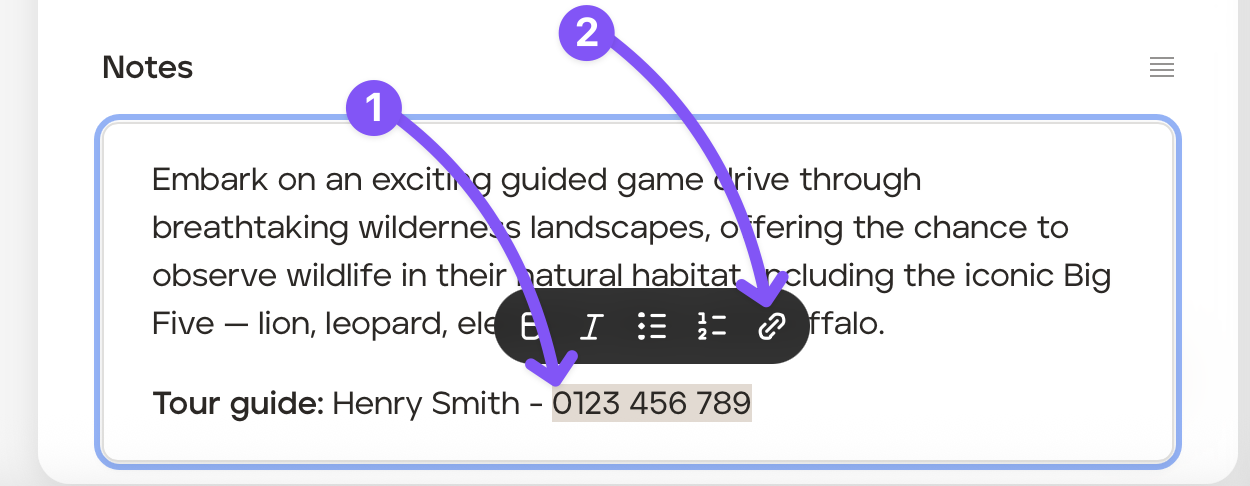
In the pop up type Tel:// and then add the telephone number. There should be no spaces between the numbers.
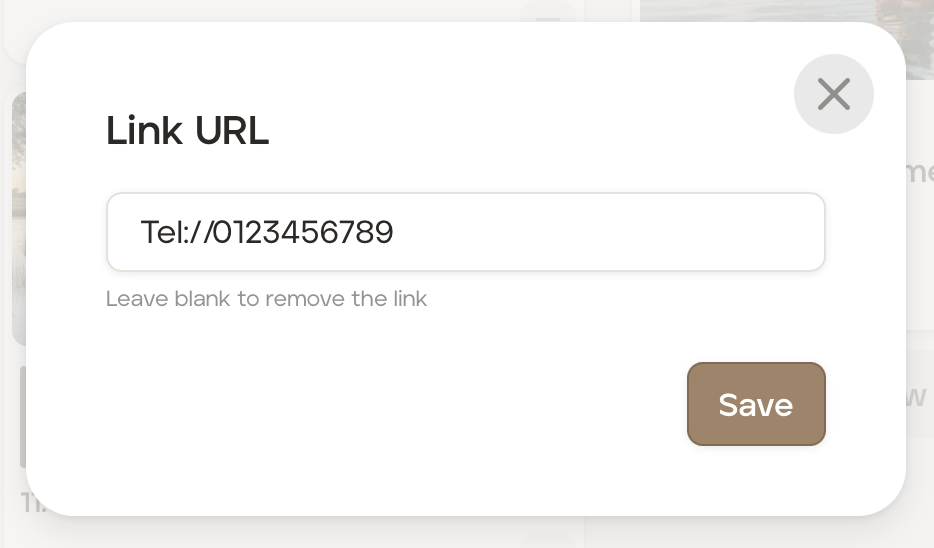
Click the 'Save' button.
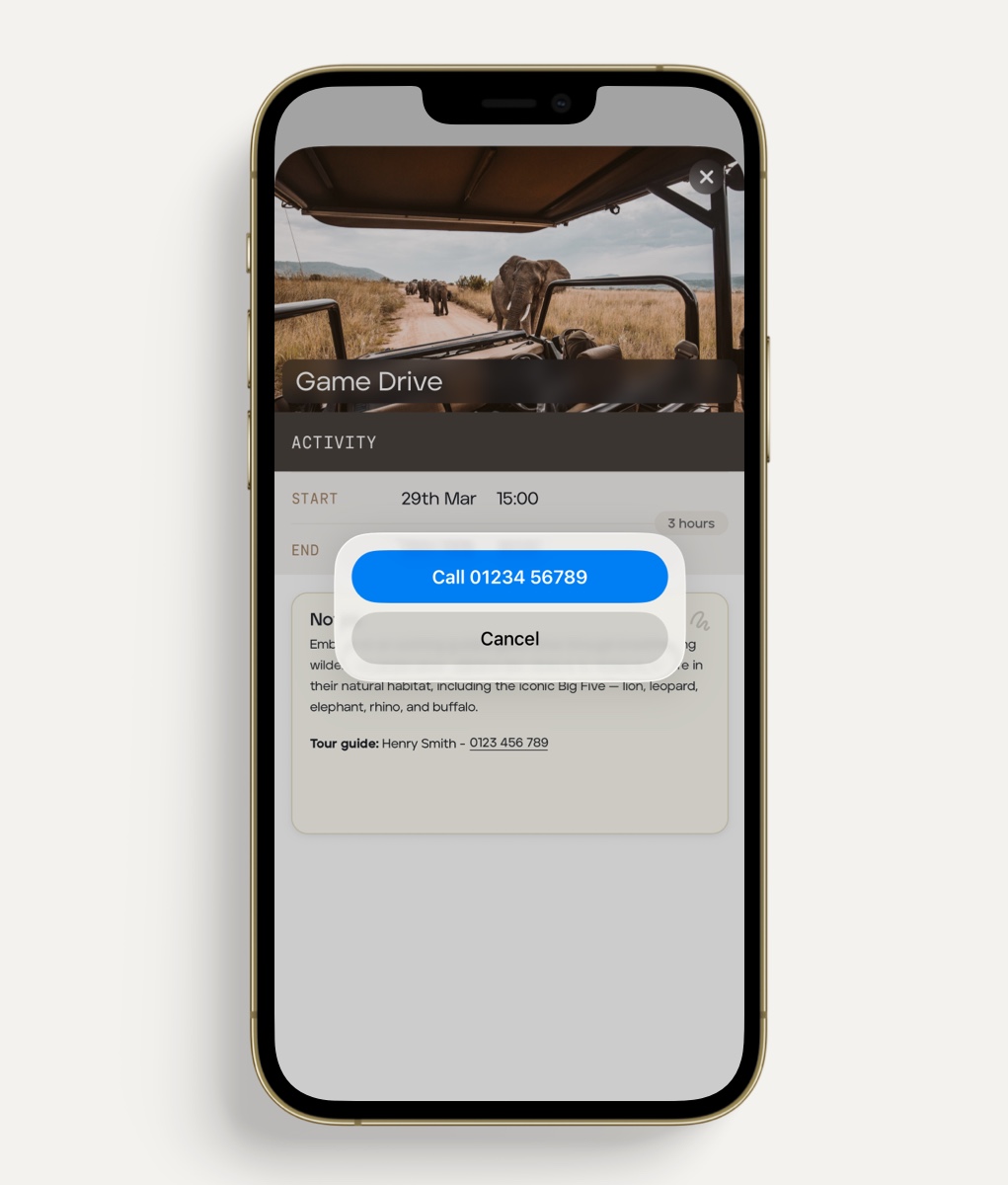
When your client opens that itinerary card on the app, they will be able to call the number by tapping the 'Call xxxxxxx' button on their screen.
Was this helpful?