

Obtain client feedback on proposal itinerary items
Your client can provide feedback to itinerary items on proposals by using the 'Feedback' functionality:
Send your client the proposal link.
When you client clicks on an individual card they can provide feedback by clicking the 'Feedback' section.
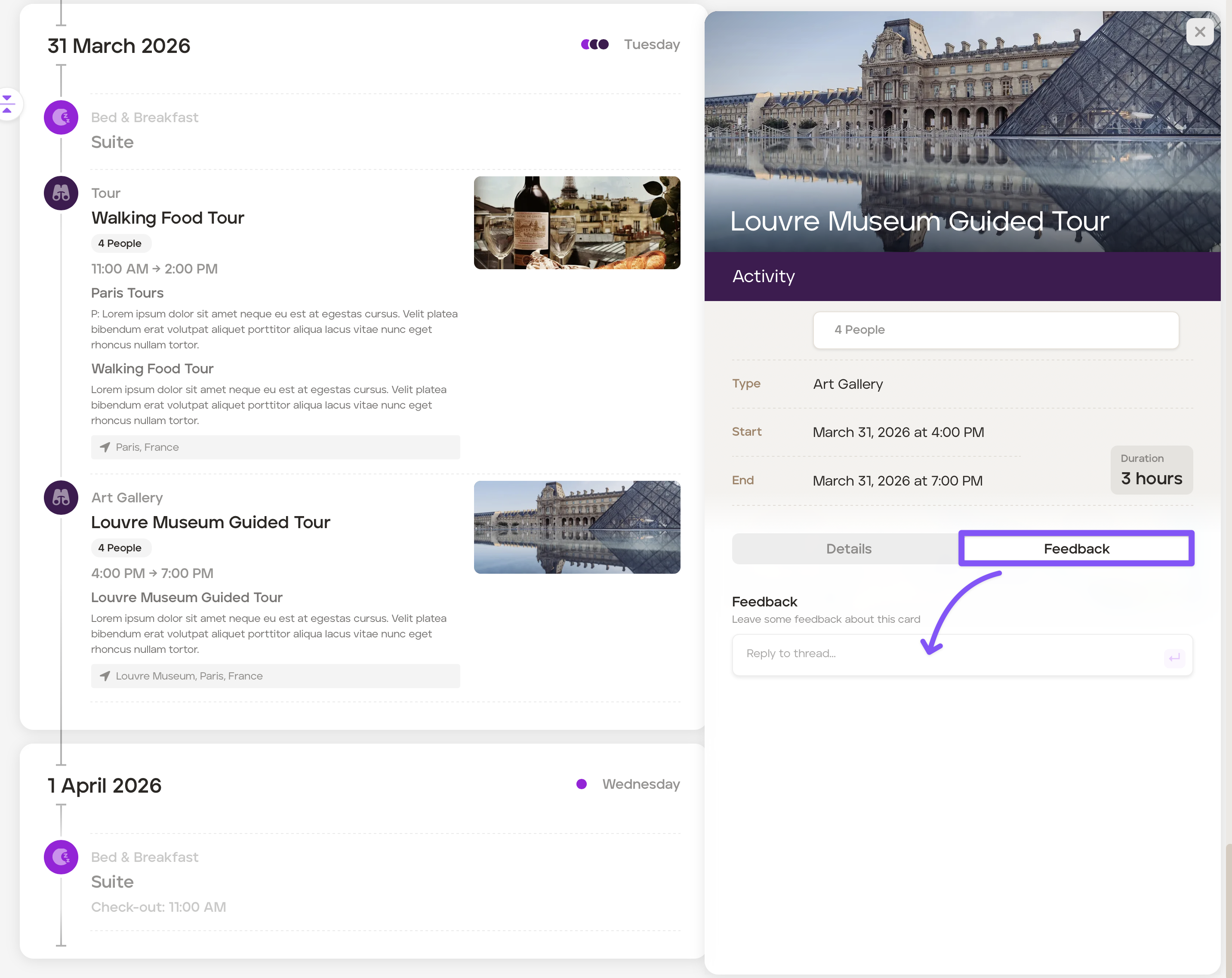
The client can type their feedback in the text box and then submit.
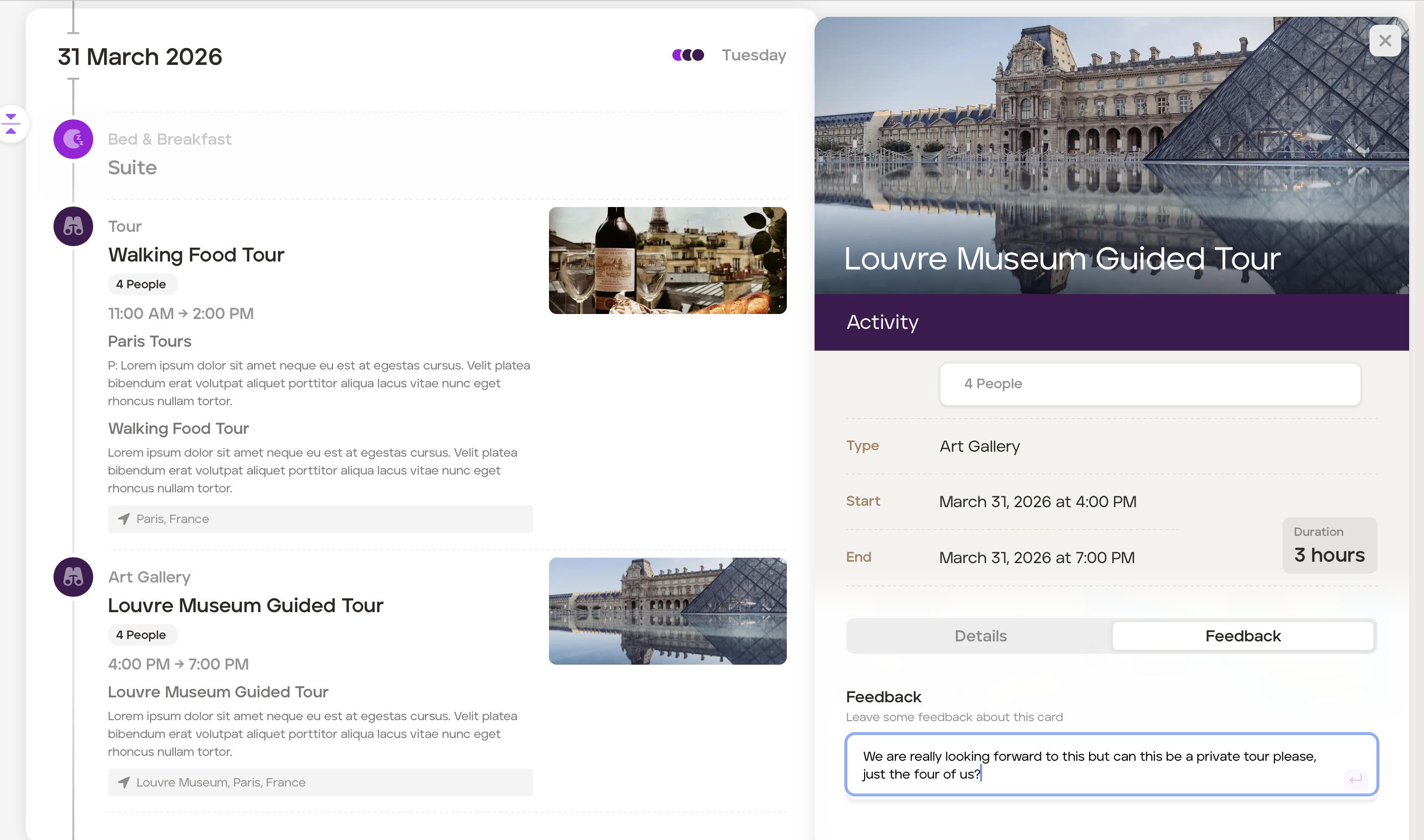
You will be notified that your client has provided feedback via email.
You can respond by opening the applicable card on the proposal and typing your response in the 'Feedback' section of that card. Once you've submitted the feedback, your client will be notified by email.
The feedback conversation will all be saved in the proposal's 'Manage' under the 'Feedback' tab.
Was this helpful?