

Add a supplier's terms and conditions
To add a supplier's terms and conditions, follow the steps below:
Click into the supplier database, select the applicable supplier, click the '...' icon and click 'Edit Supplier.'
Click the 'Terms' tab.
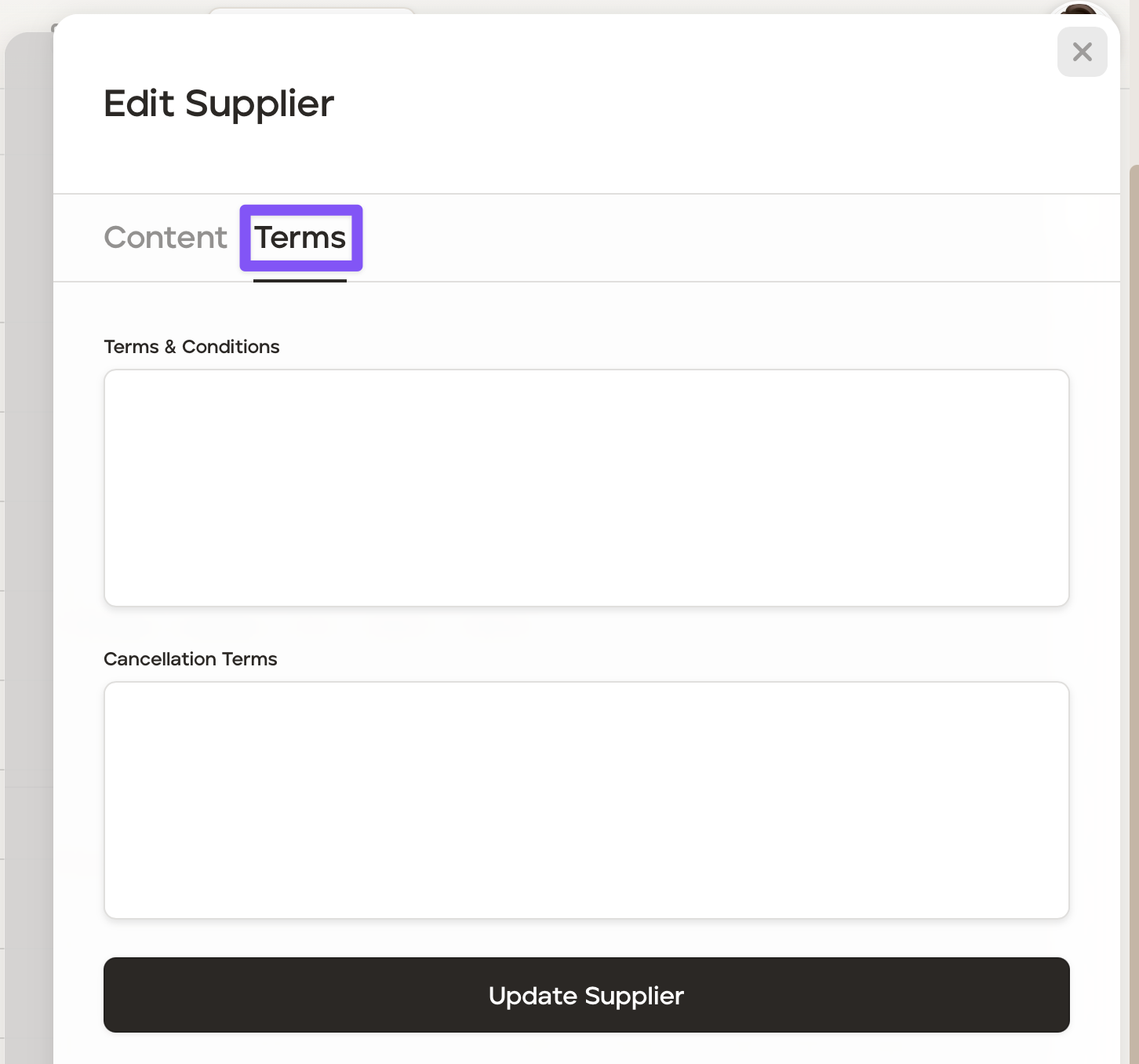
Add the terms in the 'Terms & Conditions' field and/or the 'Cancellation Terms' boxes.
Click 'Update Supplier' to save those terms.
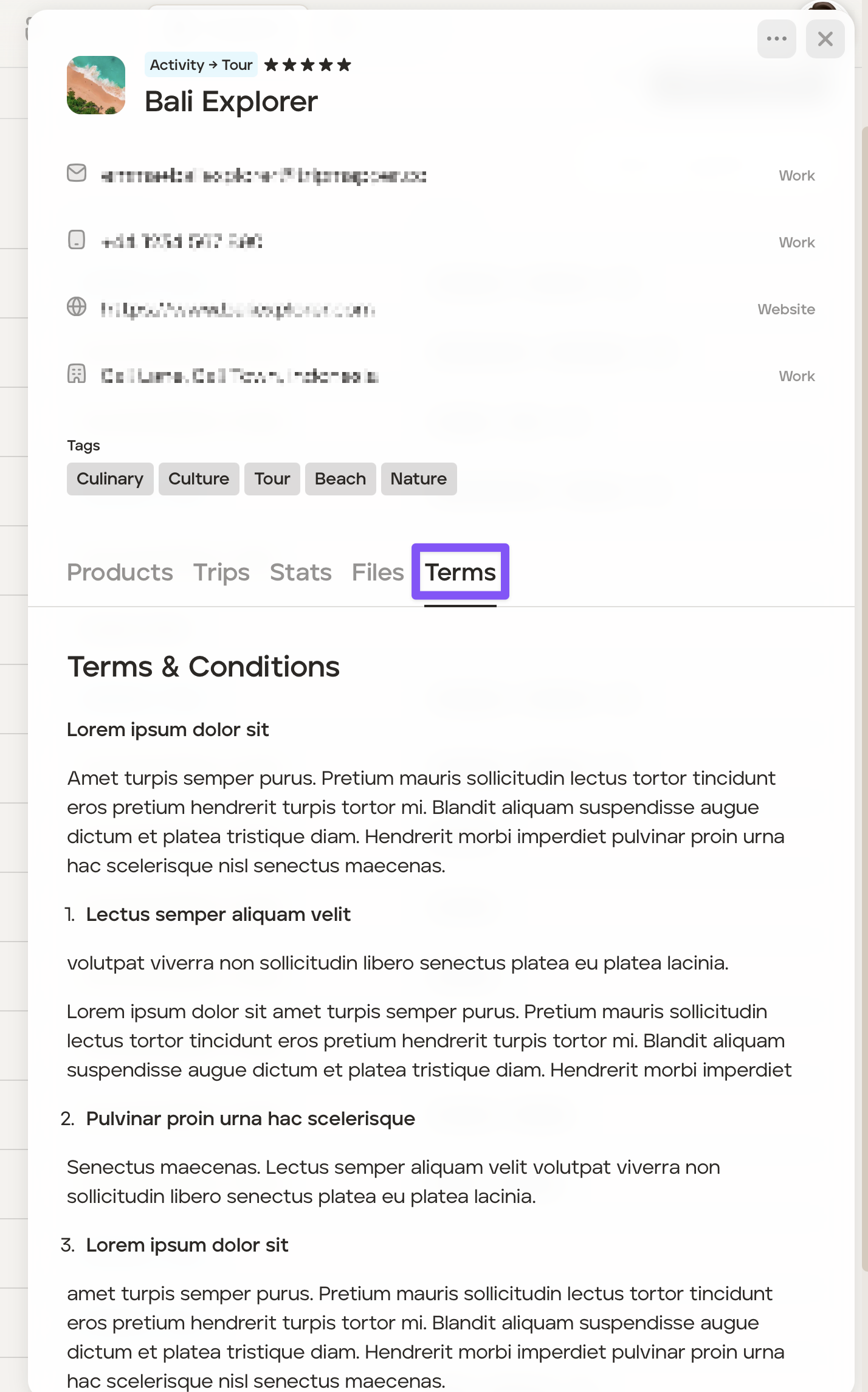
To quickly view the terms, they can be found as soon as you click on the supplier in the 'Terms' tab:
Was this helpful?