

Setting time alerts for the commencement of itinerary items
Time alerts help you proactively communicate start and end times with your clients.
To set a time alert, follow the steps below:
Select the applicable:
'Template' itinerary (the time alert set will carry through when duplicating to create a 'Proposal');
'Proposal'; or
'Upcoming' trip itinerary.
Click the applicable itinerary card.
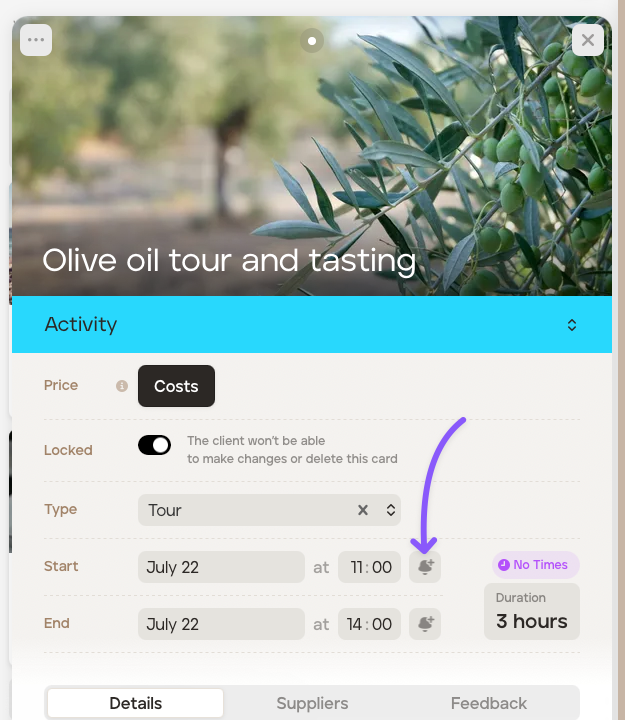
To set an alert on the start time, click the alarm icon.
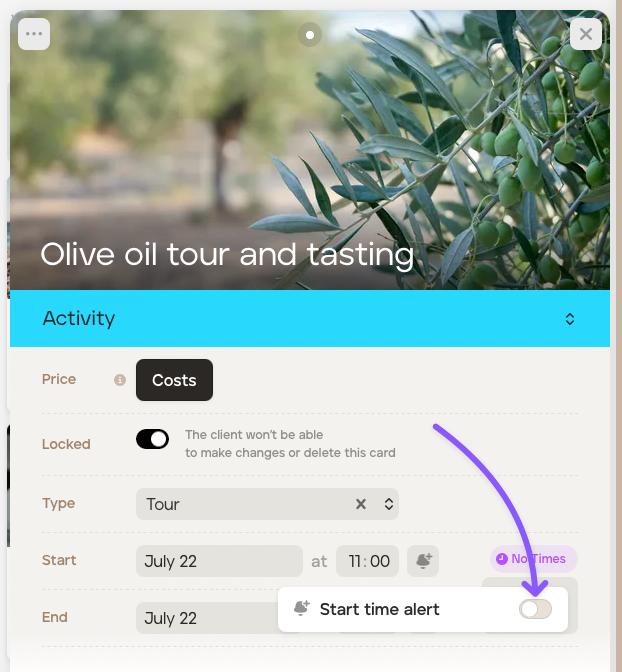
Switch on the time alert.
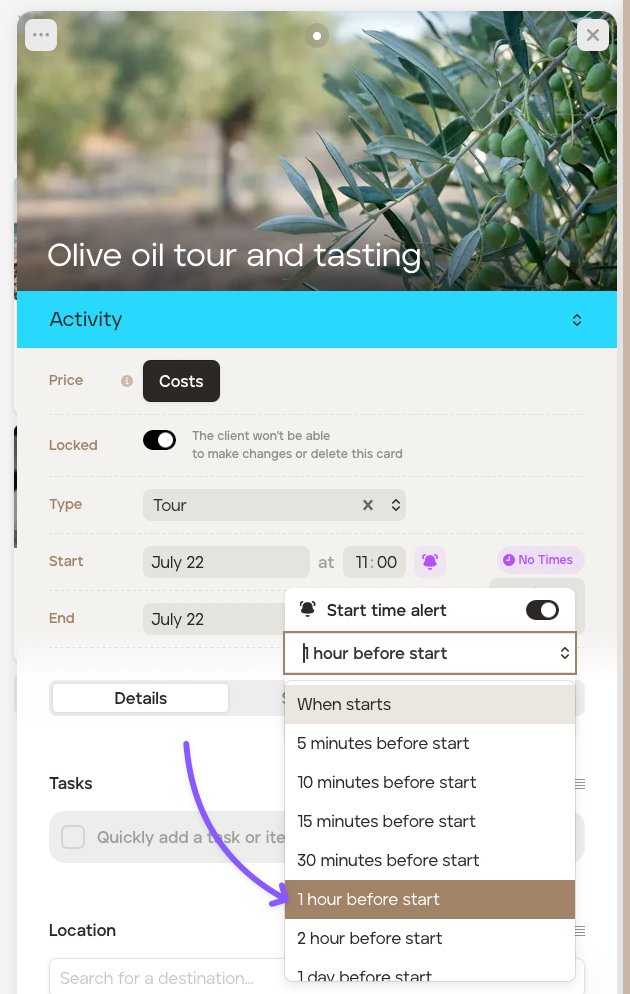
Select the time alert, for example, 1 hour before the start.
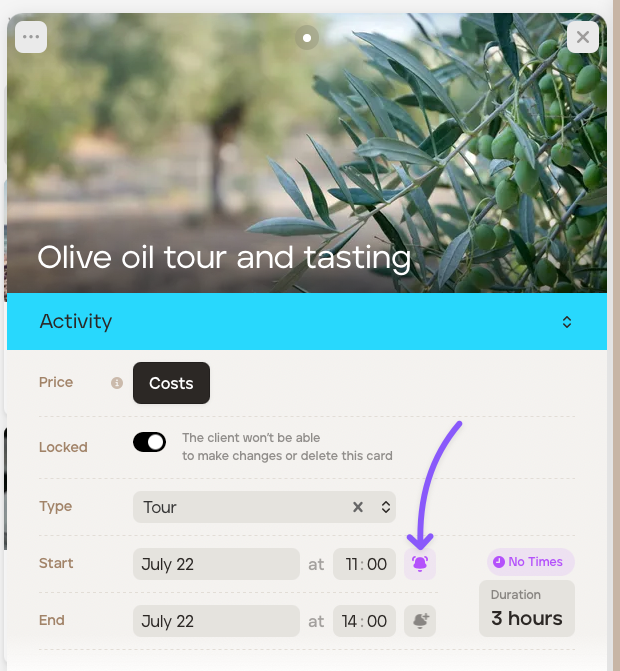
Once set, the alarm icon will turn purple.
If you have:
invited your client to access their itinerary on the app;
your client has signed up to the mobile app; and
your client has allowed TripMapper to send them notifications, they will receive your time alert notifications.
You can repeat the steps for the end time.