

Change agent contact details on PDF itinerary
To change the agent contact details on the PDF itinerary:
Click into the relevant trip.
Click 'Edit Trip'.
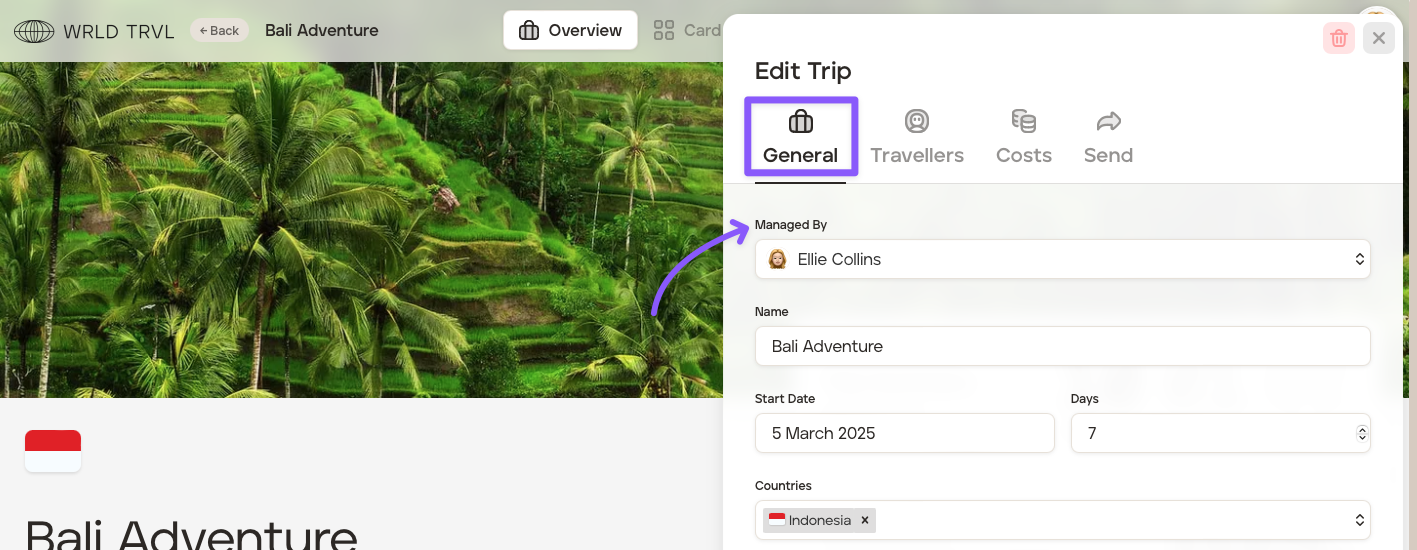
Under the ‘General’ tab, select the applicable agent from the ‘Managed By’ dropdown menu.
Click 'Save'.
Please note that if you use a ‘brand’ for a particular trip, the default agent will be the agent contact stated in ‘Brands’ in your account's 'Settings.'
Was this helpful?