Change the 'Trips' section layout
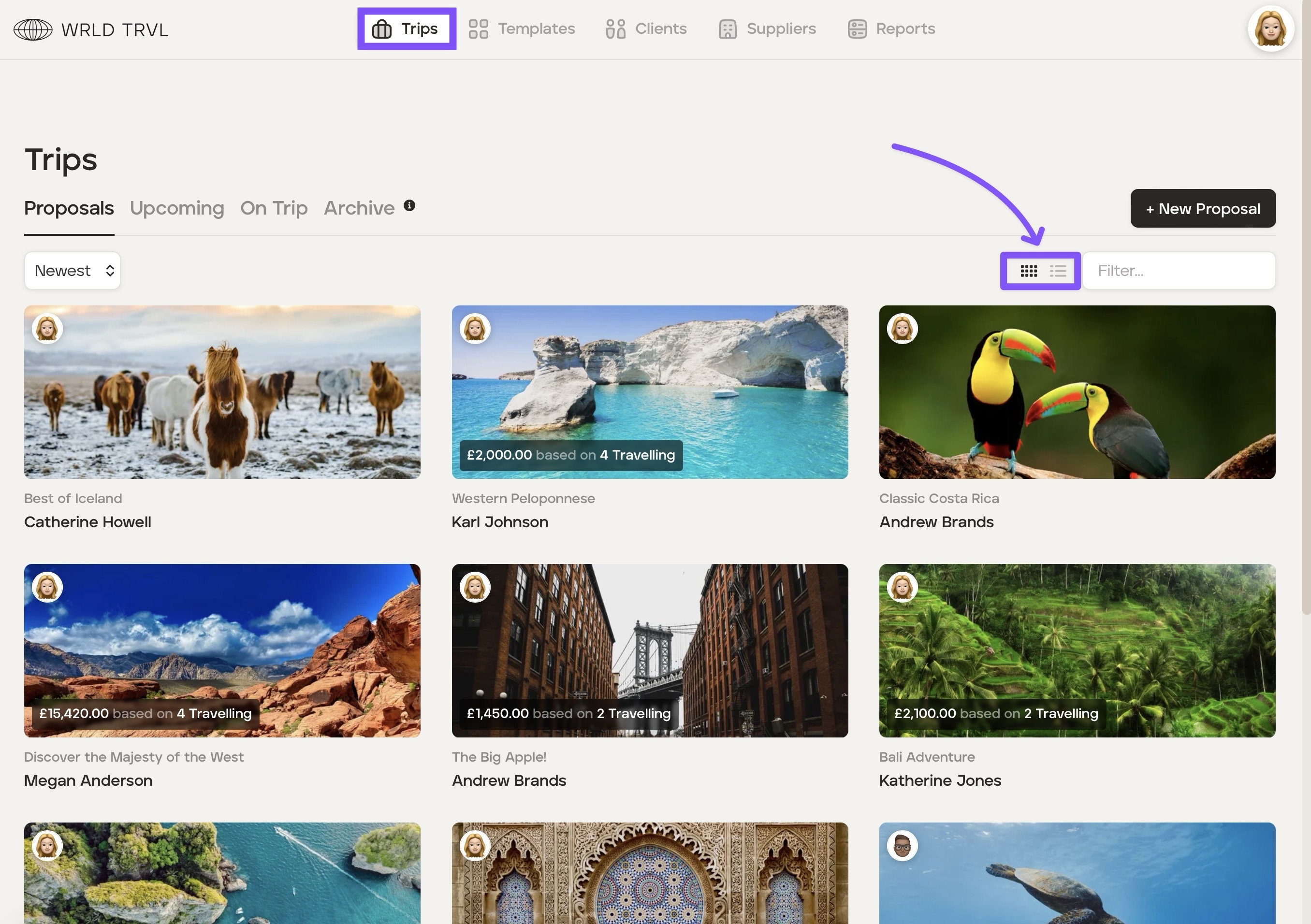
There are two layouts for the Trips section, grid view or list view.
Grid view
Grid view is the more visual view showing:
Trip name
Client name
Agent avatar
Total client cost
Number of travellers
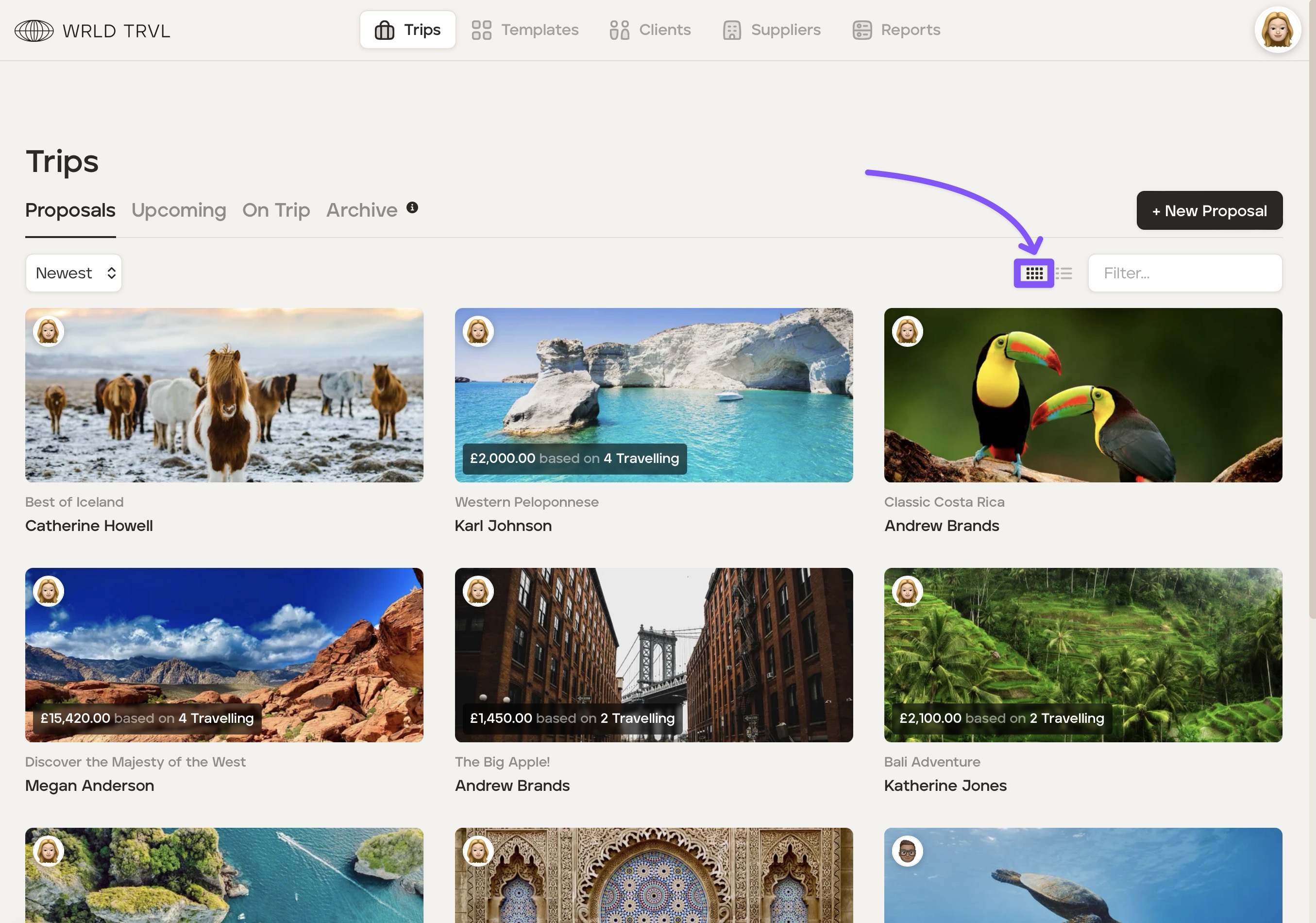
To have the grid view layout click the grid icon:
List view
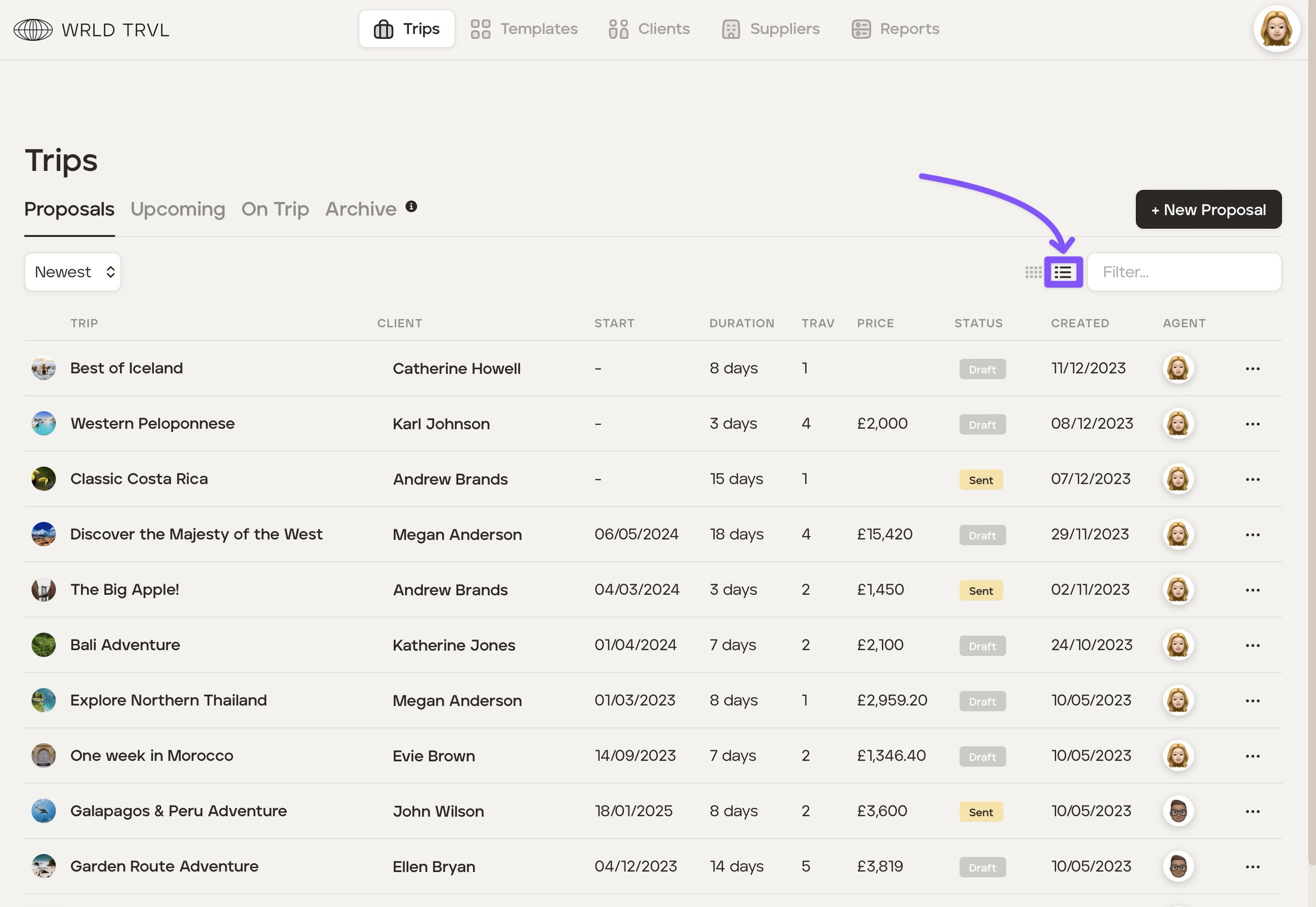
List view shows more information than grid view.
For 'Proposals':
Trip name
Client name
Trip start date
Trip duration
Number of travellers
Total client price
Status ('Draft', 'Sent', 'Declined')
Date the trip was created by the agent
Agent avatar
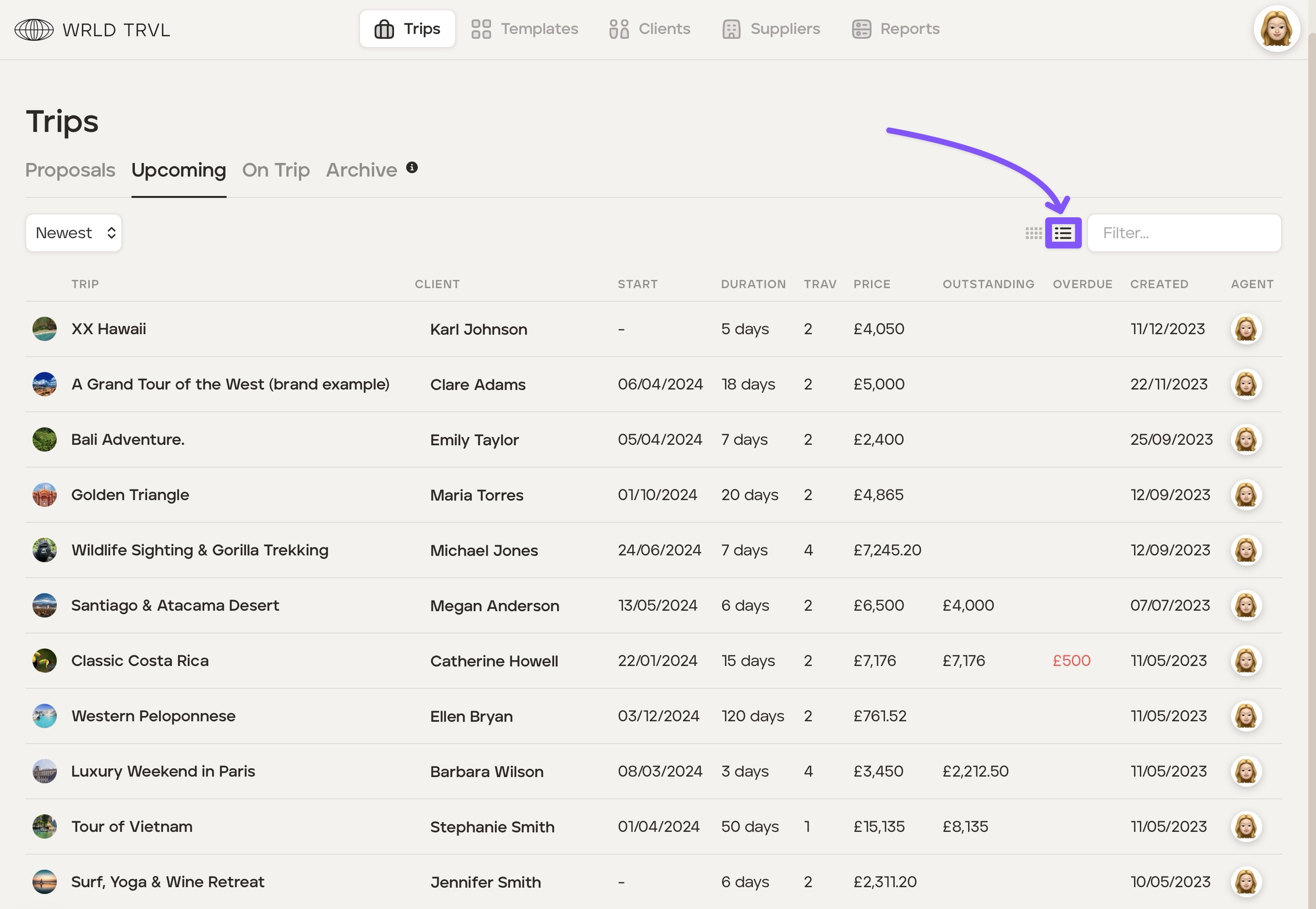
To have the list view layout for proposals click the 'Proposals' tab and then click the list icon:
For 'Upcoming':
Trip name
Client name
Trip start date
Trip duration
Number of travellers
Total client price
Outstanding monies owed
Overdue monies
Date the trip was created by the agent
Agent avatar
To have the list view layout for upcoming trips click the 'Upcoming' tab and then click the list icon: