

Change your password
To change your password:
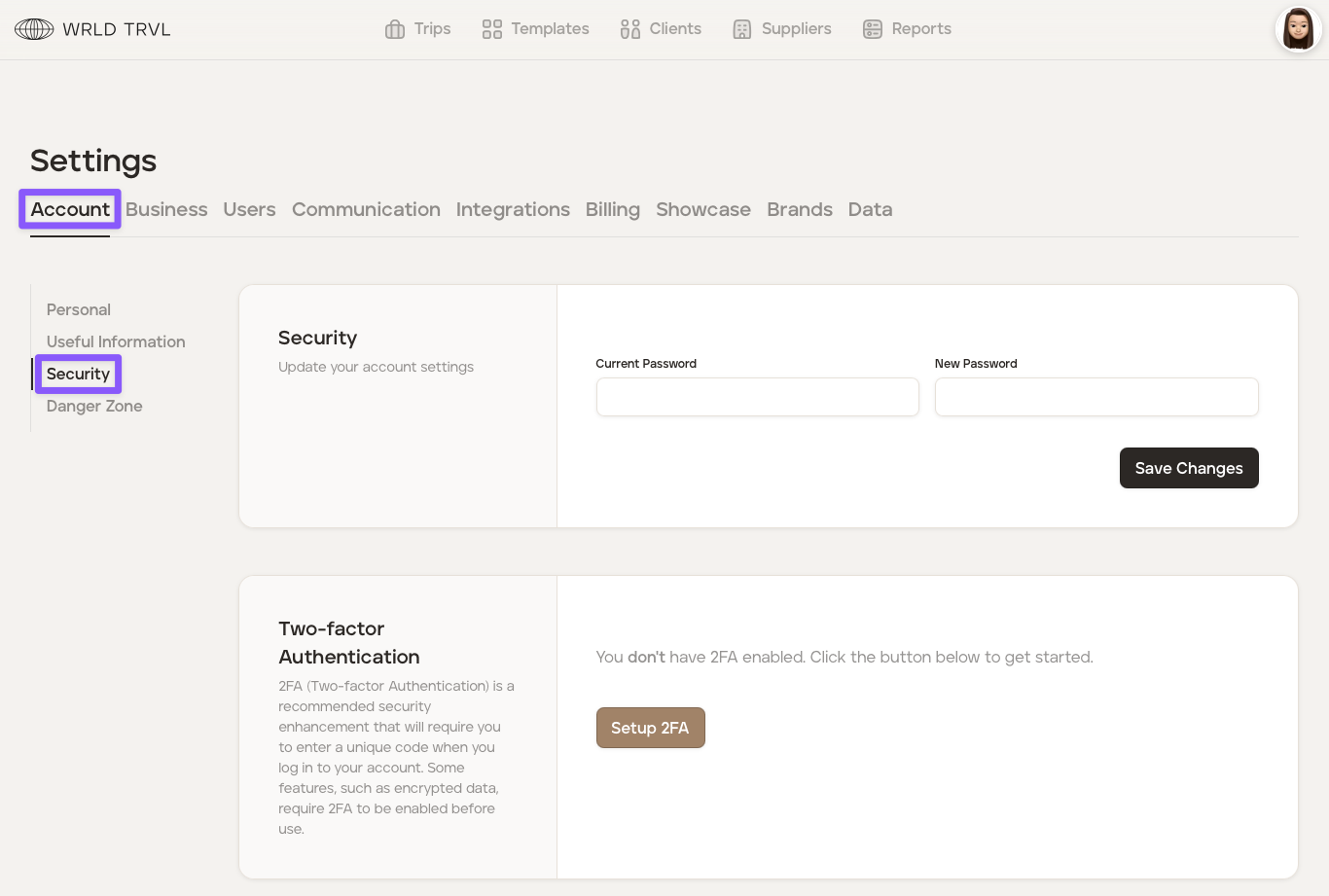
Click your avatar in the top right of your screen and then click ‘Settings.’
Click the ‘Account’ tab.
Click the ‘Security’ section.
Insert your current password followed by your new password.
Click the 'Save Changes' button.
Was this helpful?