

Set up Two-Factor Authentication
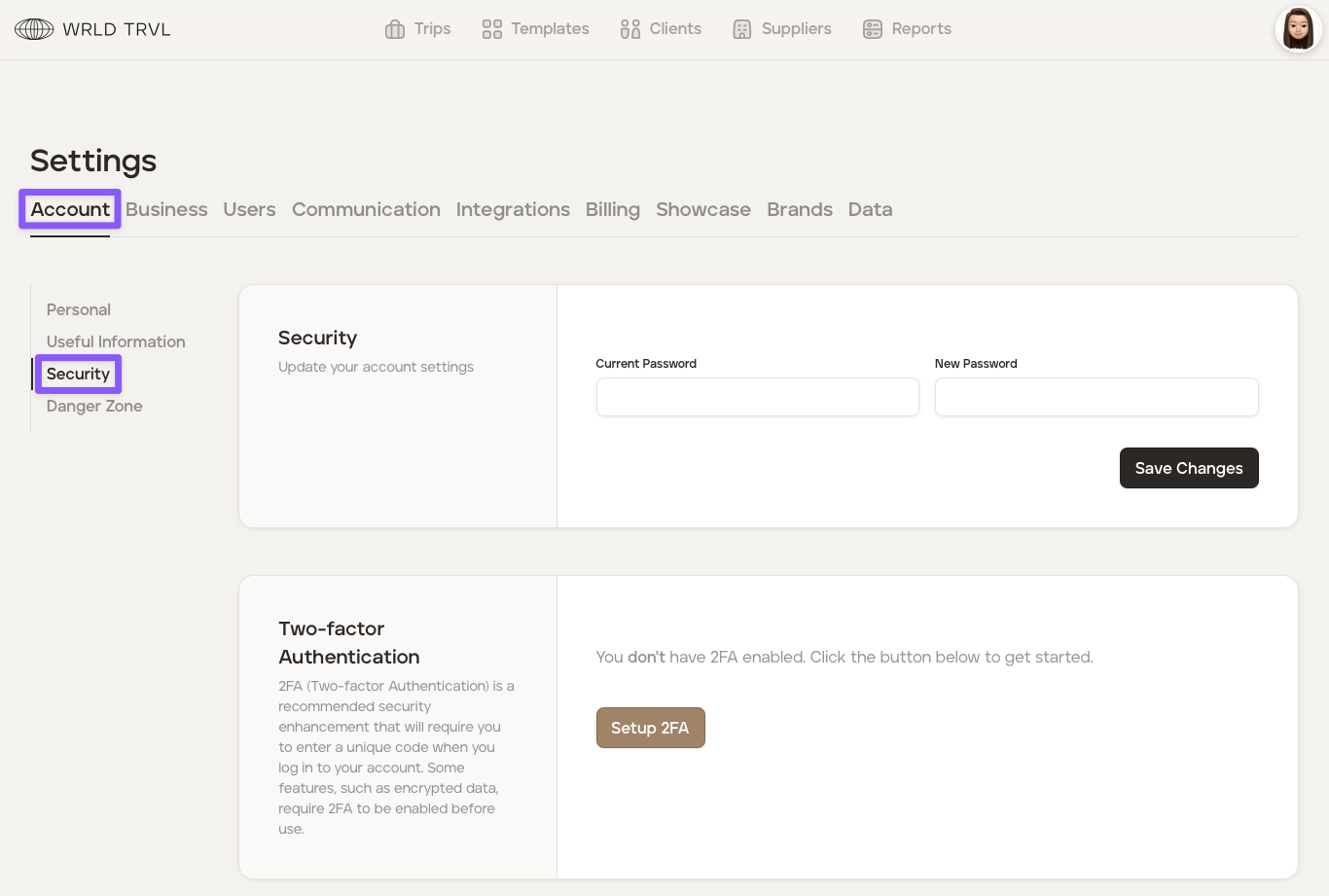
Two-factor Authentication ('2FA') is a recommended security enhancement that will require you to enter a unique code when you log in to your account.
To set up two-factor authentication:
Click the 'Setup 2FA' button.
Scan the QR code show on your screen using an app that supports 2FA. Google Authenicator is a popular option. Many password managers also support 2FA.
Once registered you will see a 6-digit verification code in the app. Enter the code where directed and click the 'Complete' button to complete the setup.
Was this helpful?