

Create a proposal from a template itinerary
To create a proposal from one of your template itineraries, follow the steps below:
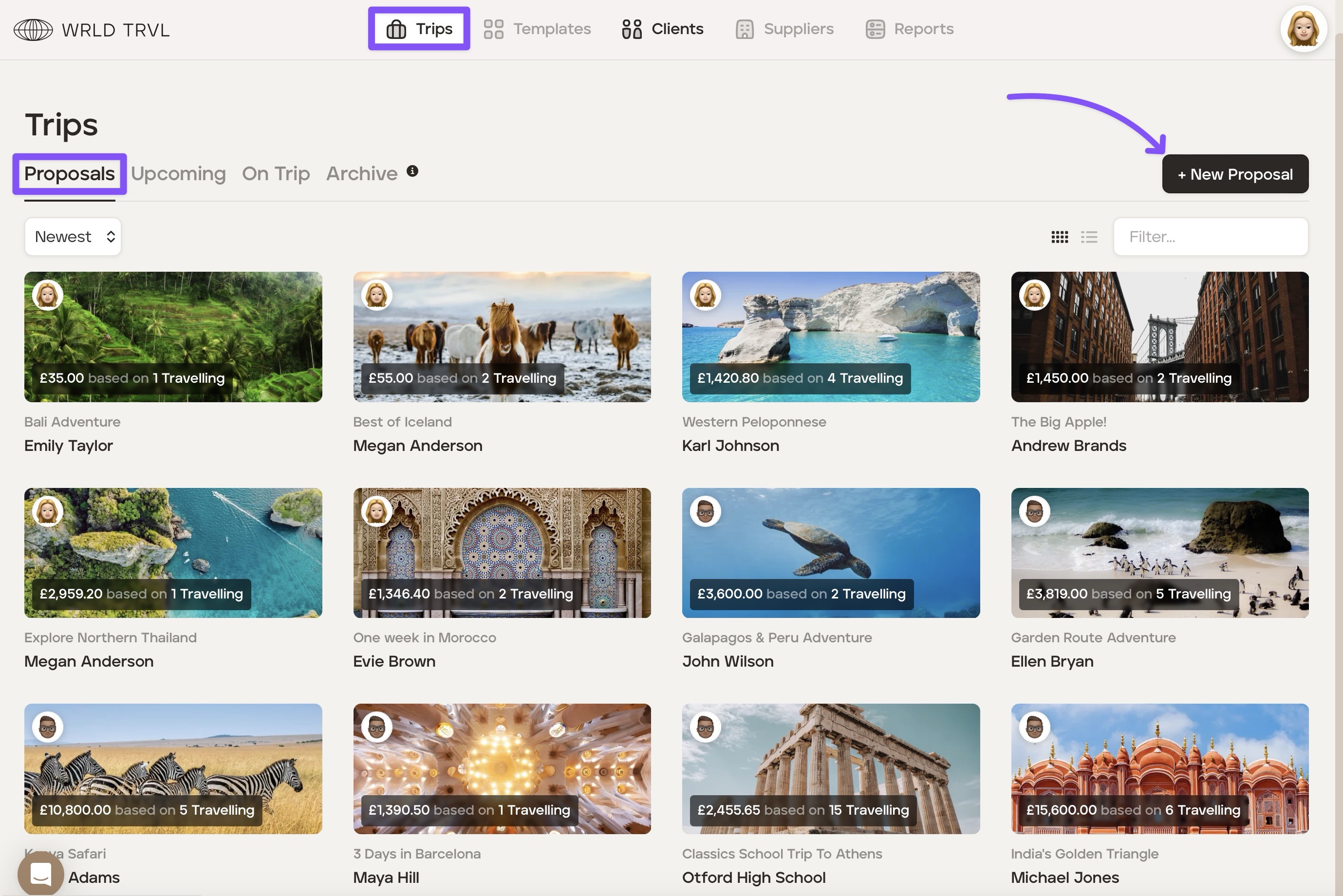
Go into the ‘Trips’ section.
Click the ‘+ New Proposal’ button.
3. Click the ‘From Template' tab.
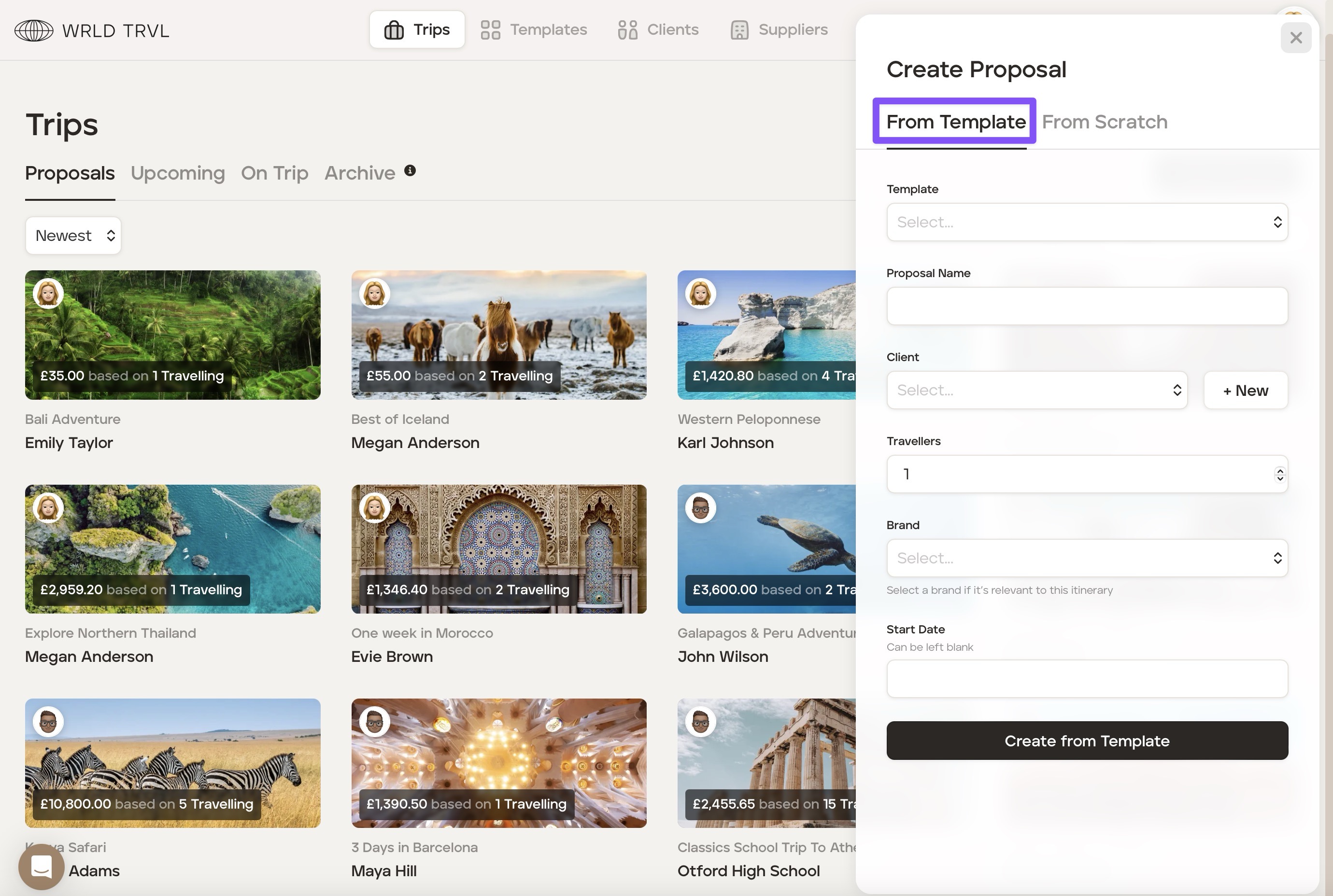
Select the relevant template from the drop-down menu. Once selected, the ‘Proposal Name’ will automatically replicate the name of the template, but it is editable should you wish to change it.
Select either an existing client from the drop-down 'Client' menu or create a new client by clicking the ‘+ New’ button.
Select the number of travellers.
If you'd like the proposal to be branded with one of your partner brands (see 'Adding your business partner's branding in your settings' article), select your brand from the drop-down menu.
Select the start date if you have one; otherwise, leave it blank.
Click ‘Create from Template.’
You will now see the proposal ‘Overview’ screen and can customise it before sending if you wish.