

Edit a supplier product in the database
To edit a supplier product in the supplier database:
Go to the 'Suppliers' section.
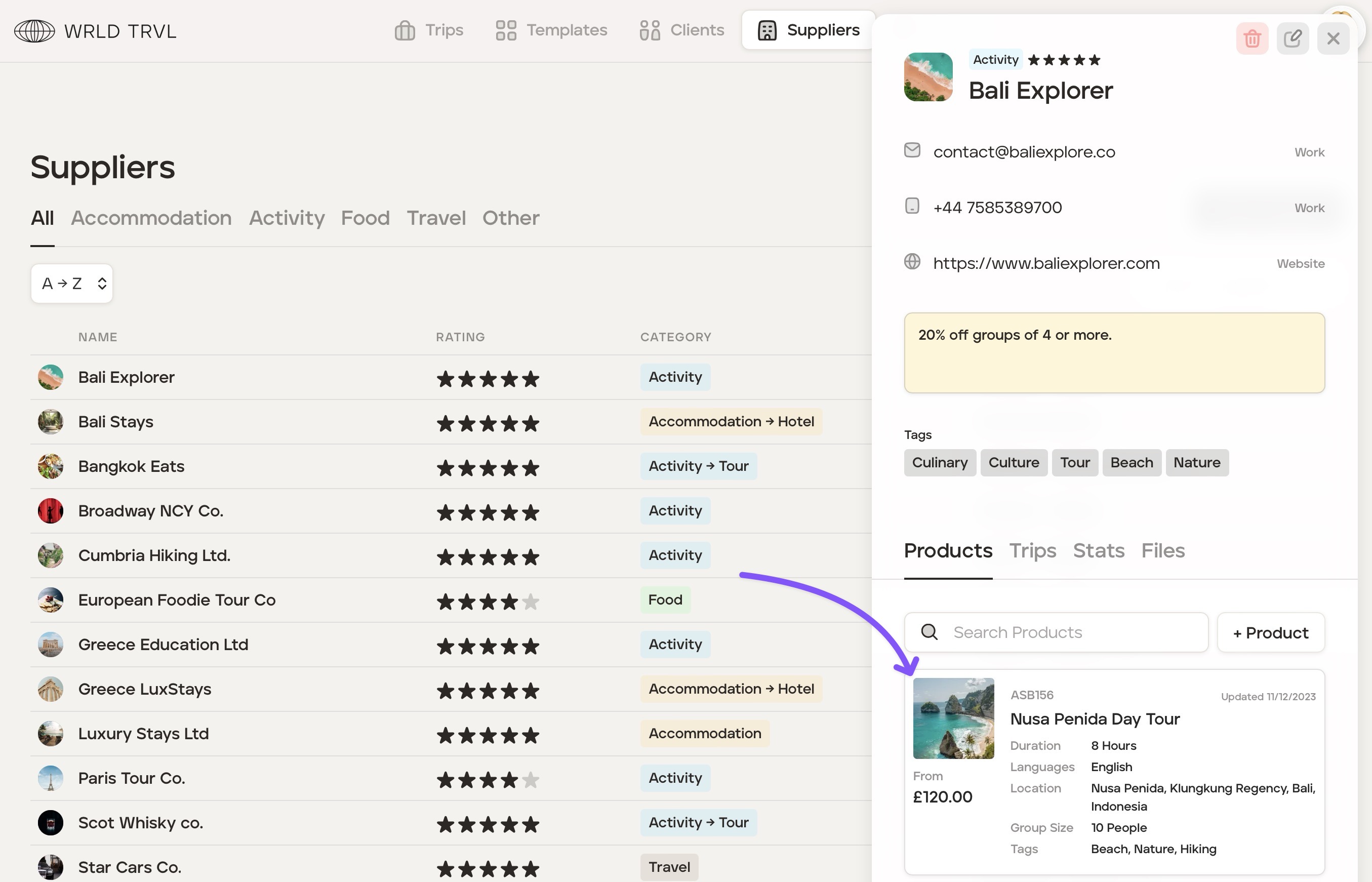
Select the relevant supplier in your supplier database.
Click the supplier product you wish to edit.
The 'Edit Product' modal will appear. Click the relevant tab ('Prices', 'Details', 'Terms', 'Notes' and 'Files') containing the information you wish to edit.
Save your changes.
Was this helpful?