Set up Stripe integration
We recommend you set up a Stripe account prior to reading this article.
To set up Stripe integration to allow your clients to pay online (via your existing Stripe account) follow the steps below:
Click your avatar in the top right of your screen and then click ‘Settings.’
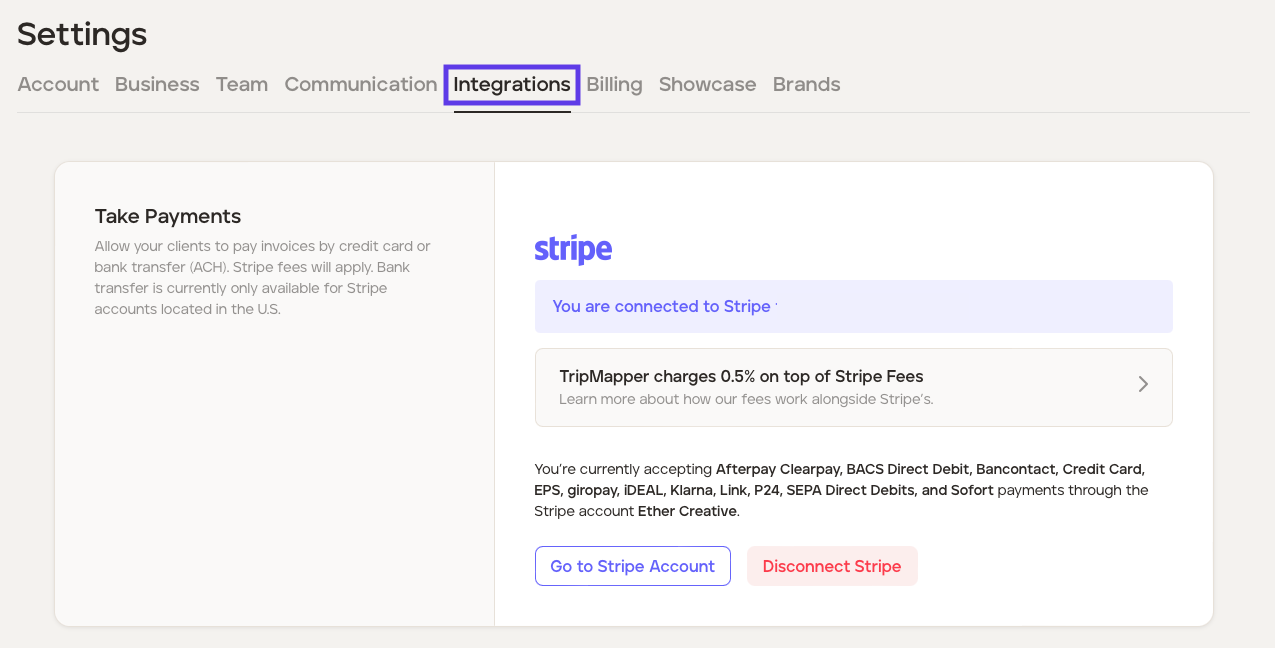
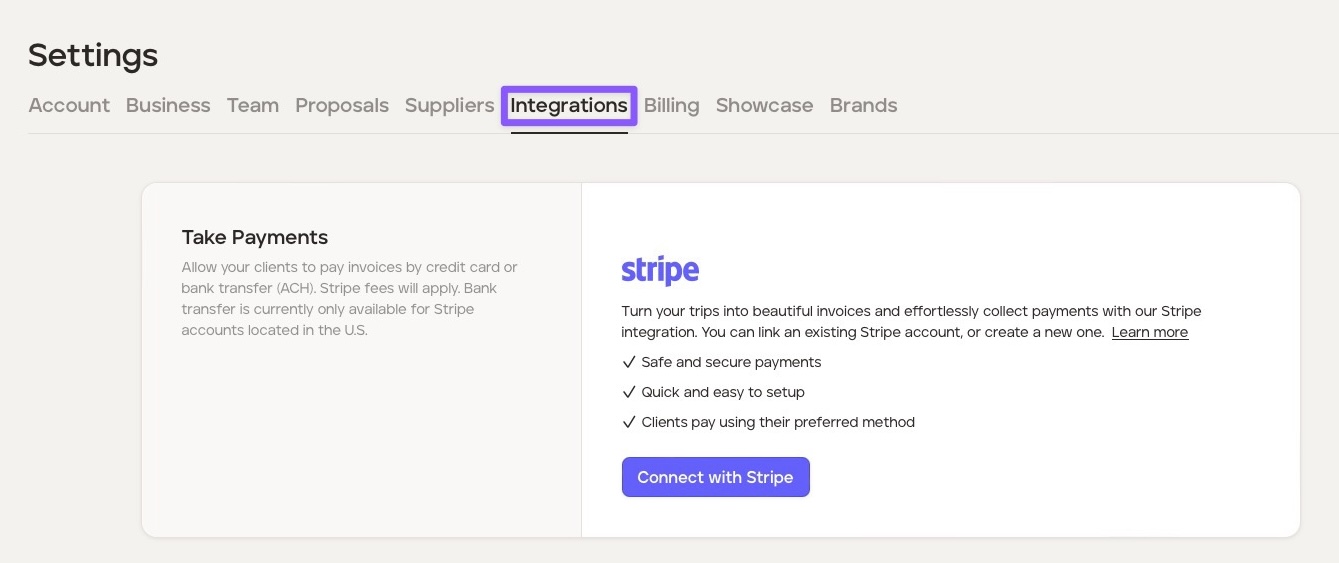
Click the ‘Integrations’ tab.
Click the ‘Connect with Stripe’ button and follow the steps to connect your Stripe account.
Insert the email address associated with your existing Stripe account. You will be directed to log in.
Select the account you’d like to connect to TripMapper. Click ‘Connect.’
You can double-check that you’re set up by going into your Stripe Settings > Business Settings > Installed apps. TripMapper should be listed in your list of Connect Extensions. The TripMapper for Business platform will also confirm you are connected to Stripe.