

Edit client details
To edit a client's details:
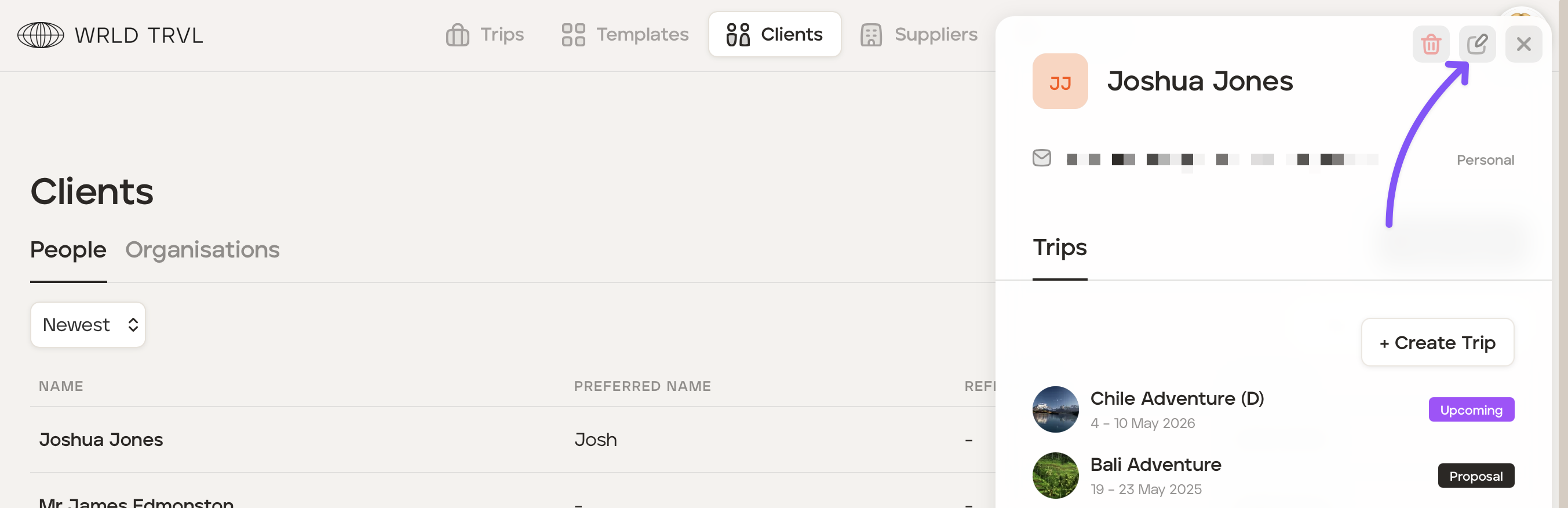
Click the ‘Clients’ section at the top of your screen.
Select the relevant client.
Click the 'edit icon' in the top right of the modal to change the details.
Once the changes have been made, scroll down and click the ‘Update Client’ button to save the updates made.
Was this helpful?