

Moving the order of complete days on an itinerary
To swap or move the order of complete days on an itinerary:
Select the applicable trip.
Go to 'Card View'.
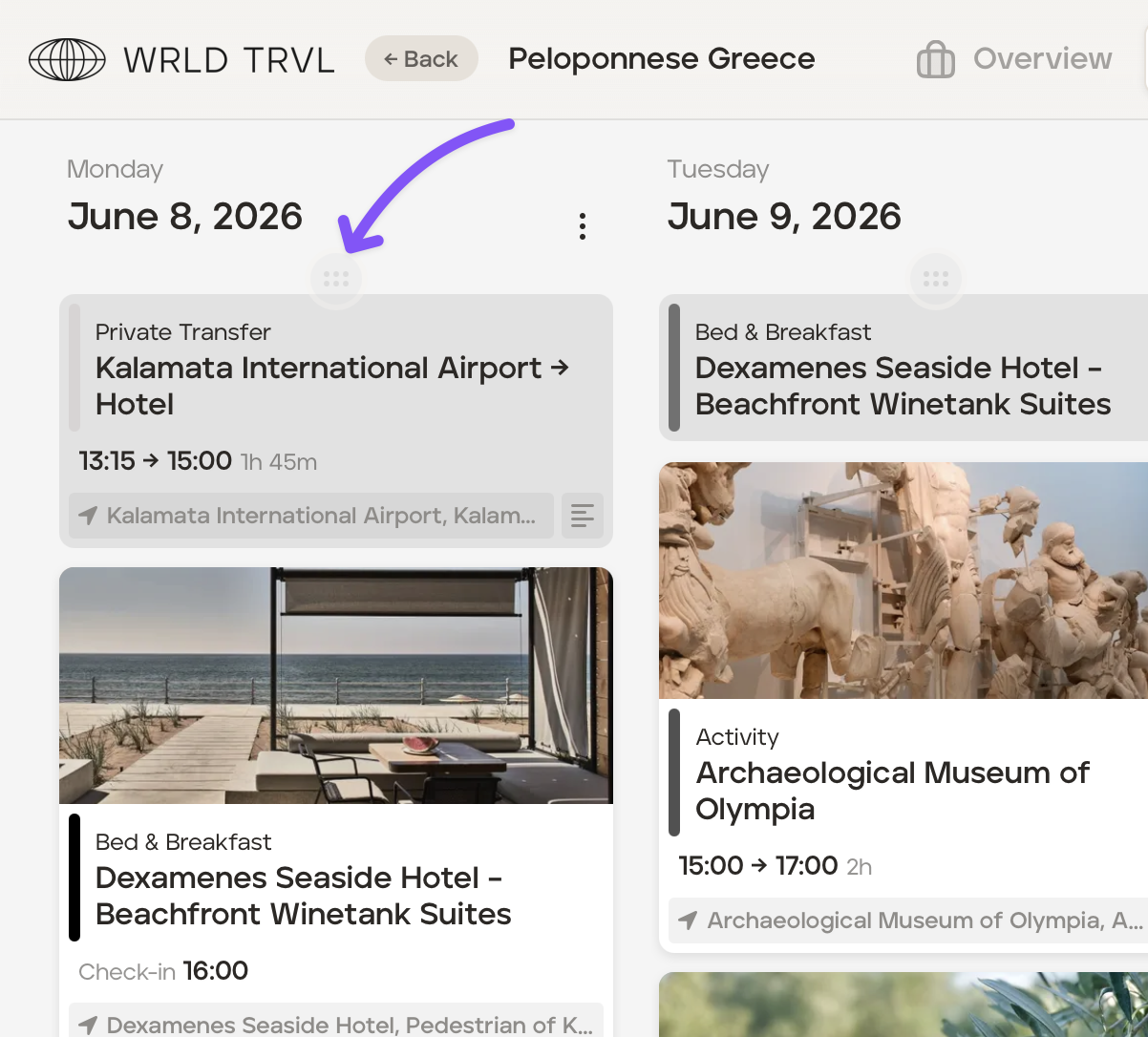
Hover over the top of the applicable column until the drag icon is highlighted and drag the column to the desired location.
Was this helpful?