

Edit the day heading labels
To edit the day headings within an itinerary, follow the steps below:
Select the applicable template itinerary or trip itinerary.
Click on 'Card View'.
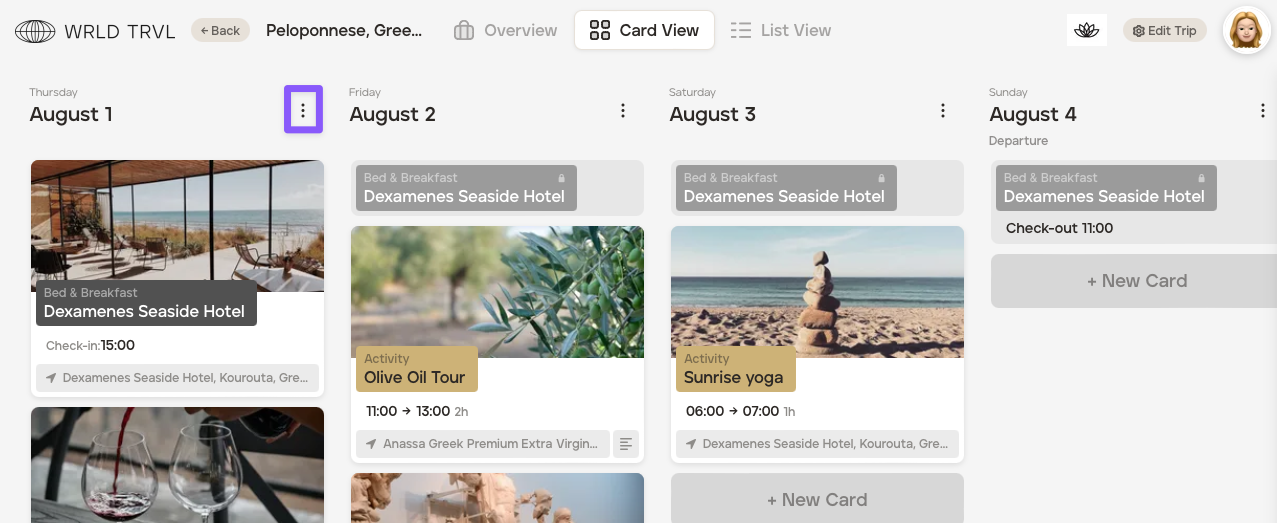
On the applicable day, click the three dots.
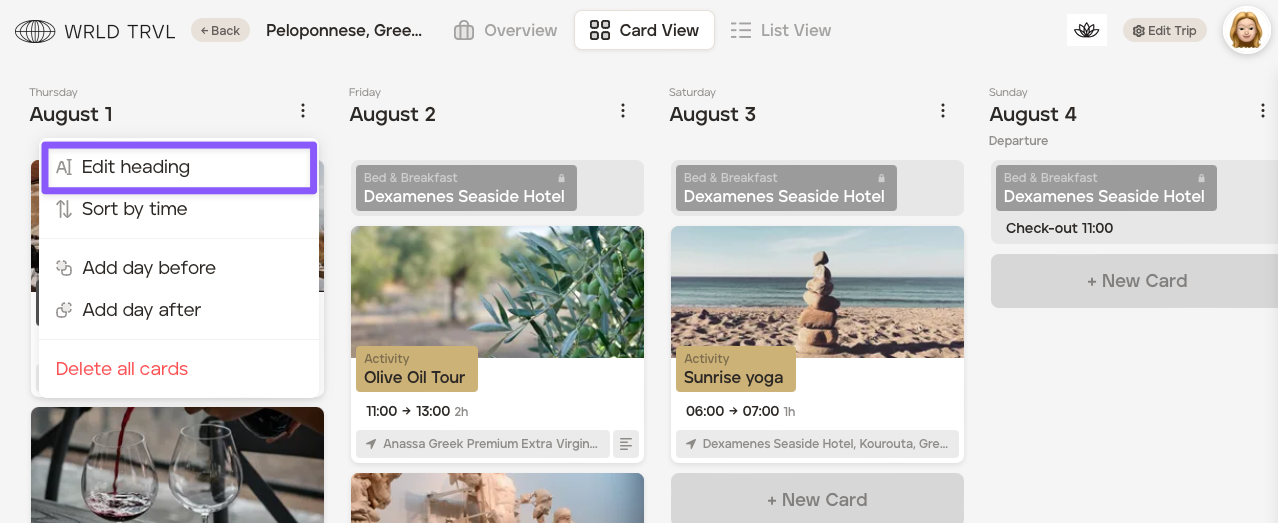
Click 'Edit Heading'.
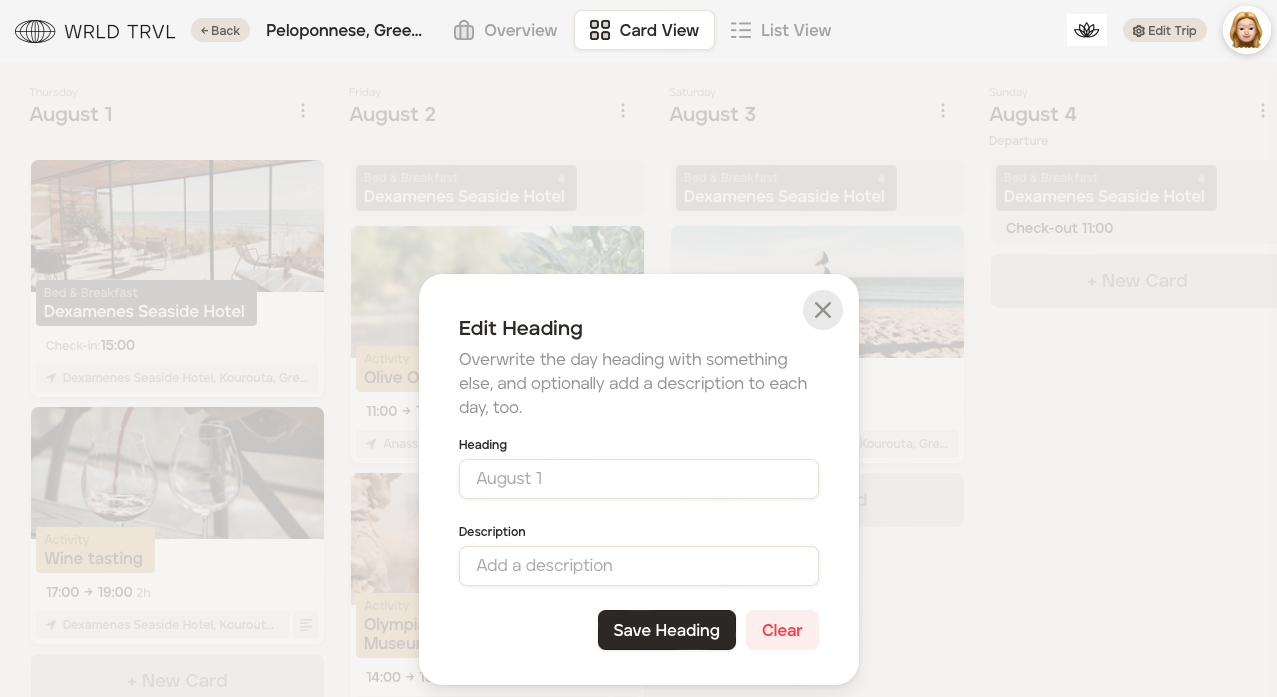
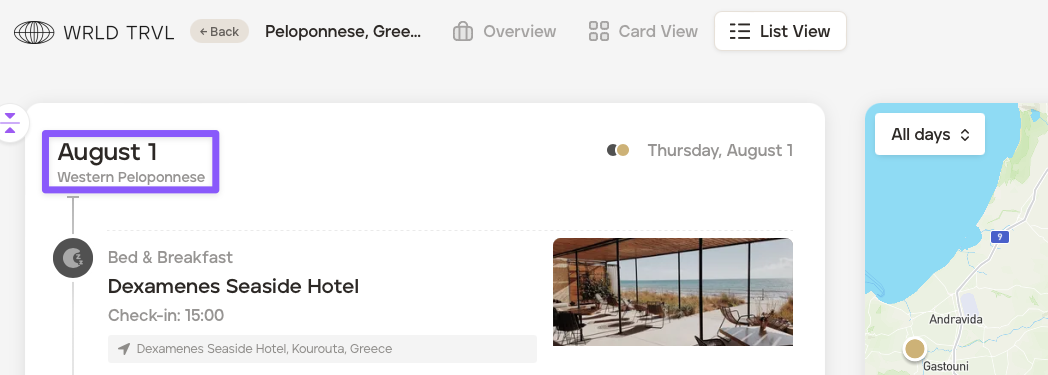
In the 'Edit Heading' box, add a heading and a description.
Click 'Save Heading'.
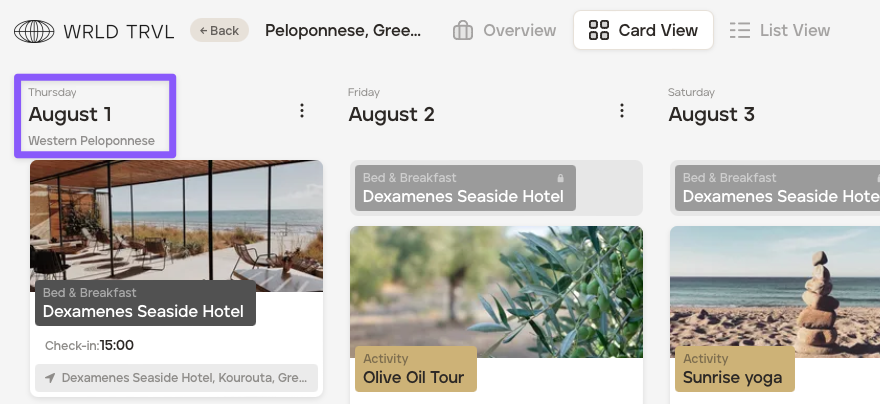
The heading updates will be seen in both 'Card View' and 'List View.'
Was this helpful?