

Add an image to a card in Card View and List View
Click the relevant card.
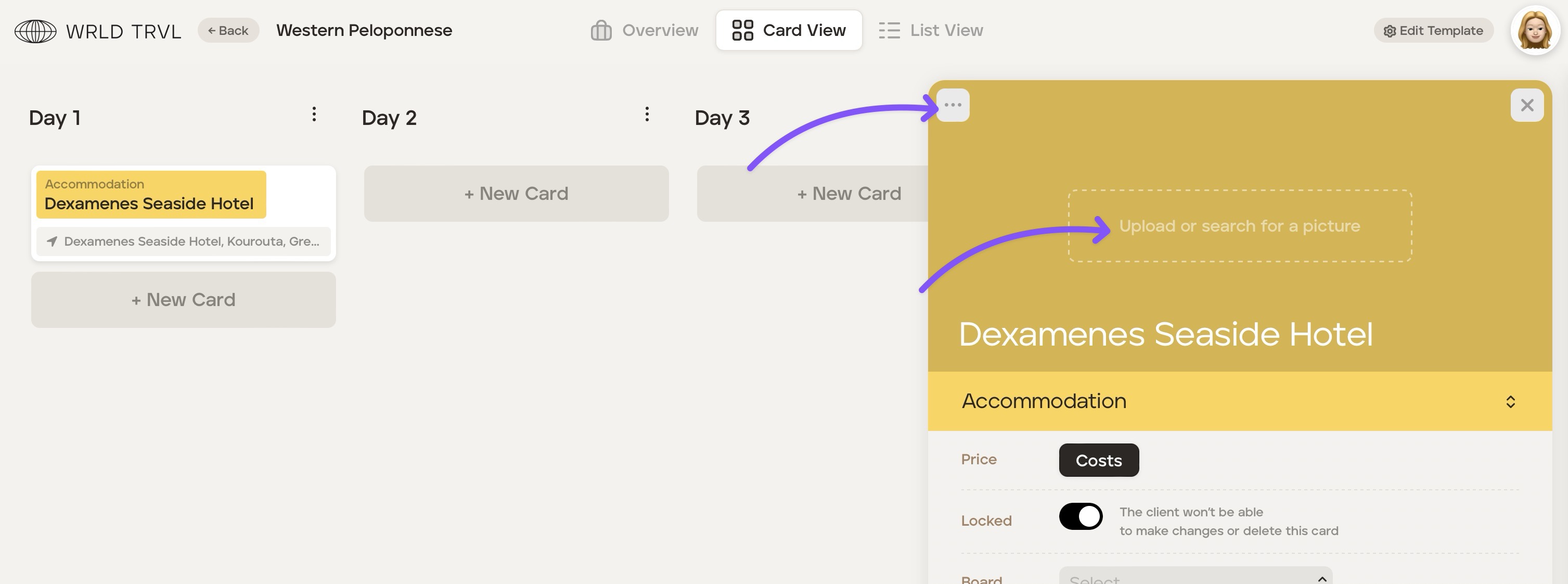
Either click ‘Upload or search for a picture’ or click the '...' button and then click ‘Gallery’.
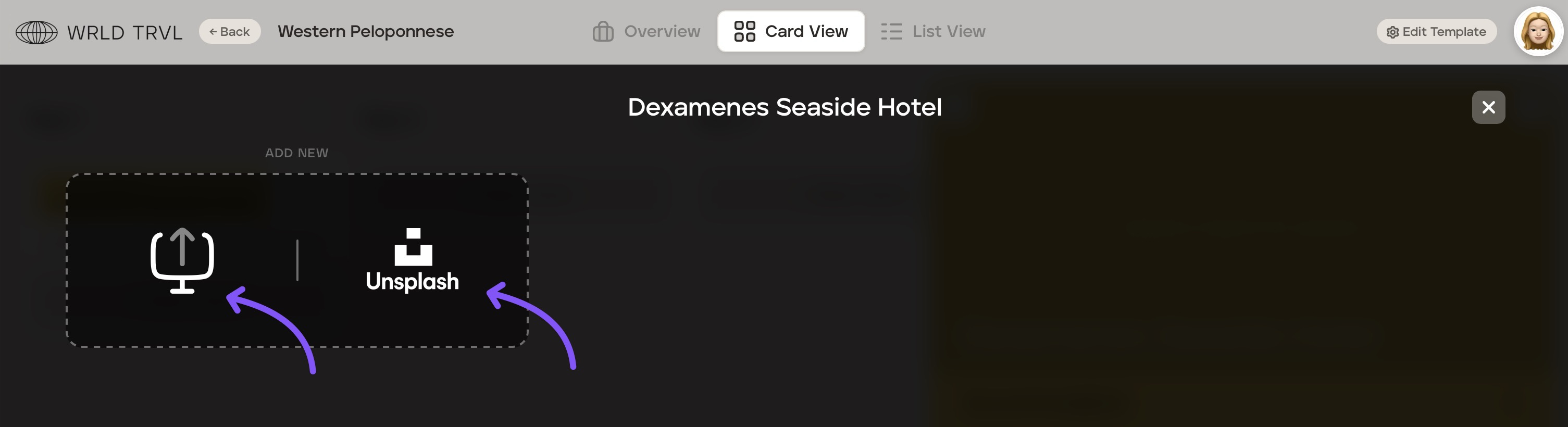
It is possible to either:
add your own image(s) by clicking the upload icon; or
you can select an image(s) from the Unsplash library by clicking the Unsplash icon and typing in the search box. Once you have found the Unsplash image you want, click it. Then click the ‘x’ button. You will now see the Unsplash image on your card.
Was this helpful?