

Add or edit bank details on your invoices
To add or change bank details on your invoices:
Click your avatar in the top right of your screen.
Click ‘Settings.’
Click the ‘Business’ tab.
Click the 'Finance' section.
Add or edit the relevant information in the 'Invoice Notes' section.
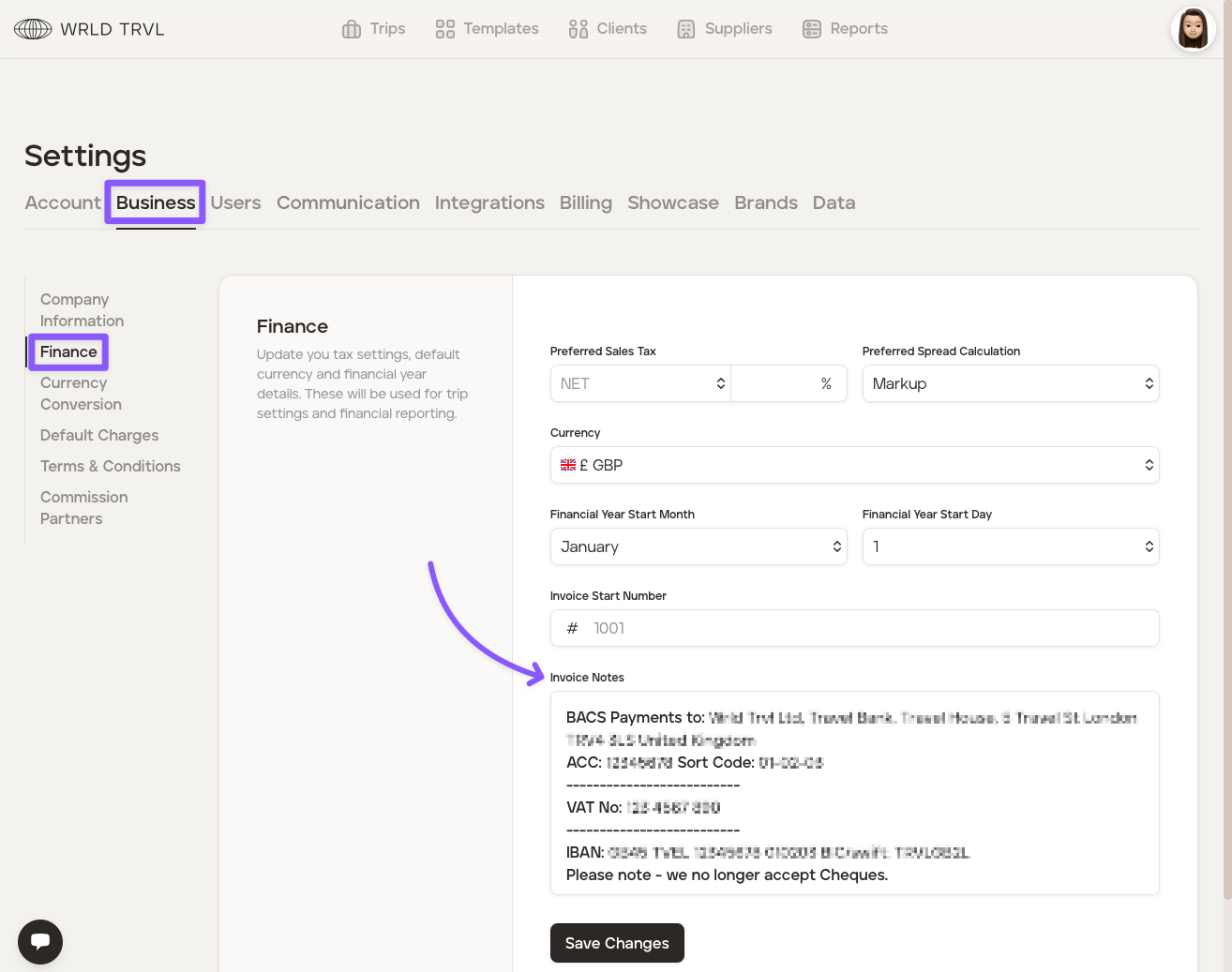
Click the 'Save Changes' button.
Was this helpful?