

Creating a fixed departure child itinerary
A child itinerary is an individual client booking within a fixed departure trip. Each child itinerary inherits its content from the master itinerary and has its own client, proposal, and payment management.
Create a child itinerary
In the 'Trips' section select the applicable fixed departure trip.
Within that fixed departure trip, click '+ New Proposal From Master'.
Select an existing client from the dropdown menu.
Click 'Create'.
The child itinerary will be generated automatically, pulling in all content from the master itinerary.
The child itinerary overview
On the 'Overview' screen of a child itinerary, you can:
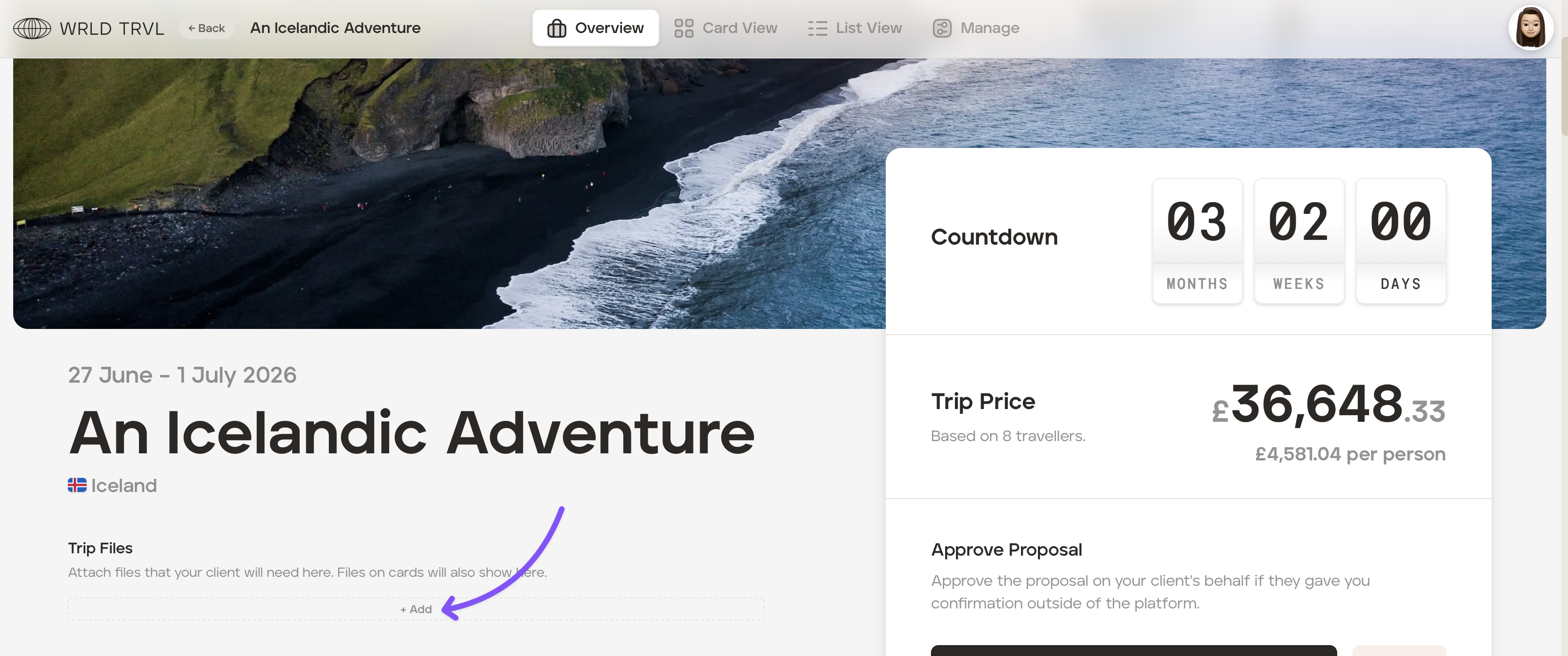
Add child-specific files - In the 'Trip Files' section, you can add additional files specific to this child itinerary.
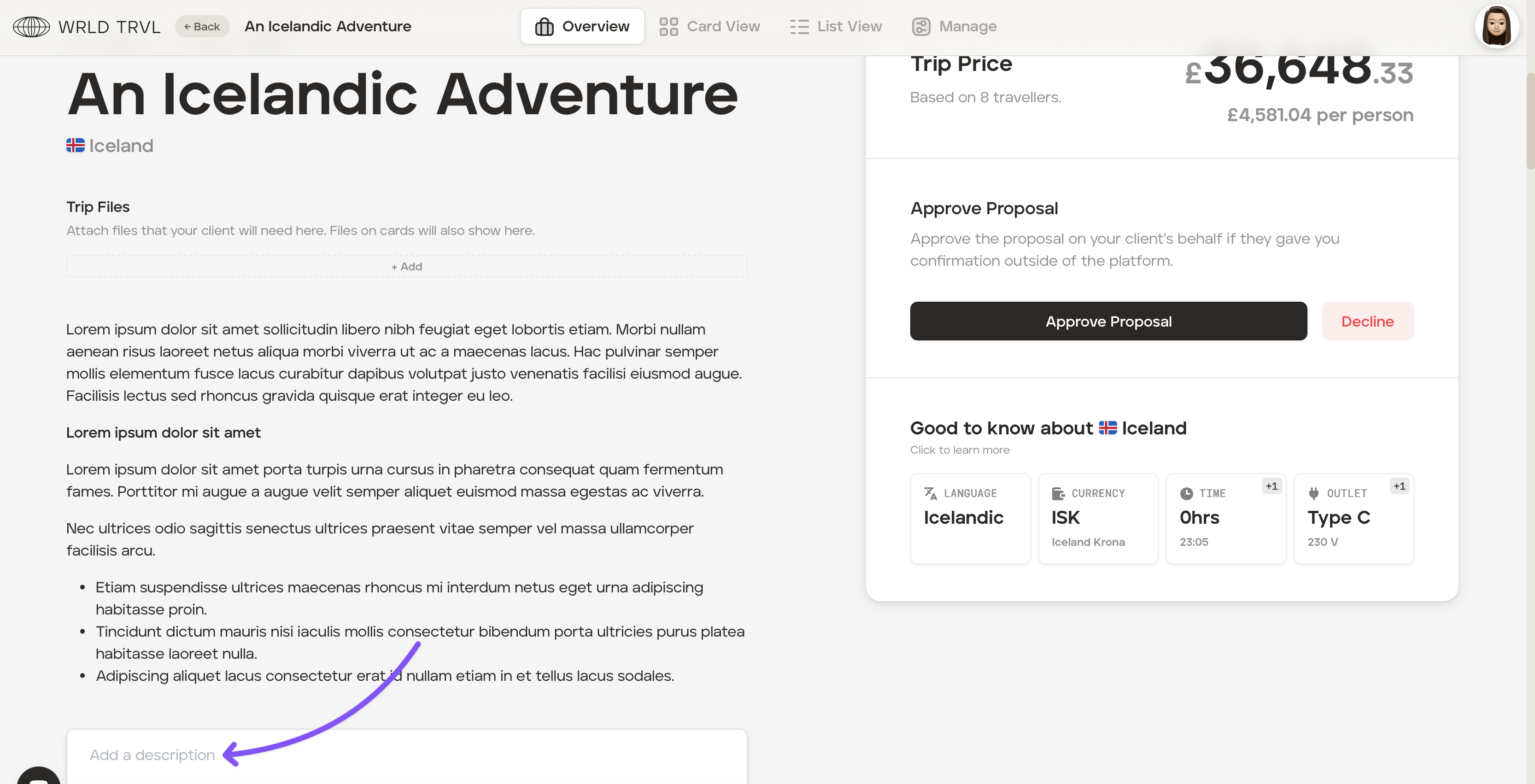
Add a child-specific description - In the 'Add a description' box, you can add an additional description that sits alongside (not instead of) the inherited master description.
'Manage' settings on a child itinerary
'General Settings' tab
At the top of the 'General Settings' tab, it identifies which master itinerary this child itinerary pulls from and provides a link to access it directly.
The following settings can be adjusted per child itinerary:
Name - Each child itinerary can be given its own name, for example the traveller's name or a booking reference.
Start date and duration - You can extend a child itinerary beyond the duration defined on the master, for example, to add pre- or post-trip travel days for a traveller coming from further afield. However, you cannot reduce the duration below the master itinerary's length.
Client vault - The vault setting defaults to whatever was configured on the master itinerary, but can be overridden for individual child itineraries. See Obtaining client information using the client vault.
'Costs' tab
Costs set on the master itinerary cascade to each child itinerary as defaults. These can be adjusted at the child level without affecting the master or other child itineraries. See Add costs to your proposals and approved itineraries.
'Payments' tab
Payments work the same way as on standard itineraries. See Set up a payment schedule for your clients.
'Sharing' tab
Sharing a proposal with a client follows the same process as a standard proposal — you'll be given a link to share with your client for review and approval. The client's experience of reviewing and approving is identical to a standard proposal. See Sharing a proposal link with your client for their review and approval.