Allocate your business partner's branding to a template itinerary, trip itinerary and PDF itinerary
When this feature is enabled, you’ll be able to assign a business partner's brand to a template itinerary, trip itinerary and PDF itinerary. When the trip is accessed as a proposal, or an upcoming trip, the selected brand will show instead of your organisation’s branding.
Add partner's brand to template itinerary
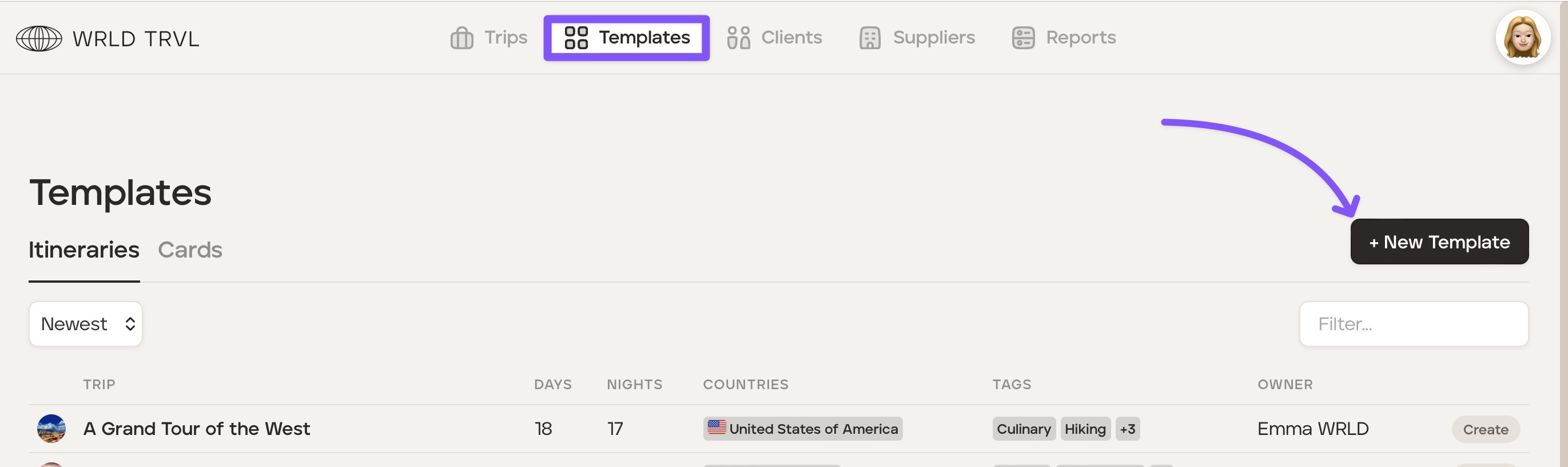
Click the 'Template' section.
Click the '+ New Template' button.
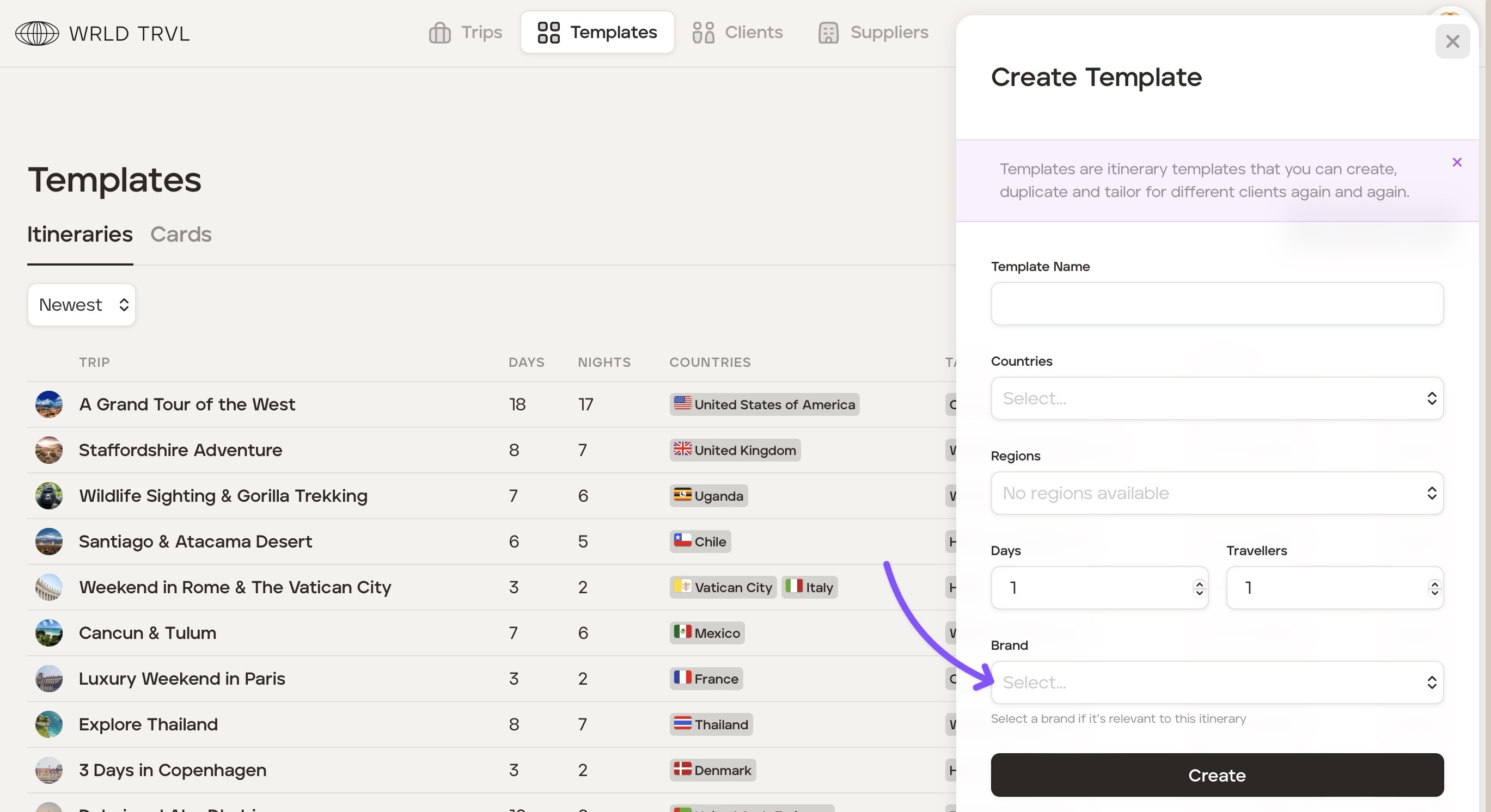
Input all required fields.
In the 'Brand' field select your brand.
Click the 'Create' button to create the template.
Add partner's brand to proposal (using template)
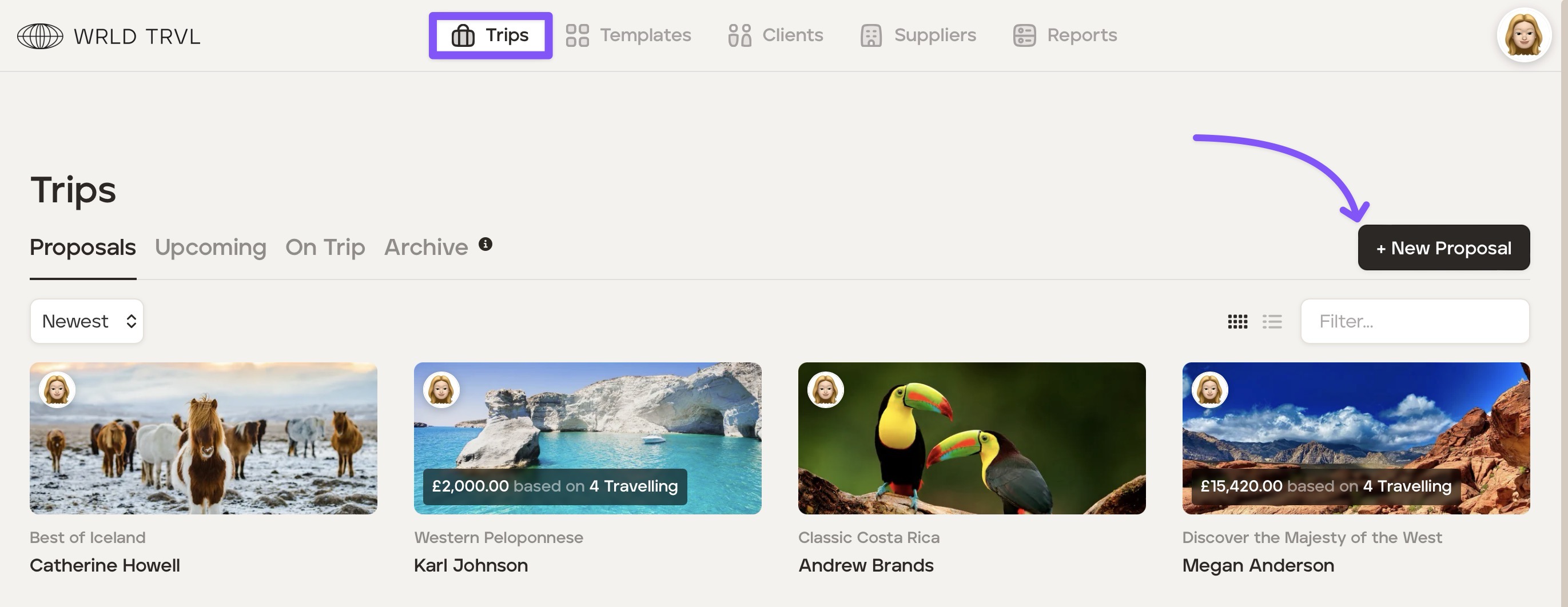
Click the 'Trips' section.
In the 'Proposals' section click the '+ New Proposals' button.
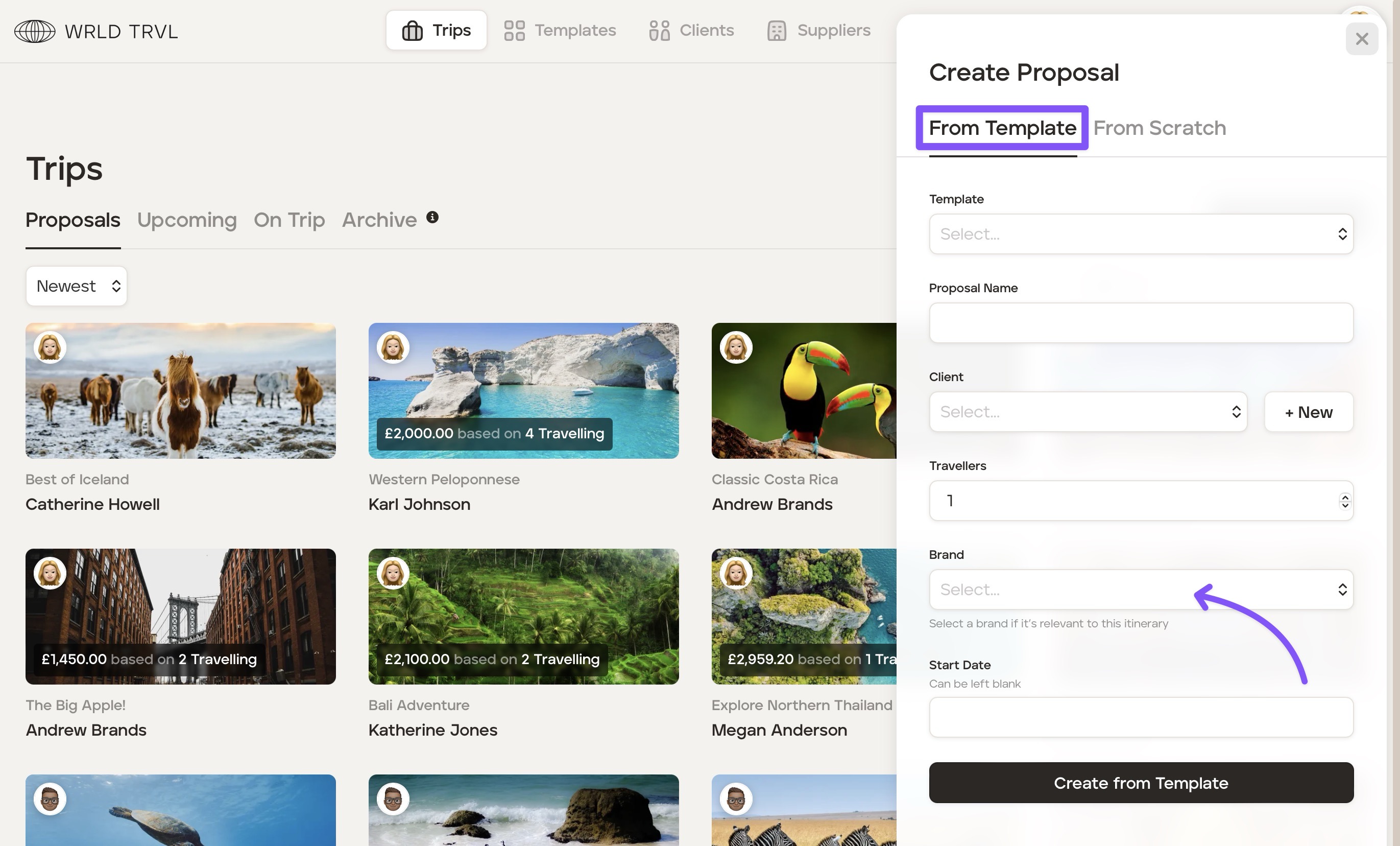
Click the 'From Template' tab.
Input all required fields.
In the 'Brand' field select your brand.
Click the 'Create from Template' button.
Add partner's brand to proposal (from scratch)
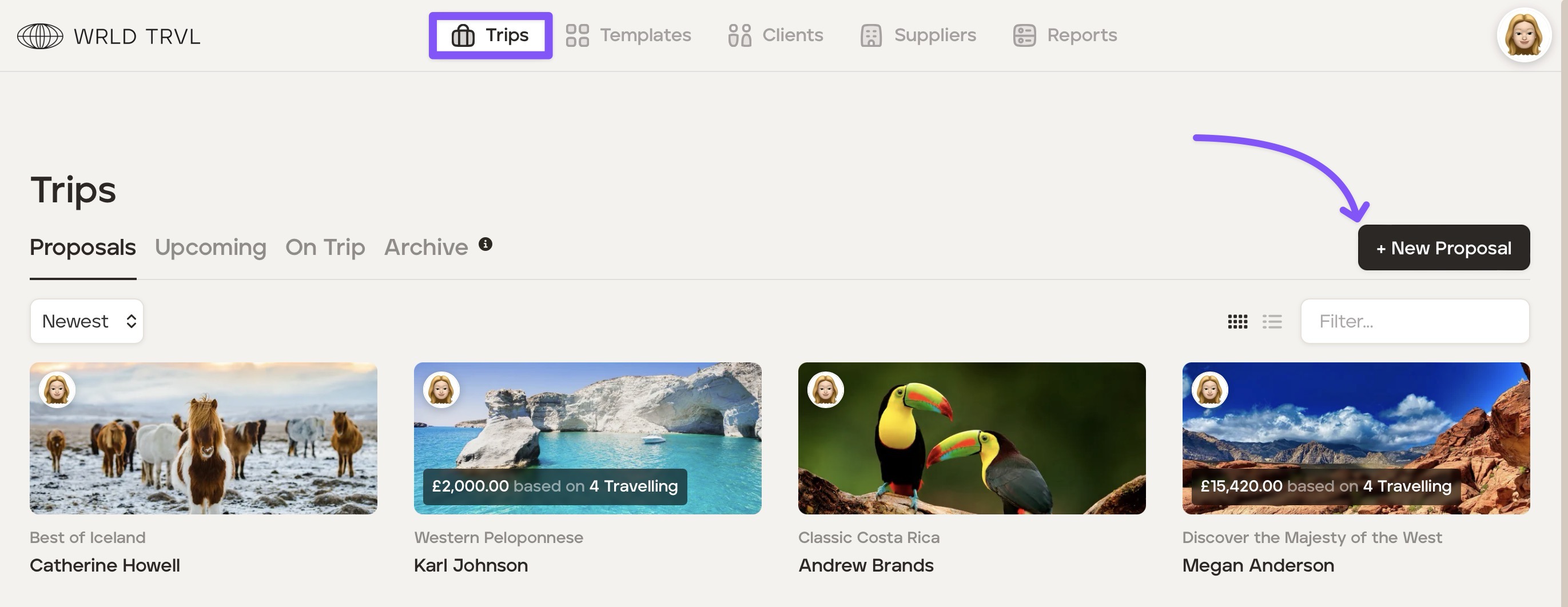
Click the 'Trips' section.
In the 'Proposals' section click the '+ New Proposals' button.
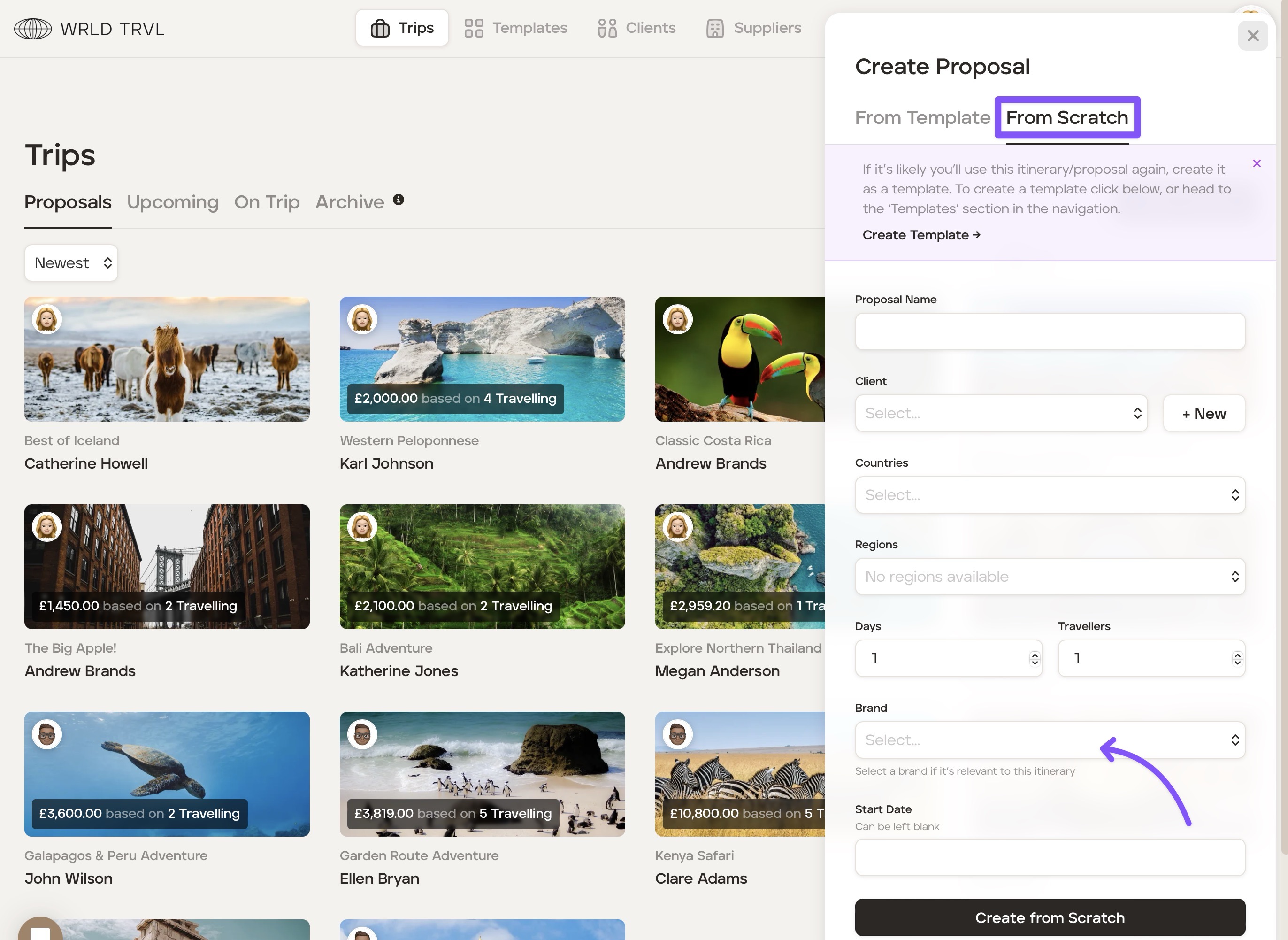
Click the 'From Scratch' tab.
Input all required fields.
In the 'Brand' field select your brand.
Click the 'Create from Scratch' button.