

Importing Itineraries
TripMapper for Business supports importing travel itineraries from external sources to automatically populate your itinerary (written content only, not images). You can upload PDF documents or paste URLs containing travel itineraries, and our software will extract and convert the written content into TripMapper's itinerary format.
How to import data from a PDF
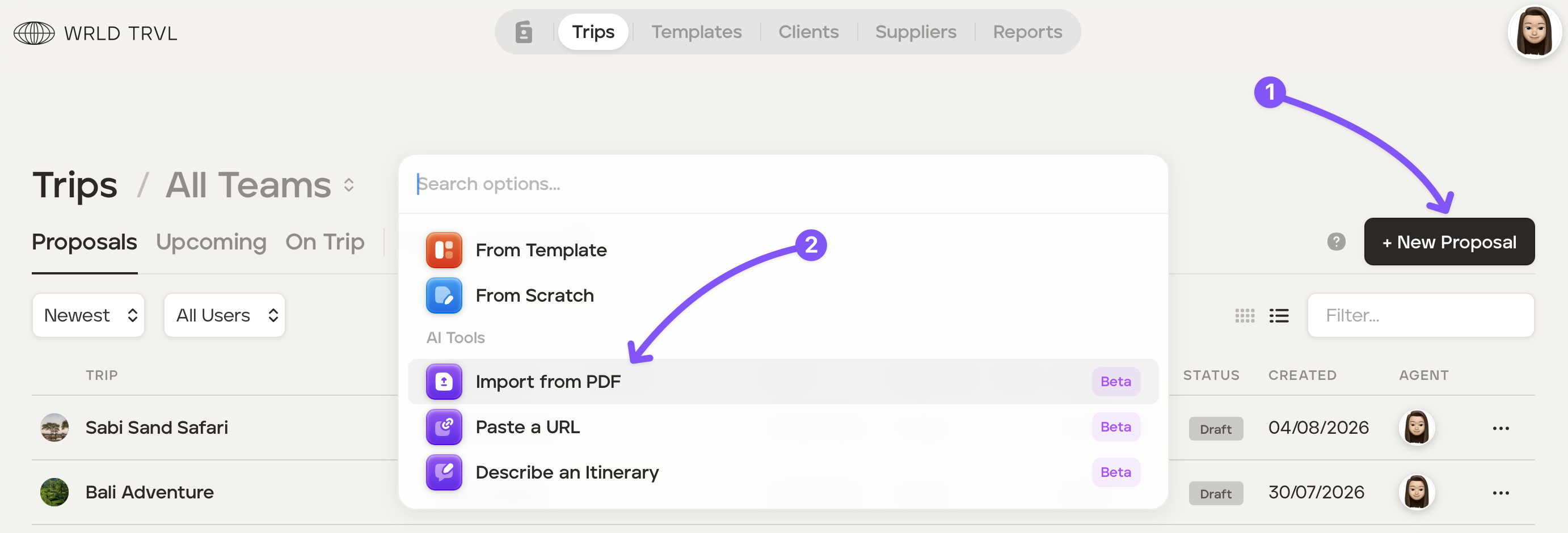
Click '+ New Proposal' and then 'Import from PDF'.
Drag and drop your file, or select a file from your computer.
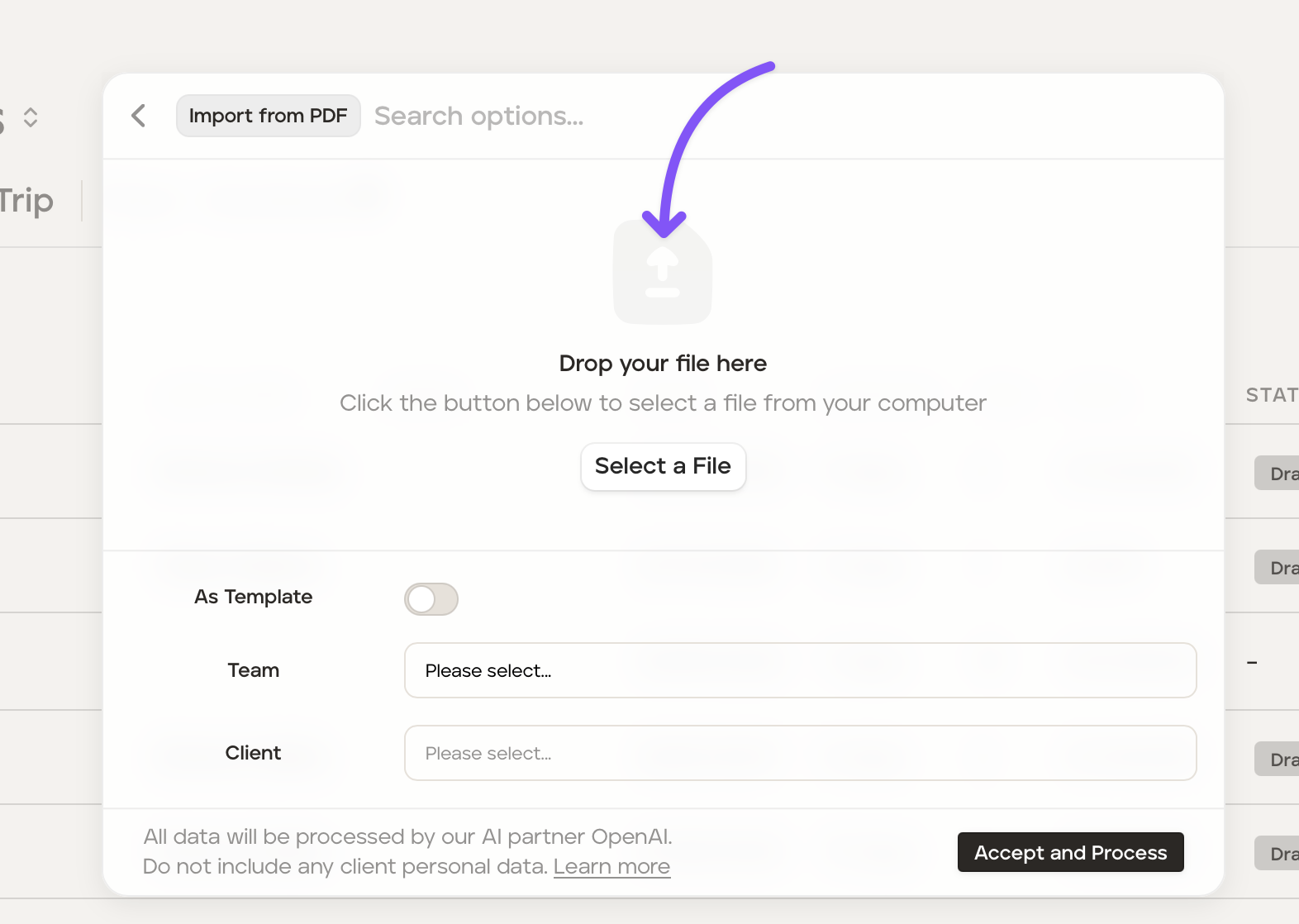
If you would like for this itinerary to be added as a template itinerary turn the 'As Template' switch on.
Select the applicable team (optional) if creating a template from the PDF, or select the applicable team (optional) and client (mandatory) if creating a proposal from the PDF.
Click 'Accept and Process' after reading the notes to the left of the button.
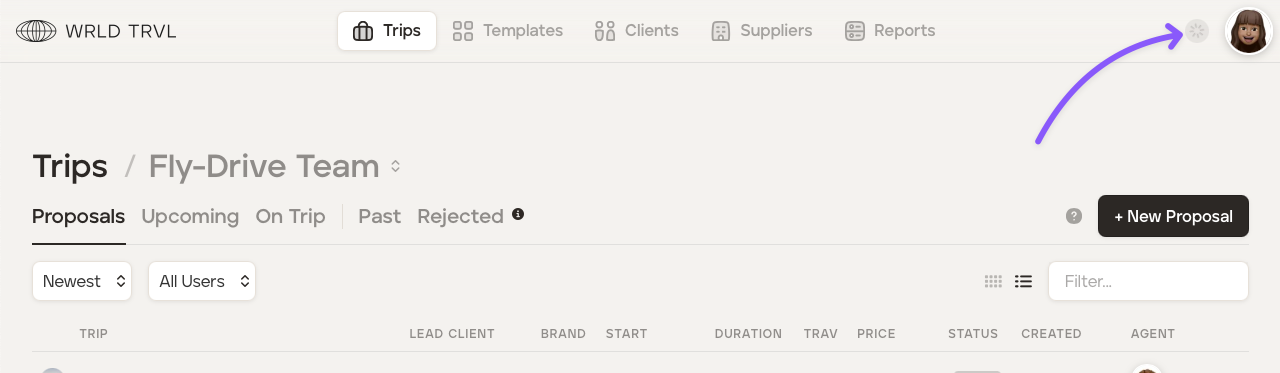
The data will start processing:
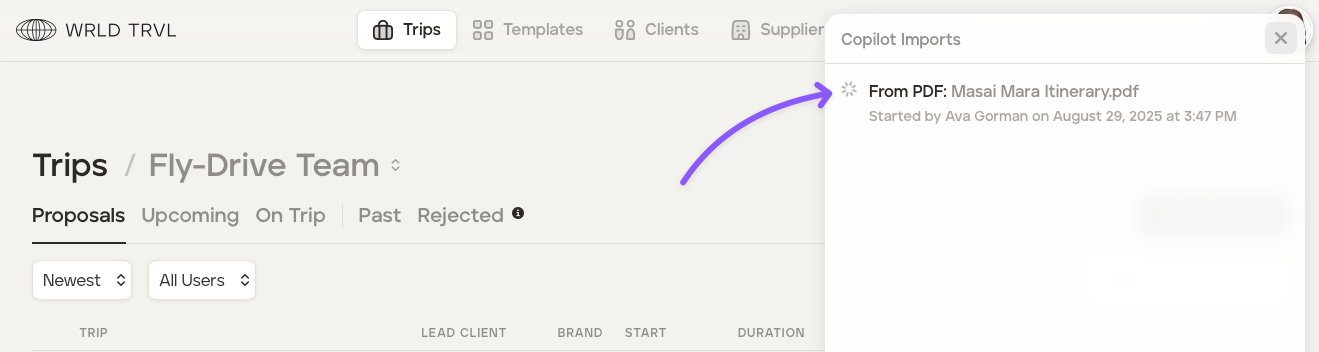
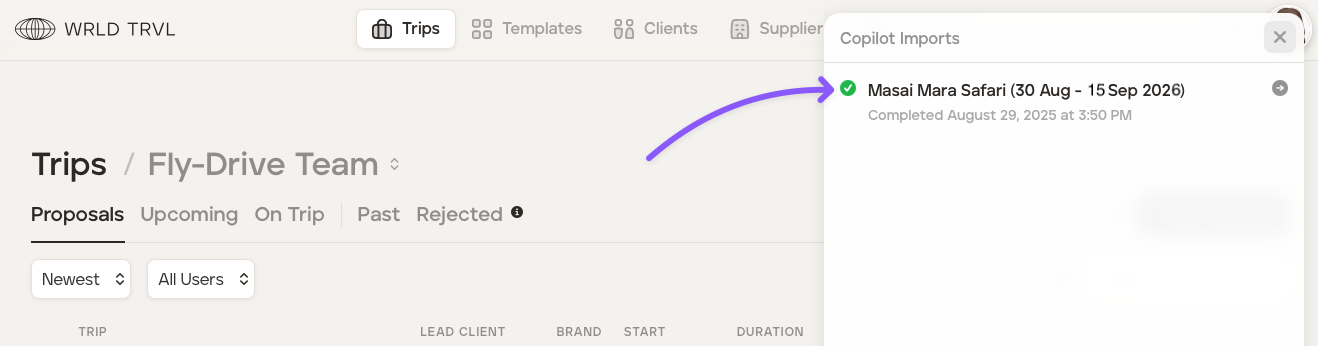
Once data has successfully imported:
Review each imported item carefully
Edit any incorrect and/or incomplete information
Add missing details manually if needed
How to import data from a URL
Click '+ New Proposal' and then 'Paste a URL'.
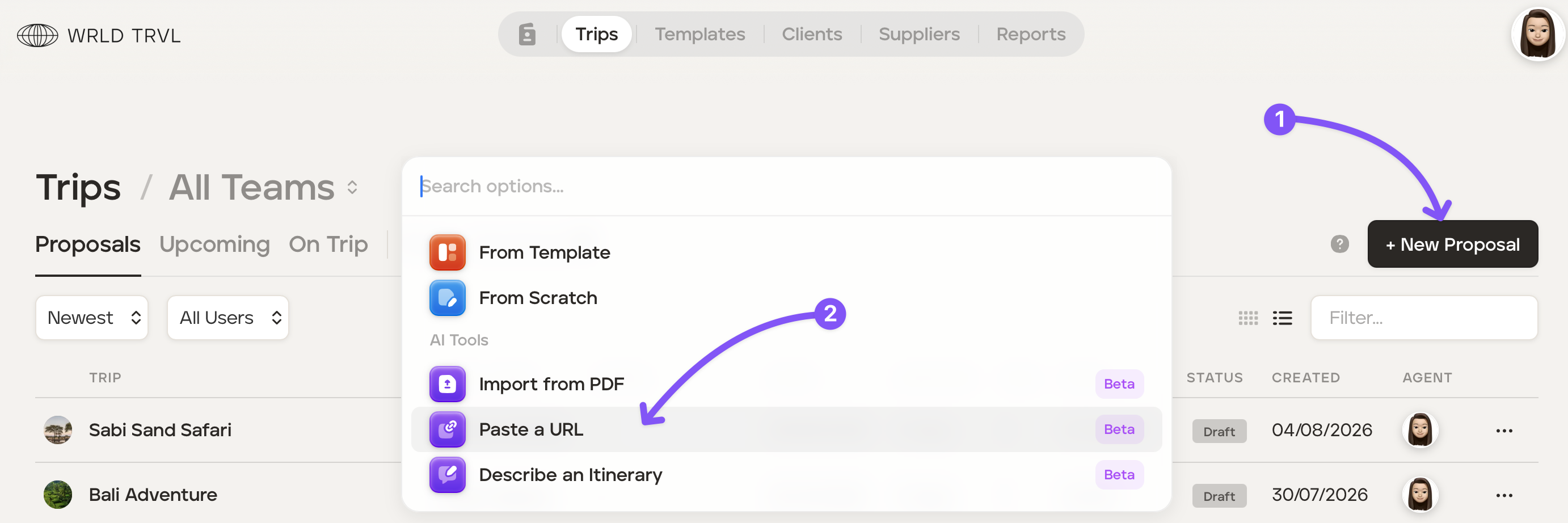
Paste the URL of the itinerary where directed.
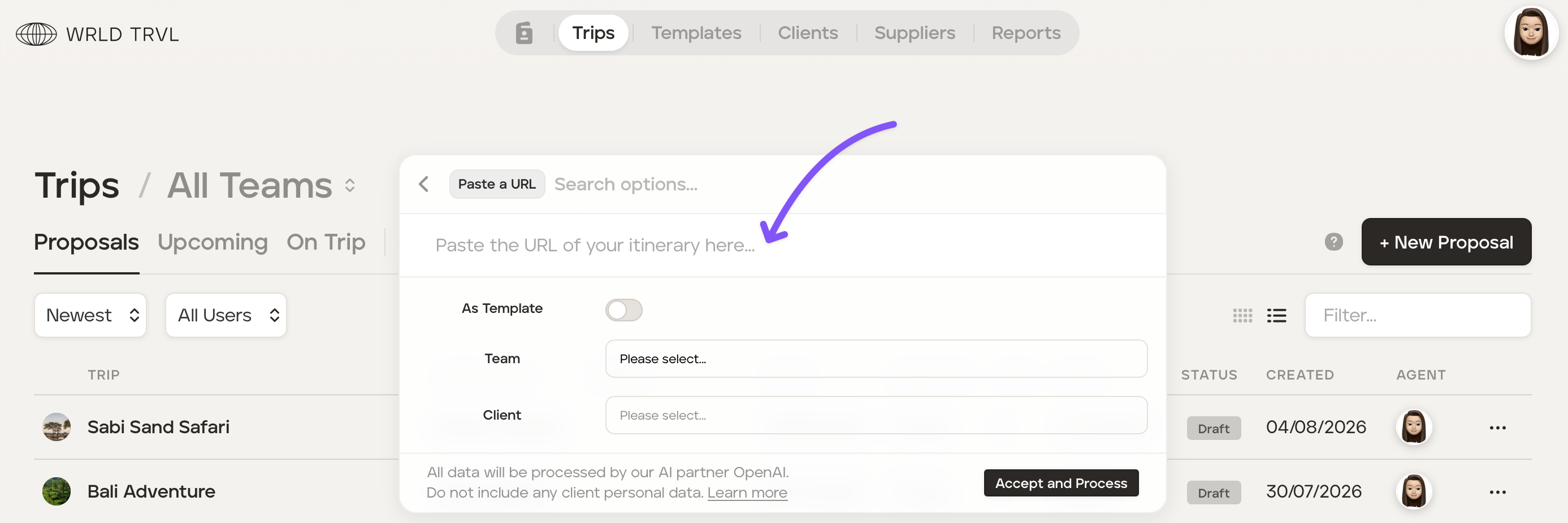
If you would like for this itinerary to be added as a template itinerary turn the 'As Template' switch on.
Select the applicable team and client.
Click 'Accept and Process' after reading the notes to the left of the button.
The data will process.
Once data has successfully imported:
Review each imported item carefully
Edit any incorrect and/or incomplete information
Add missing details manually if needed
Feedback
As this feature is in beta, your feedback is valuable for improving accuracy and functionality.
Please report any issues or suggestions through the in-app messaging or by contacting our support team (hello@tripmapper.co).