

Edit a template card group in your template card group database
To edit a template card group in your database:
Head to the 'Templates' section and then click the 'Card Groups' tab.
Click the 'Edit' button against the relevant card group and make the changes.
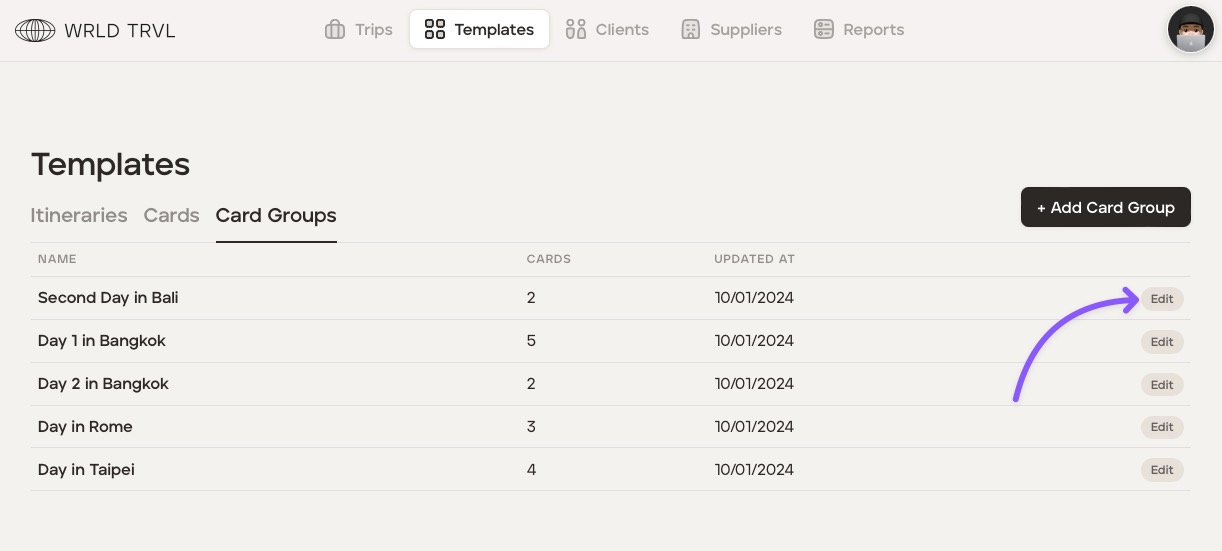
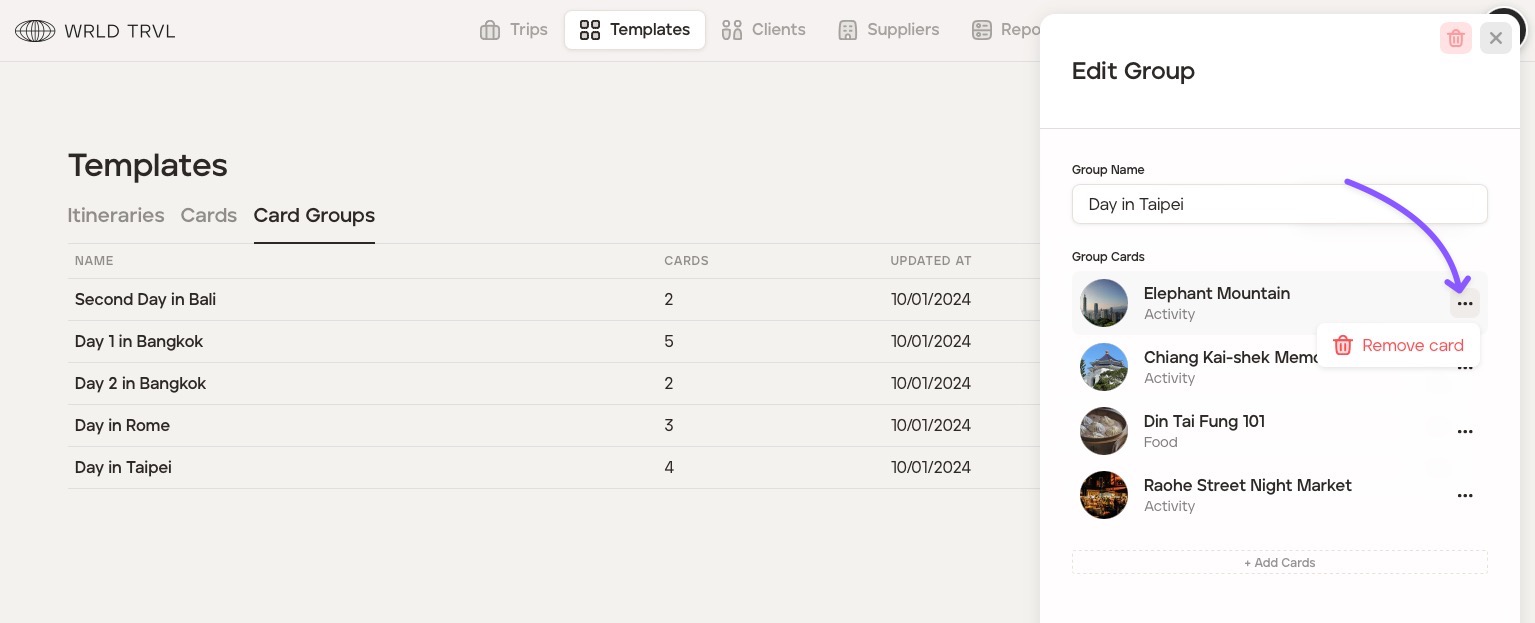
To remove a template card within the template card group
Click the 'Edit' button against the relevant template card group.
On the template card you want to remove, click the '...' button.
Click 'Remove card.'
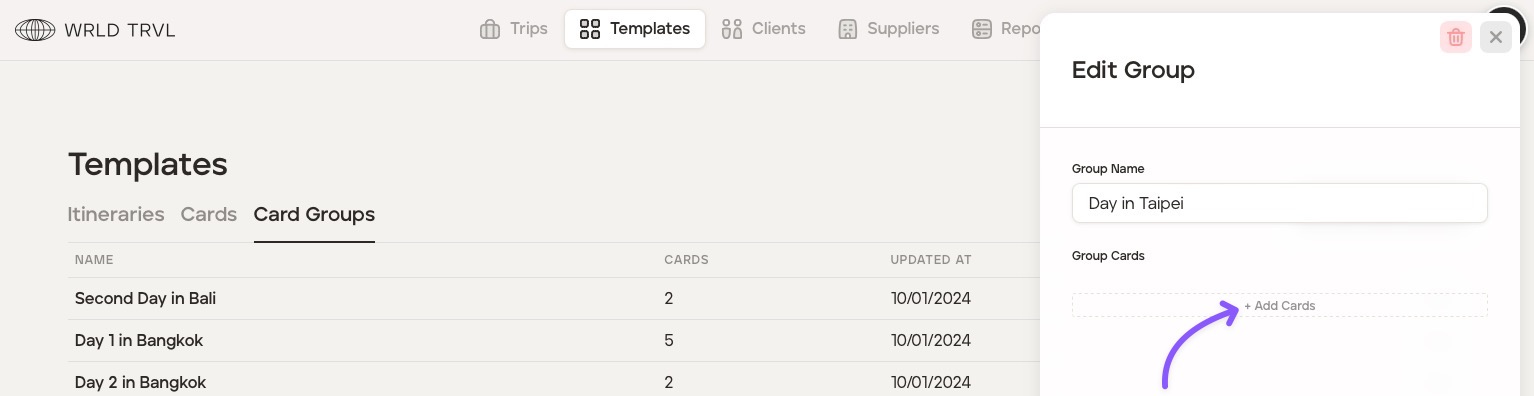
To add a template card to the template card group
Click '+Add Cards' to add a template card from your template card database.
In the search bar, search for a template card or pick a template card(s) from the list shown.
Click the 'Add [x] Cards' button.
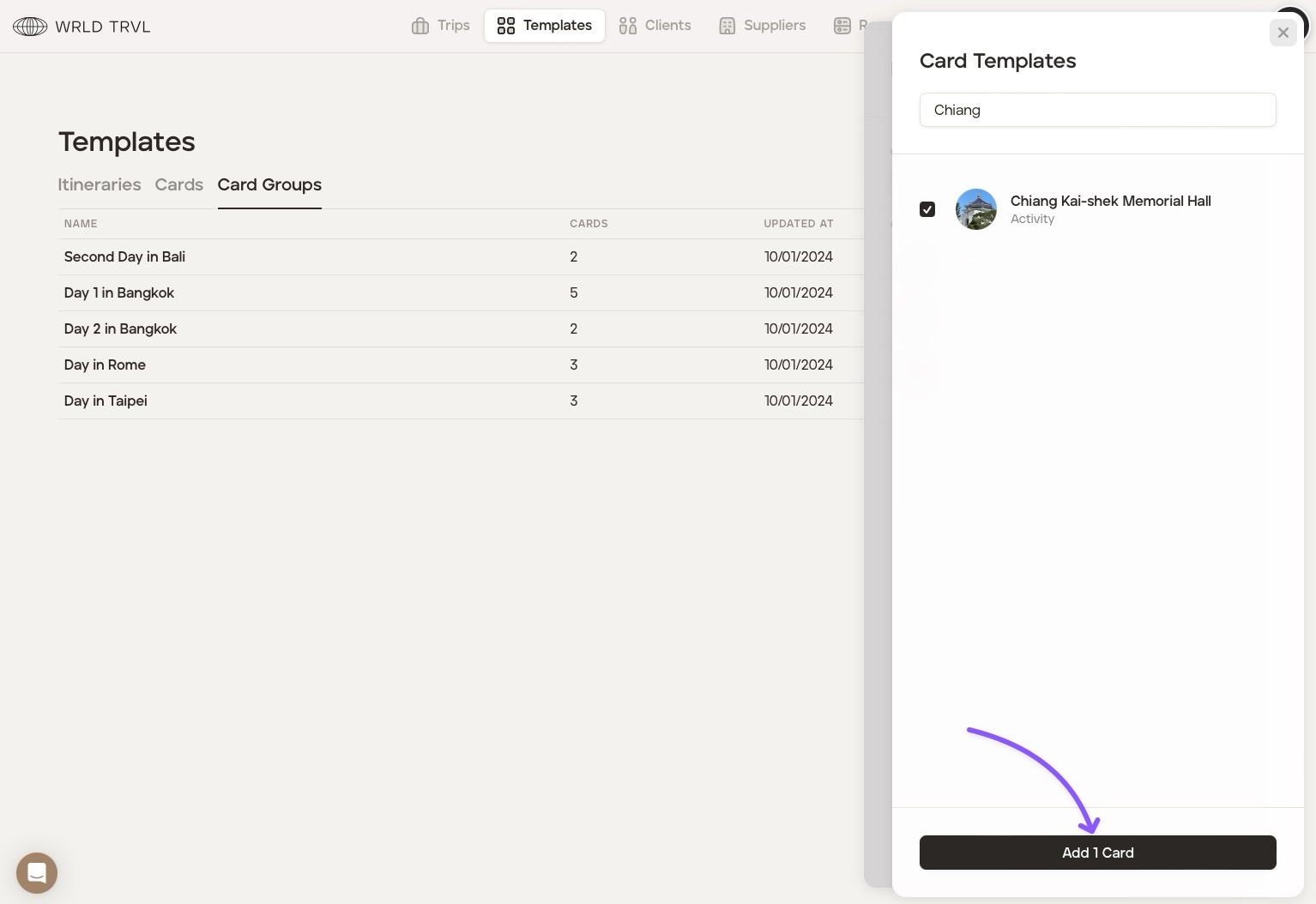
Add further template cards by repeating steps 1-3 above.
To reorder the template cards in the template card group
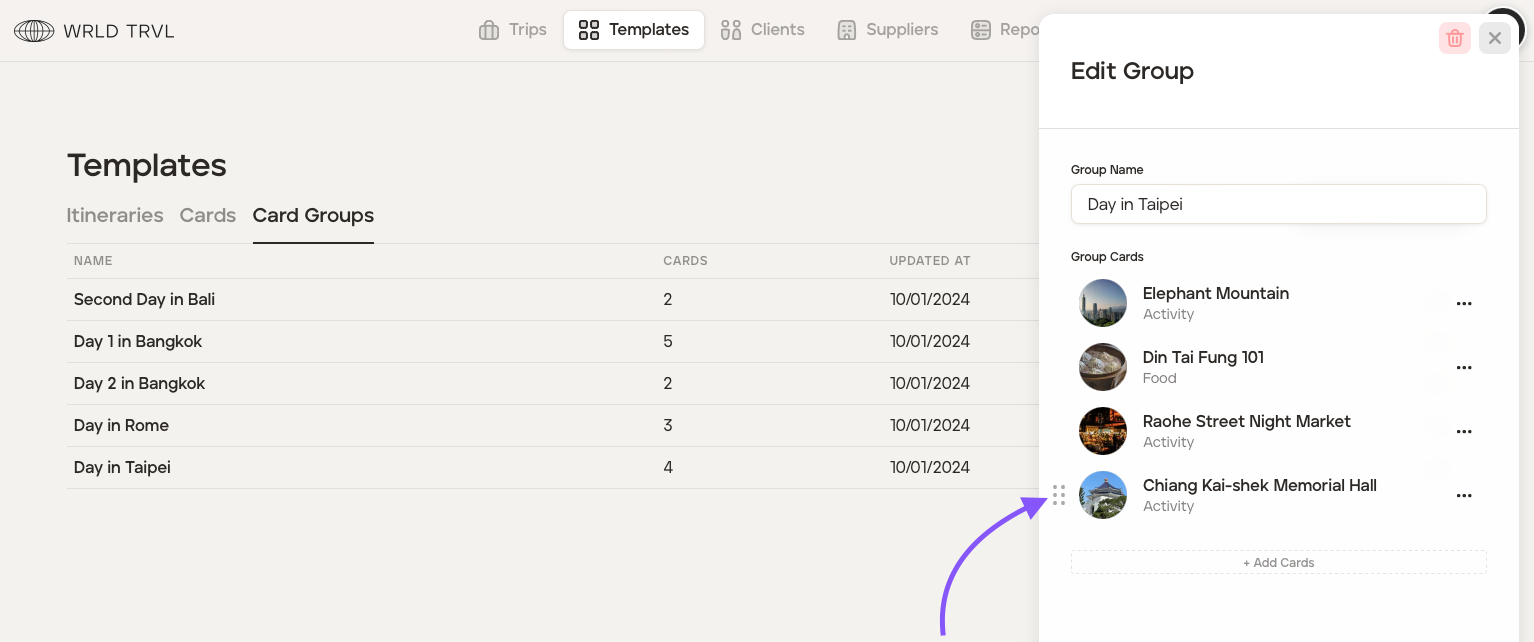
To reorder the cards in the card group, drag and drop the cards vertically using the drag-and-drop icon as shown in the screenshot below.
Was this helpful?