
Download an agent commission or supplier commission report
Agent commission and supplier commission reports can be downloaded on a CSV.
To download a report:
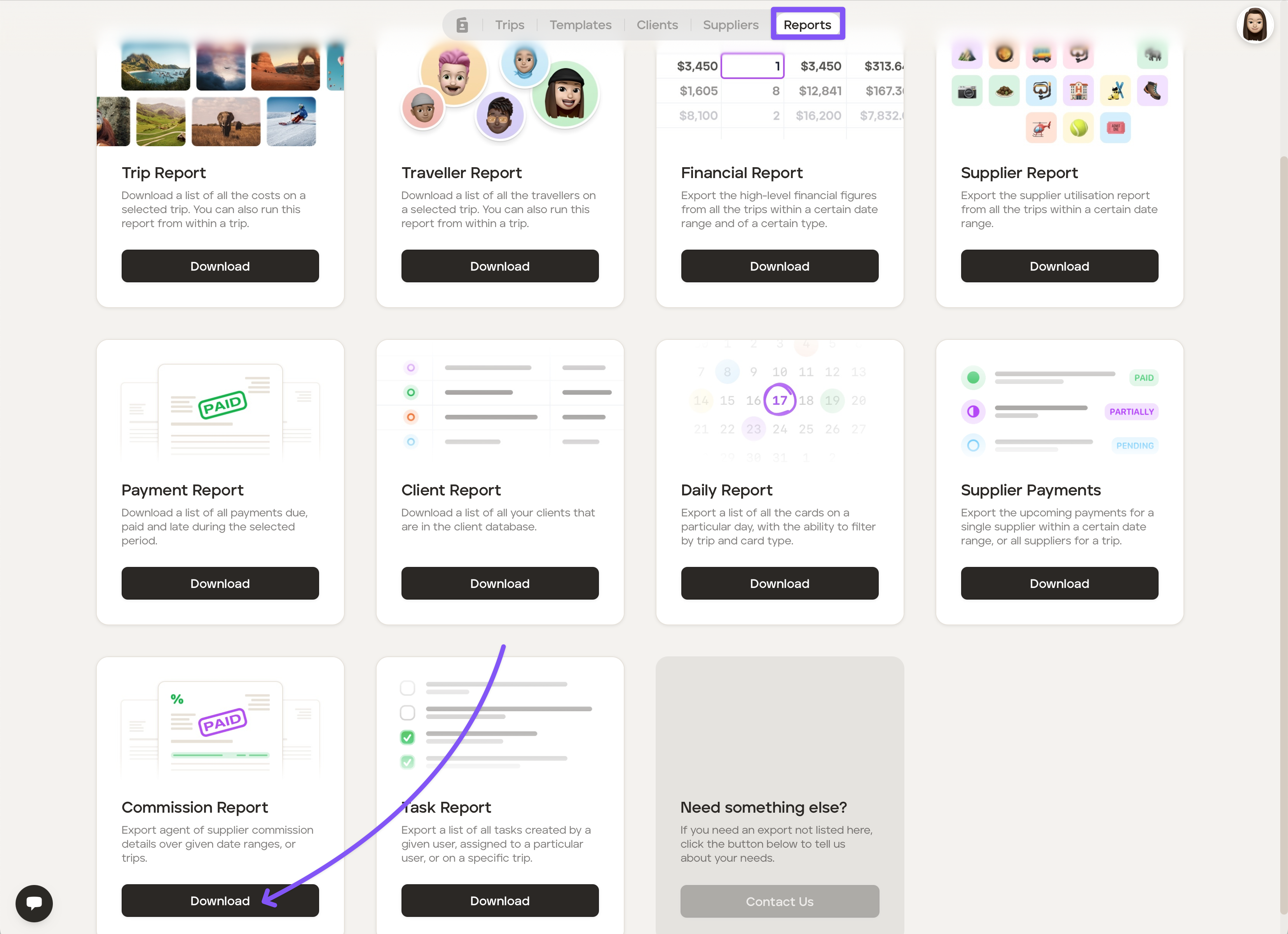
Go to your 'Reports' section of your account.
Click the 'Exports' tab.
Click 'Download' on the 'Commission Report'.
Select 'Agent' or 'Supplier' (as applicable), add the requested details, and then click 'Export.'
Was this helpful?