

Add a fixed price to your itinerary
To add one fixed client price to your itinerary, follow the steps below:
Click the applicable template itinerary or trip itinerary.
Click 'Edit Template' if a template OR click 'Edit Trip' if a trip itinerary.
Click the 'Costs' tab.
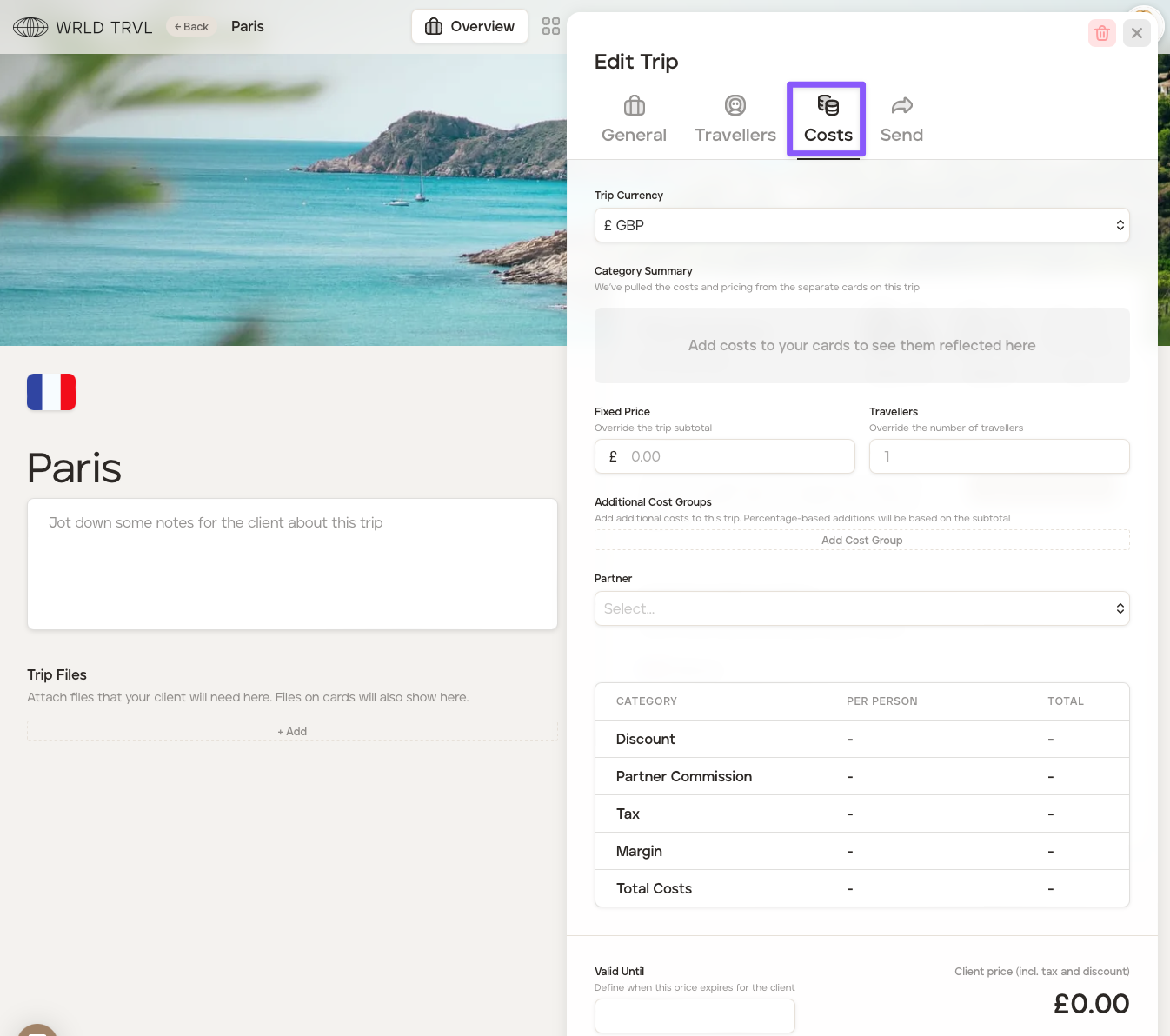
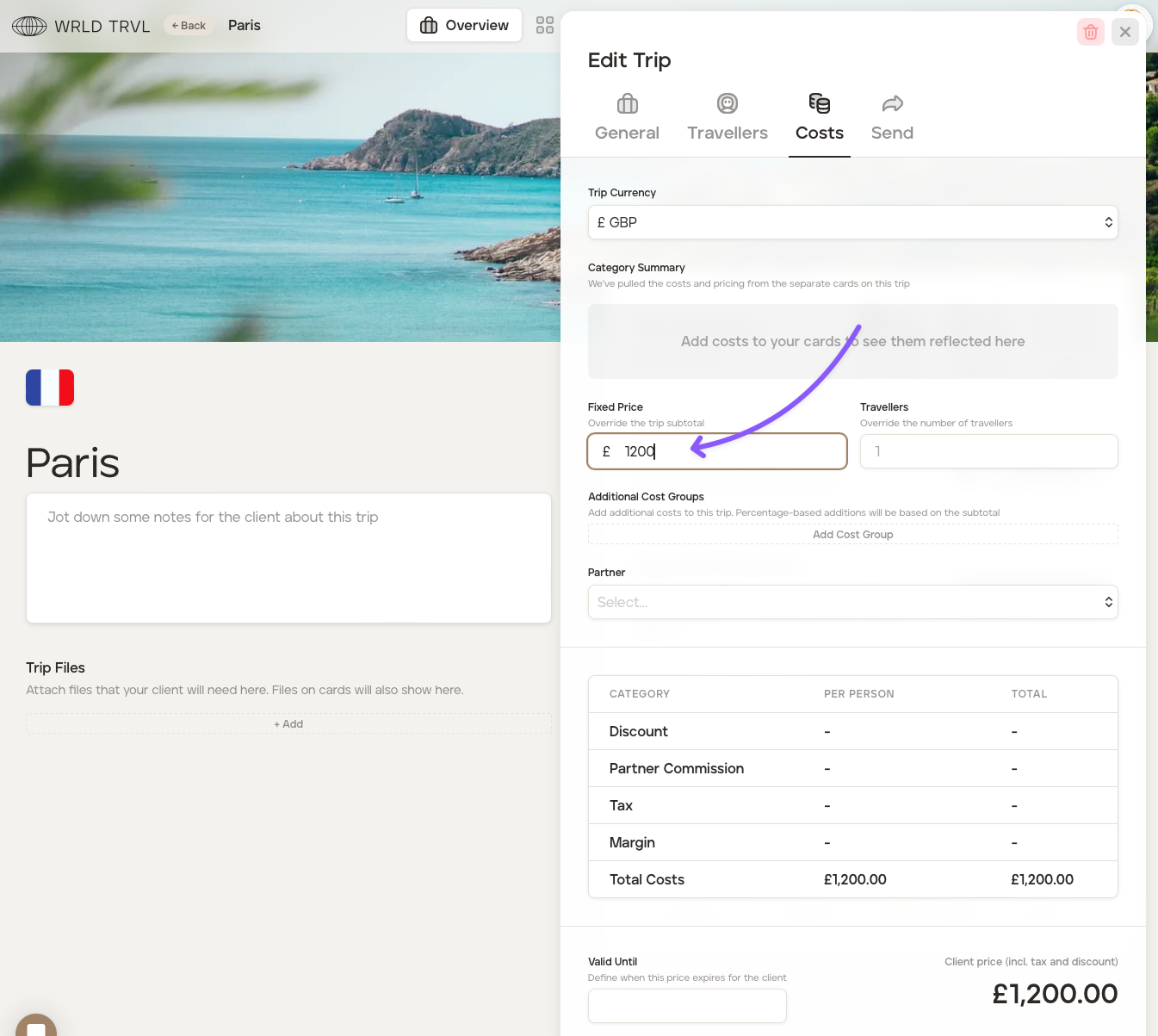
Enter the fixed client price in the 'Fixed Price' field.
To add individual costs to each of your itinerary cards instead of a fixed price, check out the 'Add individual costs to each of your itinerary cards' article.
Was this helpful?