

Attach files and booking confirmations to itineraries
You can add files to itineraries directly in the ‘Overview’ or to an individual card.
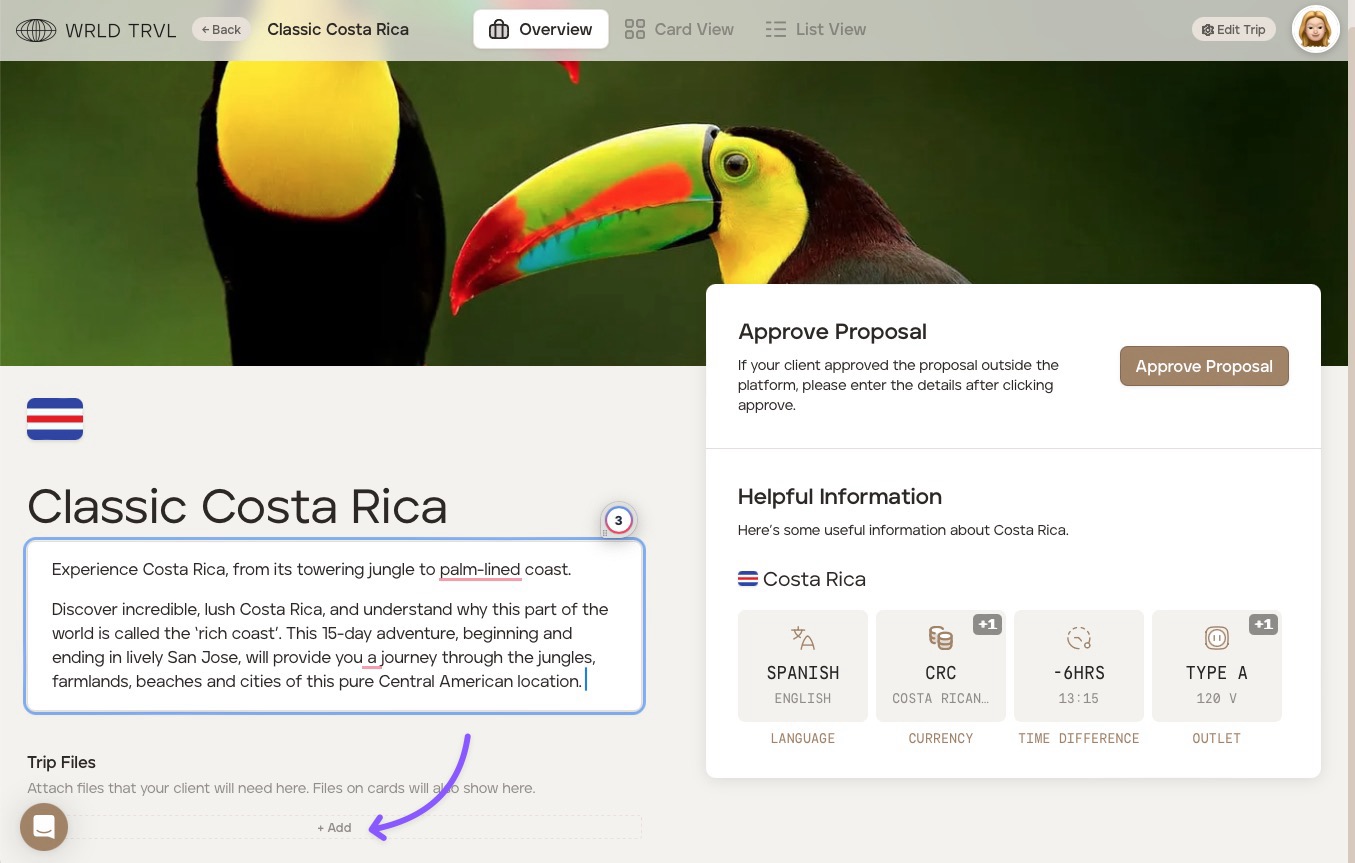
Attach files to the itinerary overview
Choose the applicable itinerary.
In the ‘Overview’ screen, add files in the ‘Trip Files’ section. The client will be able to view all files you add.
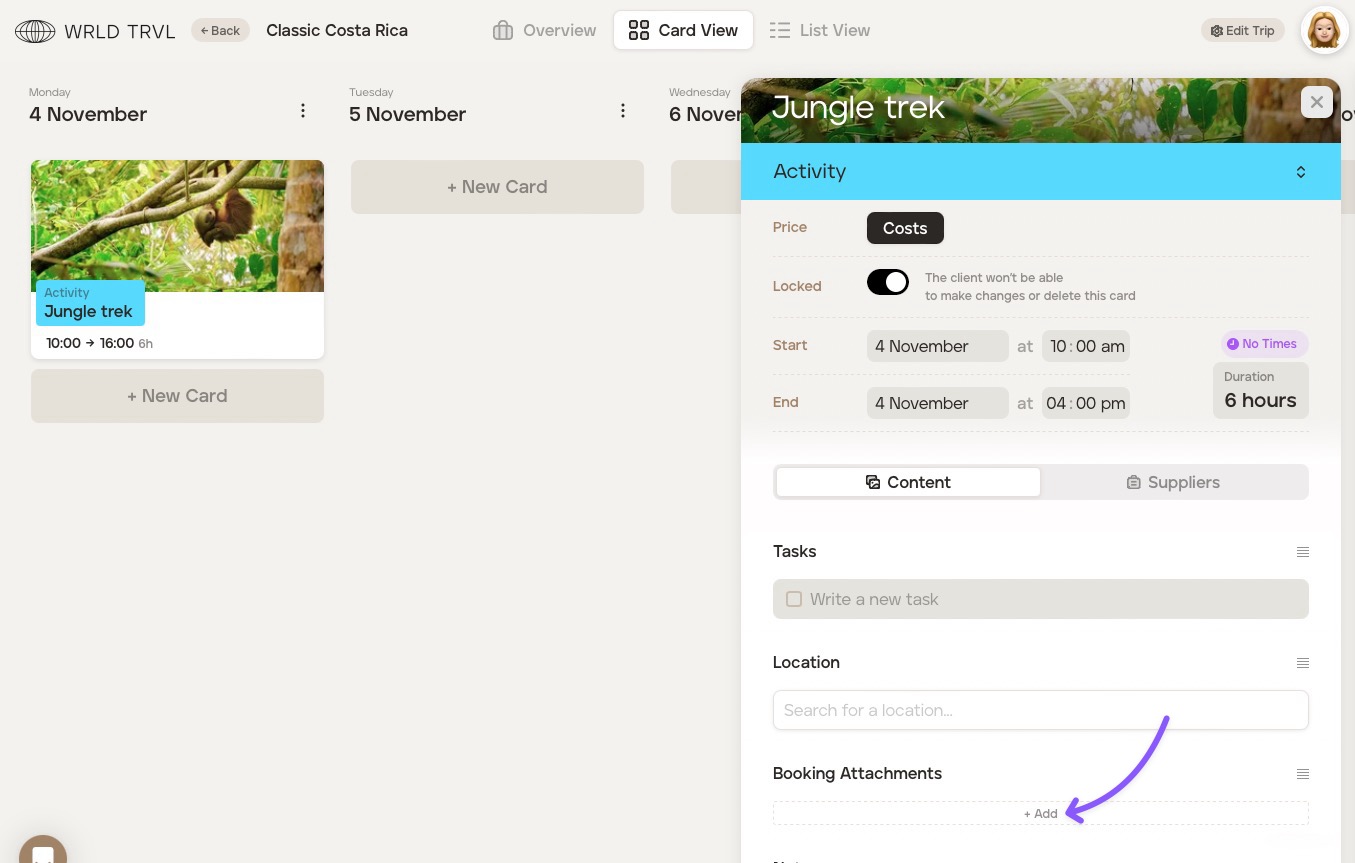
Attach files to an itinerary card
Choose the applicable itinerary.
Click either ‘Card View’ or ‘List View’ and find the relevant card.
Click the card and scroll down to the ‘Booking Attachments’ section where you can add your file(s). The client will be able to view any files you add. Any files added to a card will also show on the ‘Overview’ screen.
Was this helpful?