

Download a supplier payment report
To download a supplier payment report, follow the steps below:
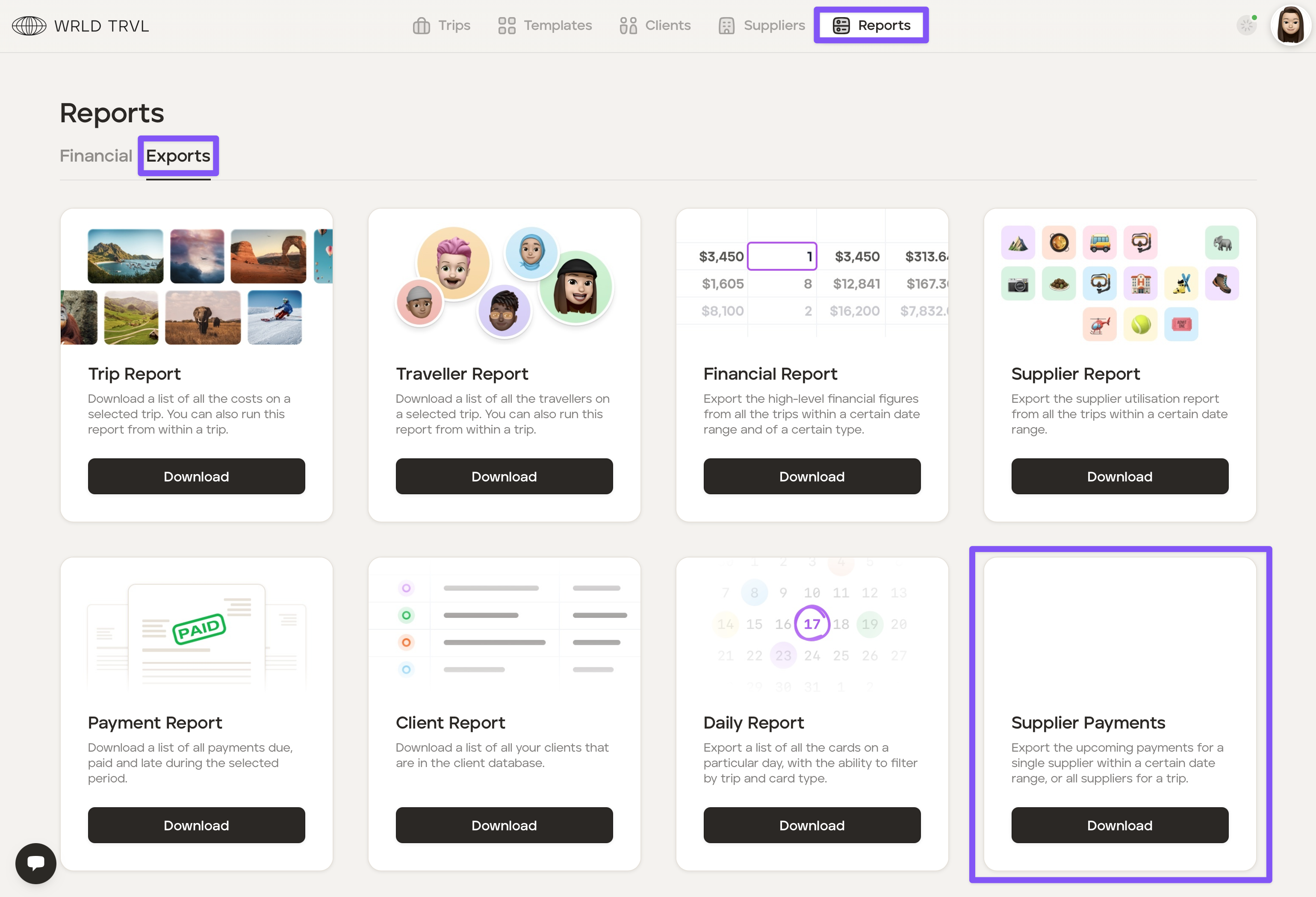
In the 'Reports' section click the 'Exports' tab.
Click 'Download' on the 'Supplier Payments' report.
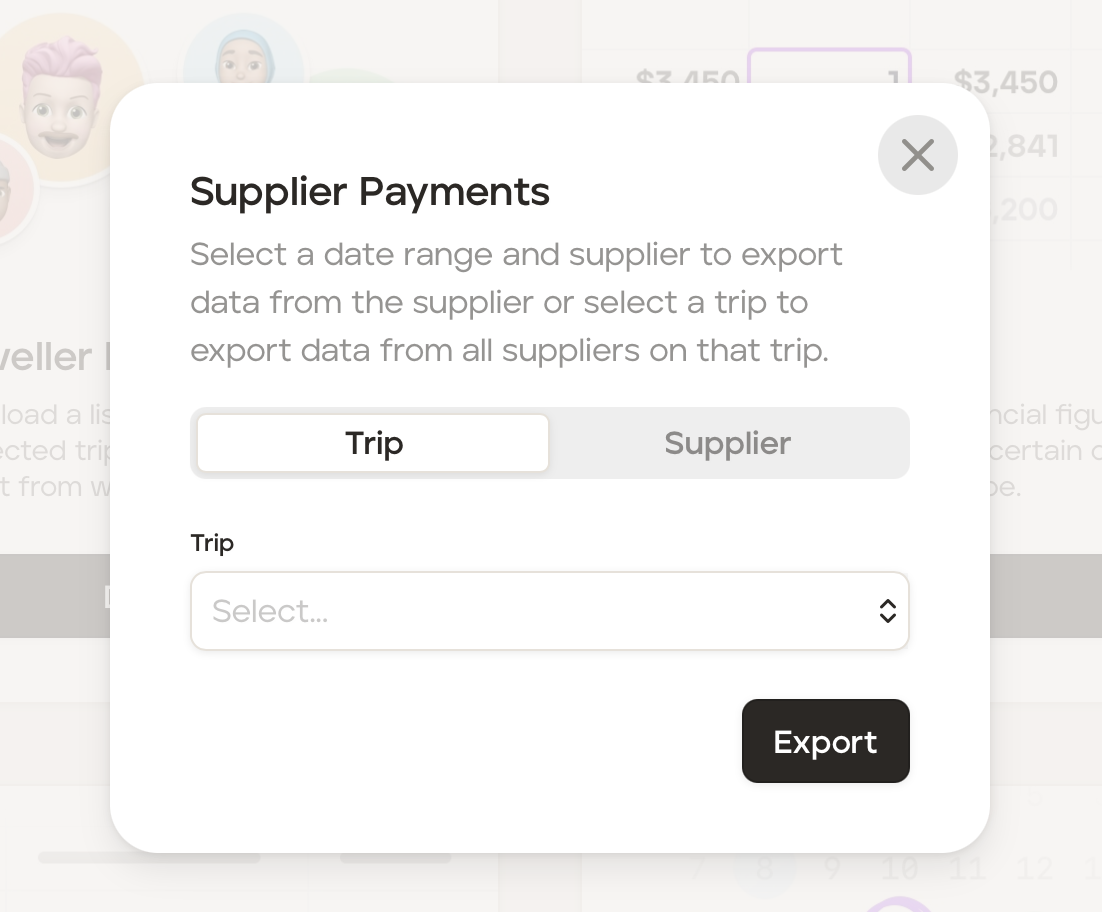
You can:
select a date range and supplier to export data from that supplier; or
select a trip to export data from all supplier on that specific trip.
Was this helpful?