

Delete a template card in your template card database
To delete a card in your template card library:
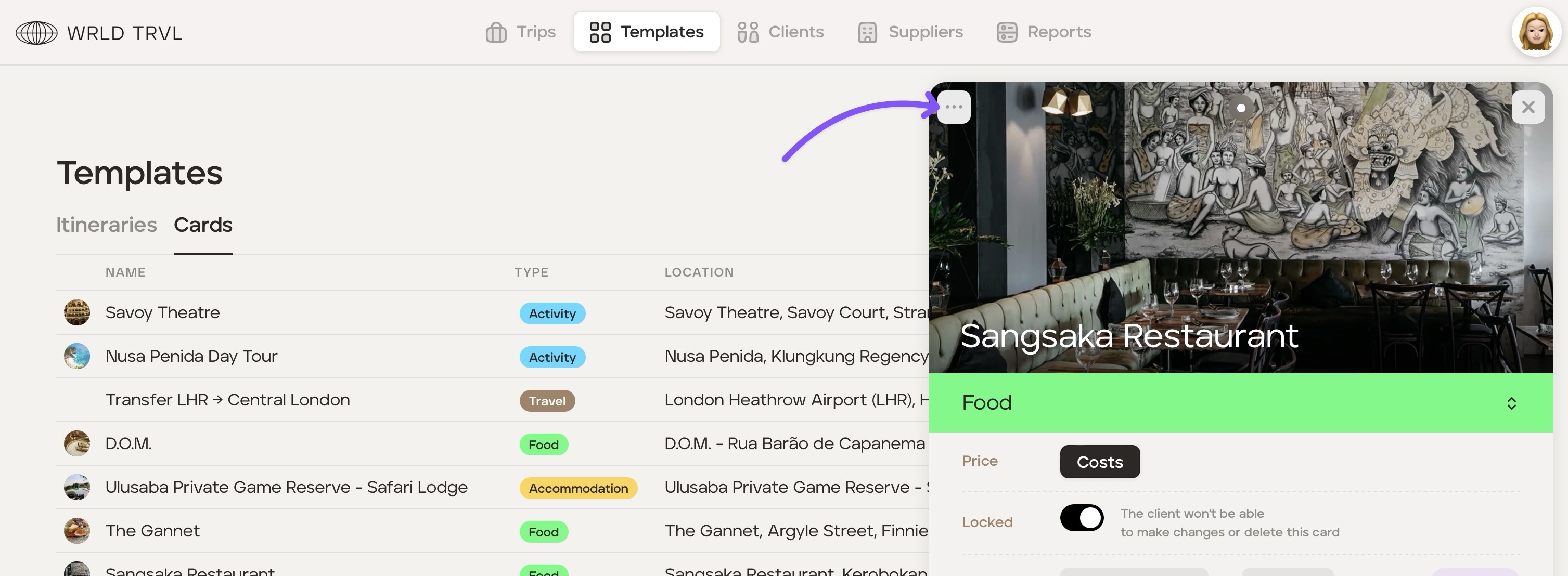
Head to the 'Templates' section and then click the 'Cards' tab.
Click the 'Edit' button against the relevant template card.
Click the '...' button located in the top left of the card.
Click 'Delete card.'
Was this helpful?