Adding your business partners' branding in your settings
You can customise and brand your digital and PDF travel itineraries with your business partners' logos, contact details and brand colours. This feature is particularly useful for tour operators and DMCs dealing directly with travel agencies.
This seamless integration with your business partners’ branding creates a truly bespoke service, saves your clients time and enhances client satisfaction. A real value-add for your B2B clients.
To add your business partner's branding to your settings:
Click the avatar in the top right-hand corner of the screen.
Click 'Settings'.
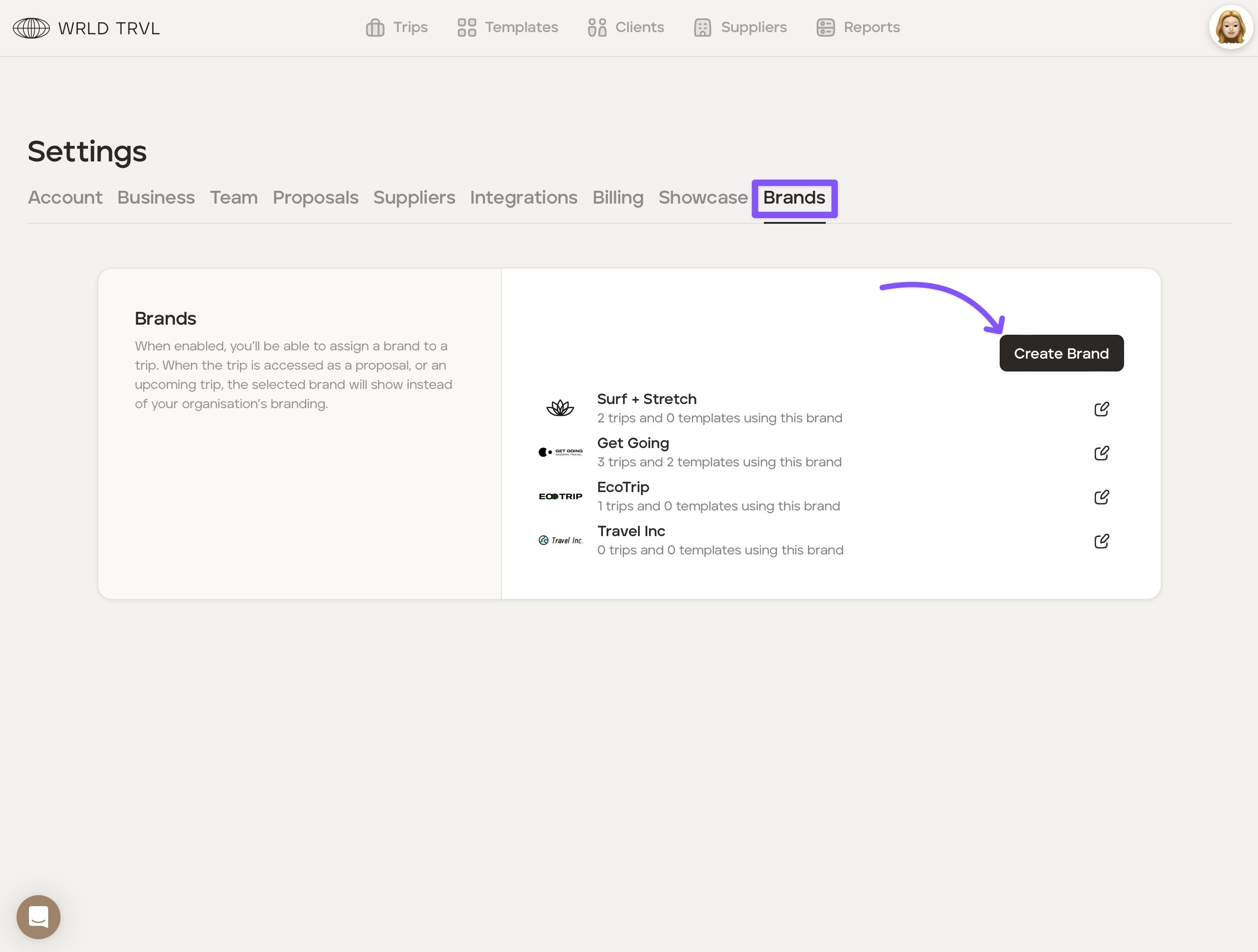
Click the 'Brands' tab.
Click 'Create Brand.'
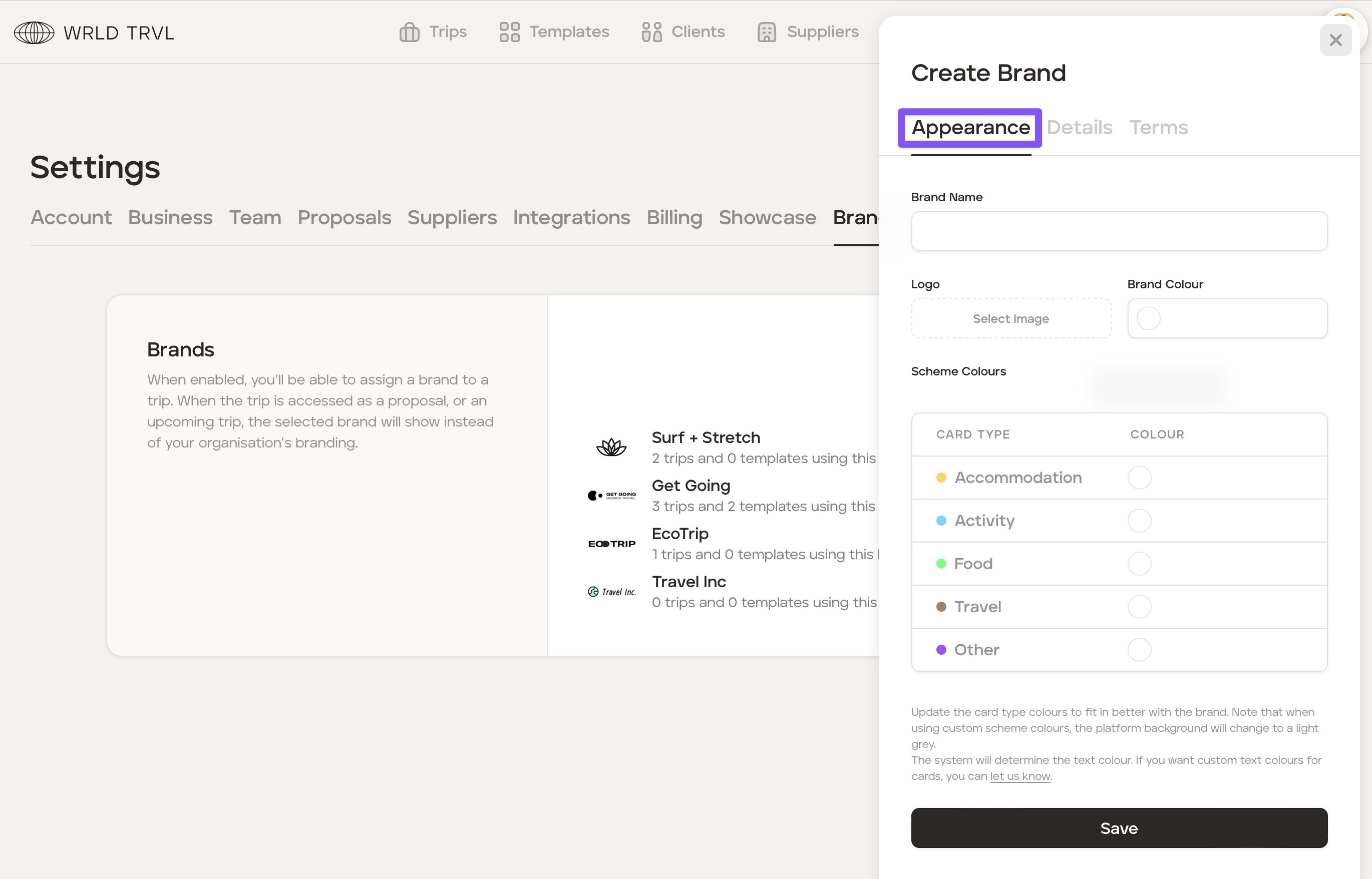
In the 'Appearance' tab add:
Your business partner's brand name
Your business partner's logo
Optional: Your business partner's main brand colour
Optional: Your business partner's card type ('Accommodation', 'Activity', 'Food', 'Travel' and 'Other') colours to align with their brand colours.
Click 'Save.'
Click the 'Details' tab to add:
Optional: Your partner's contact name
Optional: Your partner's email address
Optional: Your partner's phone number.
Click 'Save.'
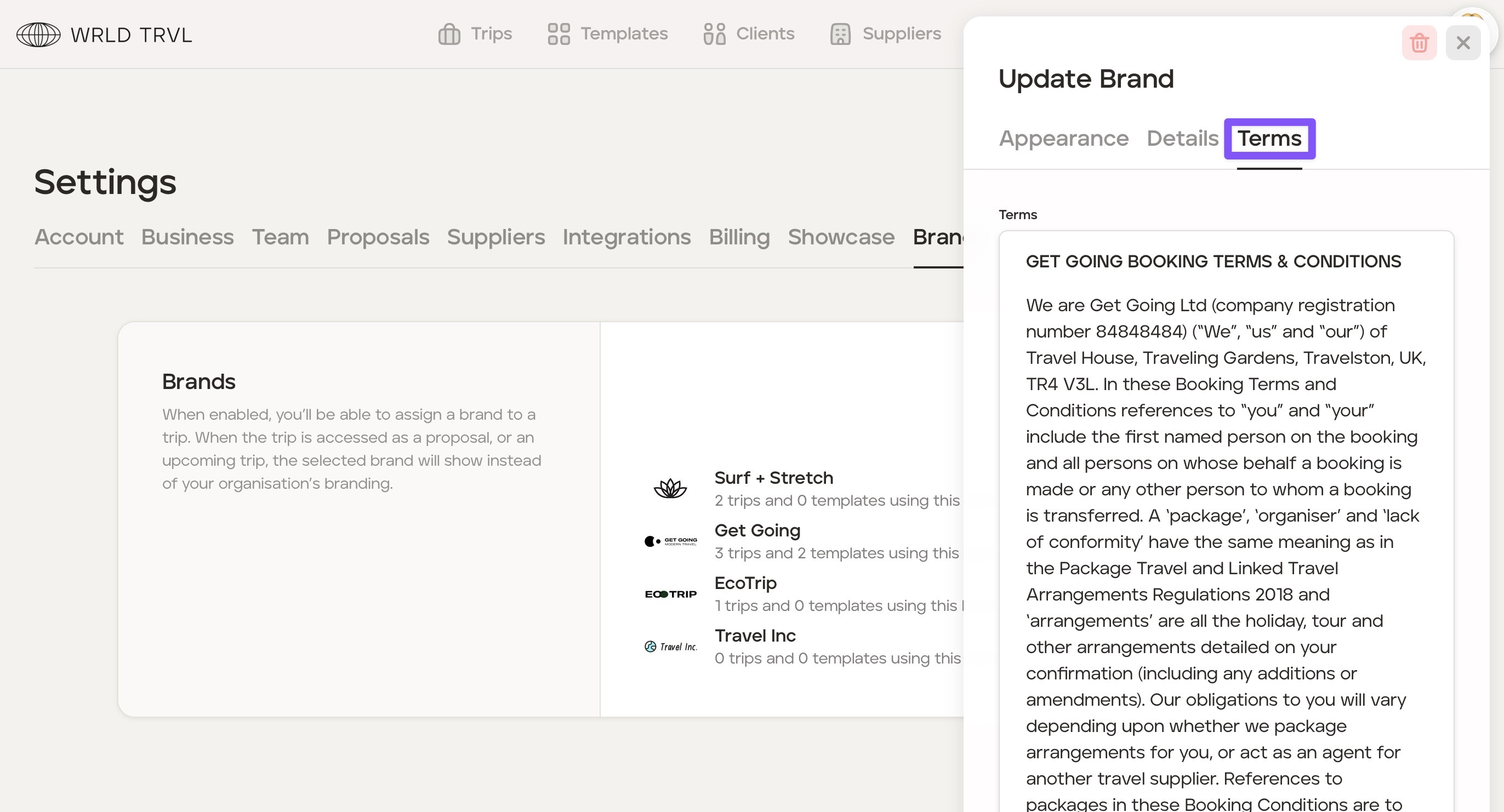
Click the 'Terms' tab to add your partner's terms and conditions (optional). If added, these terms and conditions will need to be accepted by travellers on web proposals before approving the proposal.
If terms are added, click 'Save.'