

Delete a template itinerary
Go to your ‘Templates’.
In the 'Itinerary' tab select the relevant template itinerary.
Click ‘Edit Template’ in the top right-hand of the screen.
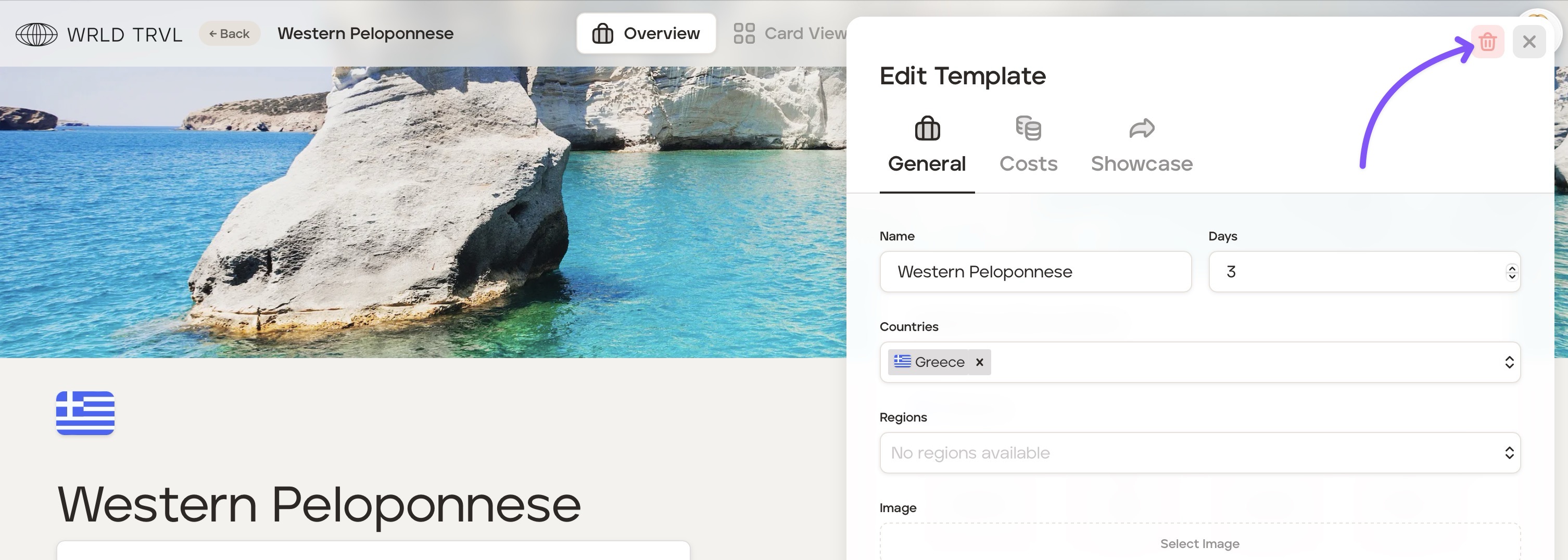
Click the red trash can icon to delete the template itinerary.
Was this helpful?