

What are template documents and how do you create them?
'Template documents' are documents you can create and then quickly add to the 'Overview' on template itineraries and trip itineraries. The primary purpose of template documents is to save you time and to ensure large portions of text are well presented to your clients.
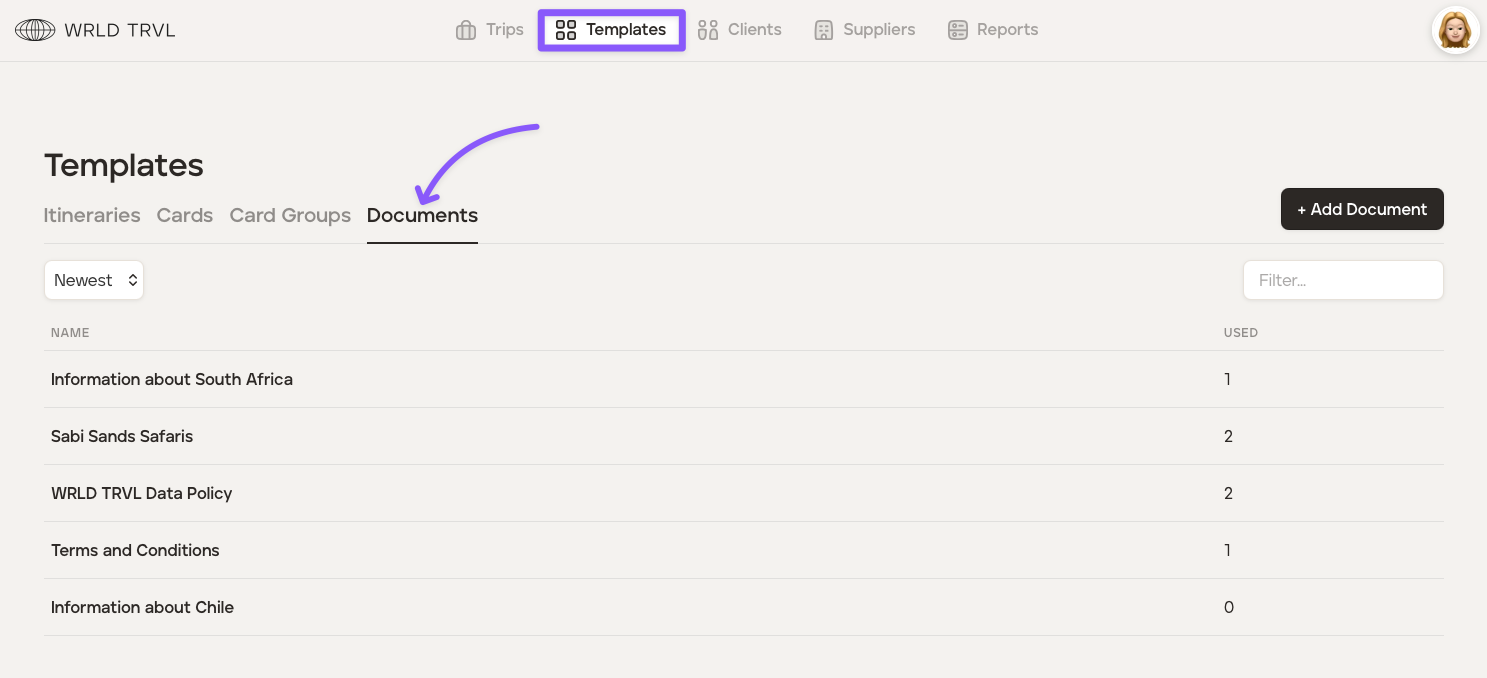
Head to the 'Templates' section and then click the 'Documents' tab.
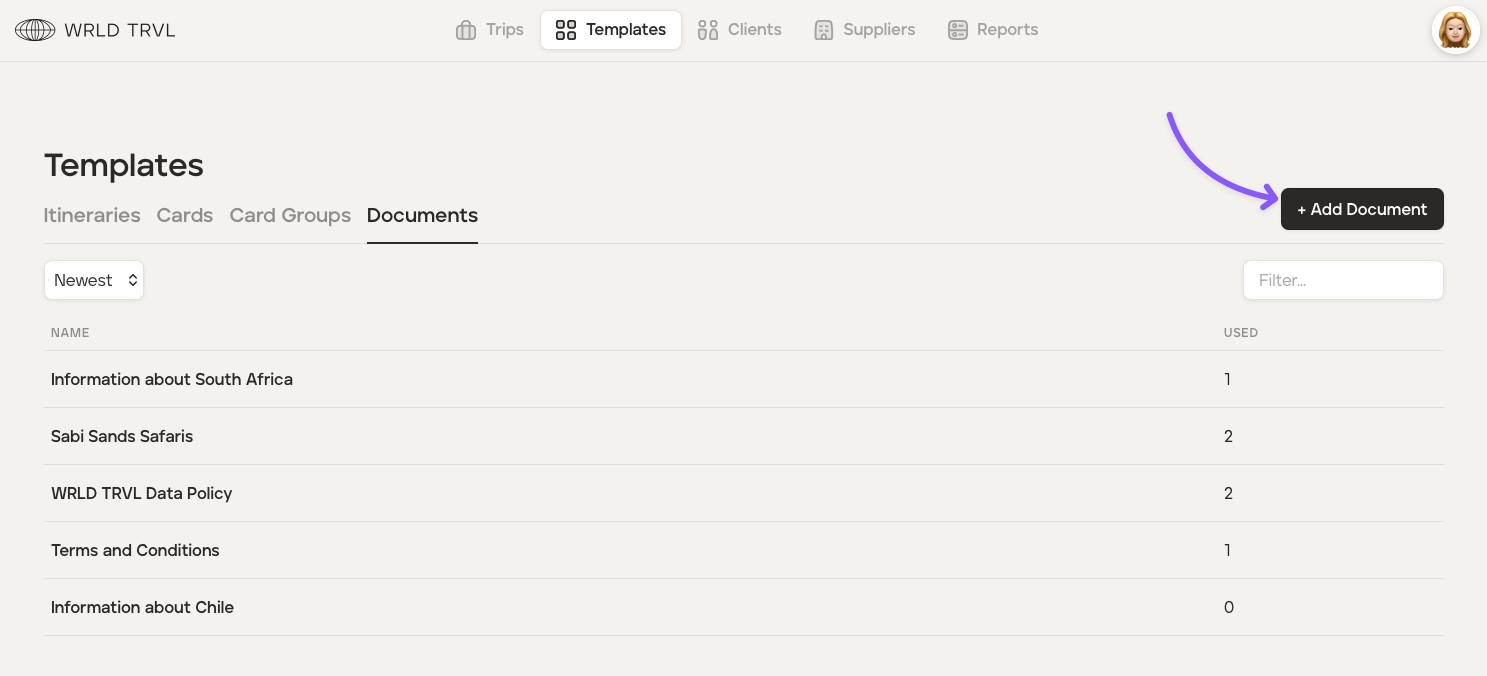
Click the '+ Add Document' button.
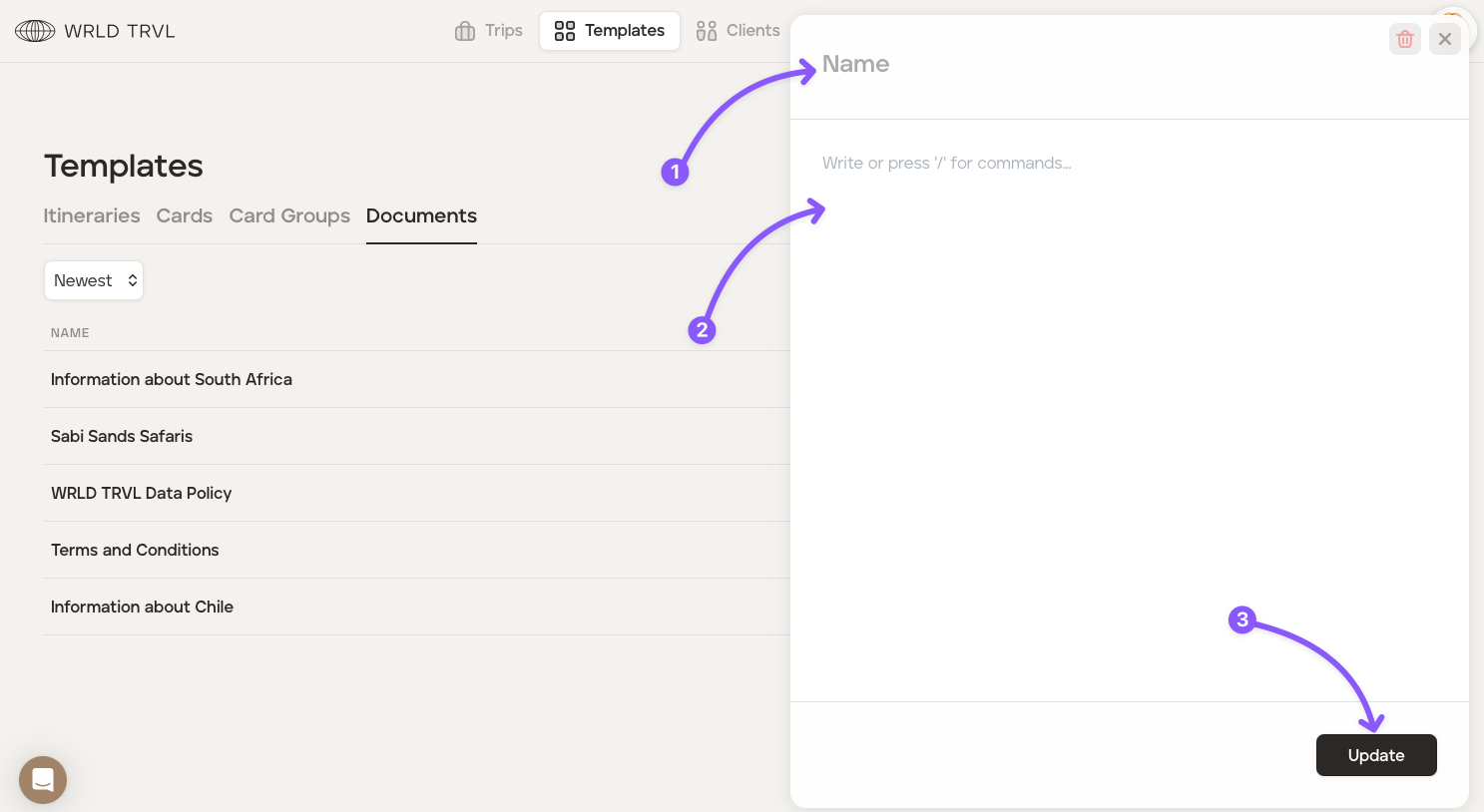
A blank field will open for you to insert the document content.
Add the name of the document
Insert the text. Press '/' for commands (headers etc) and highlight text for font styles (bold, italics, bullets etc).
Click 'Update' to save the document or if you have editted a previously created document.
To add a template document to the 'Overview' of an itinerary, select the applicable itinerary.
In the 'Overview' select the block you wish to add the document to. Click 'Docs' and then '+Add' and then select the applicable document.
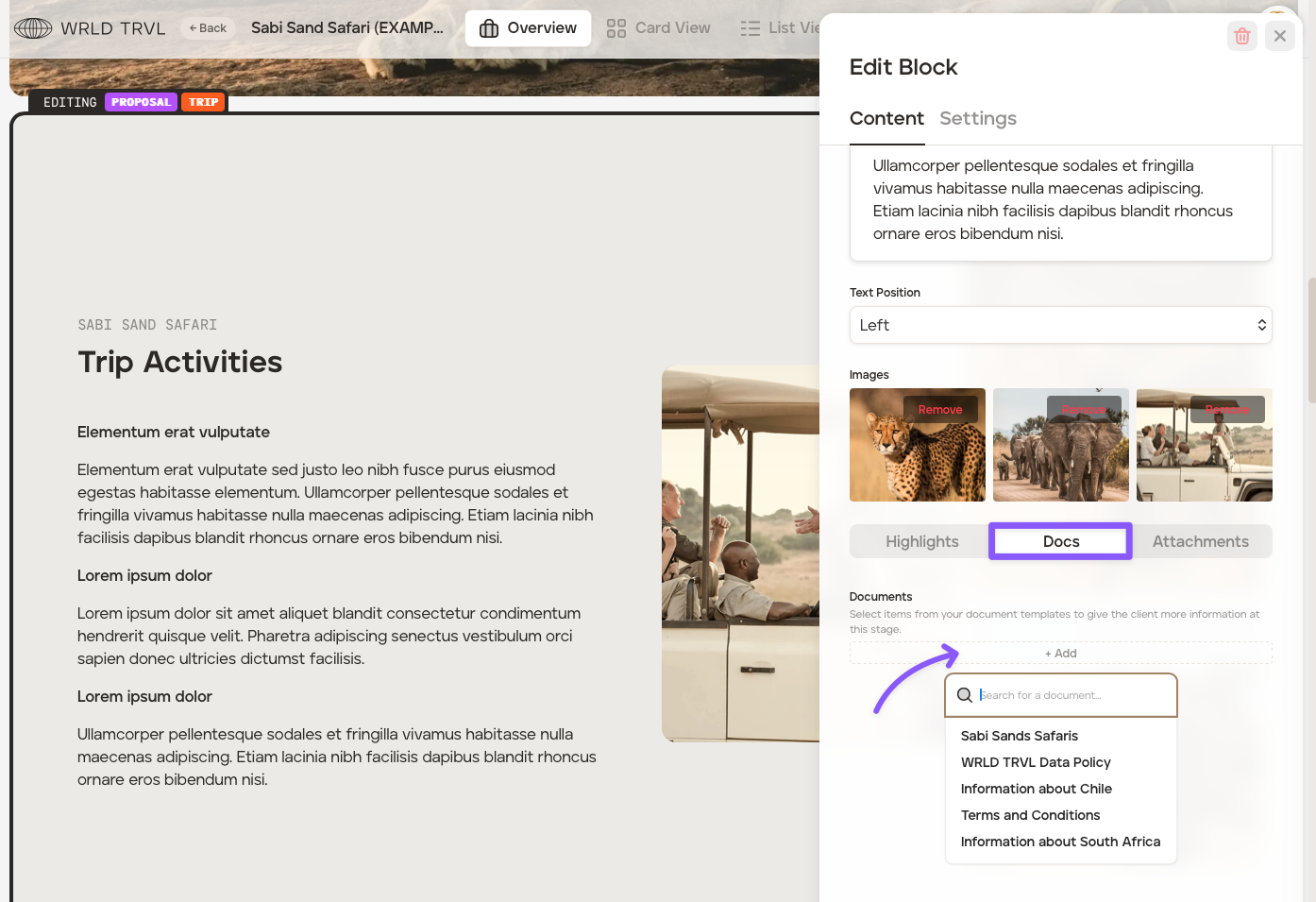
The document will then show on the block.
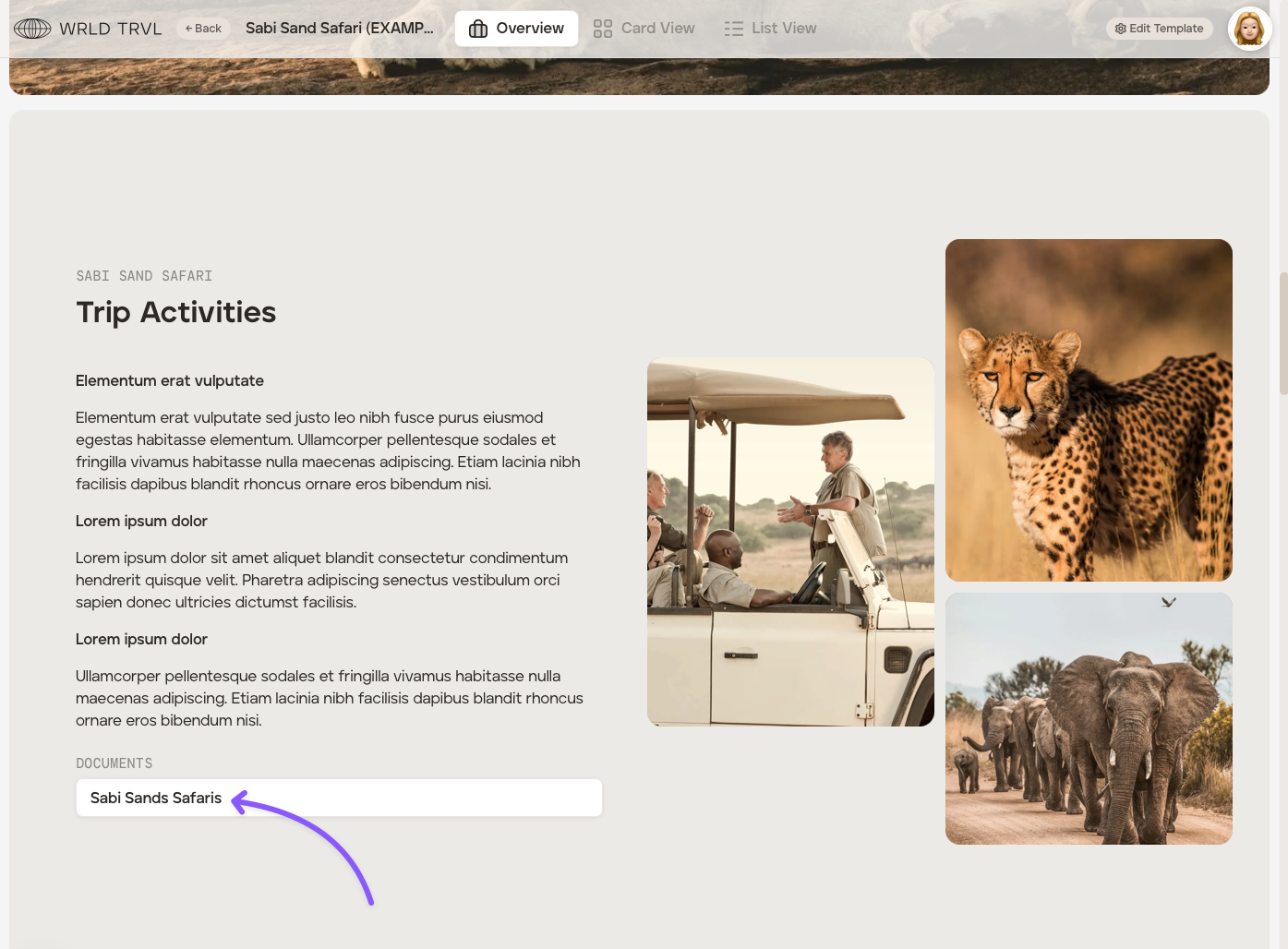
Once shared with your client, either as a proposal or when viewed as an itinerary on the app, your client will simply click the document to reveal the text.