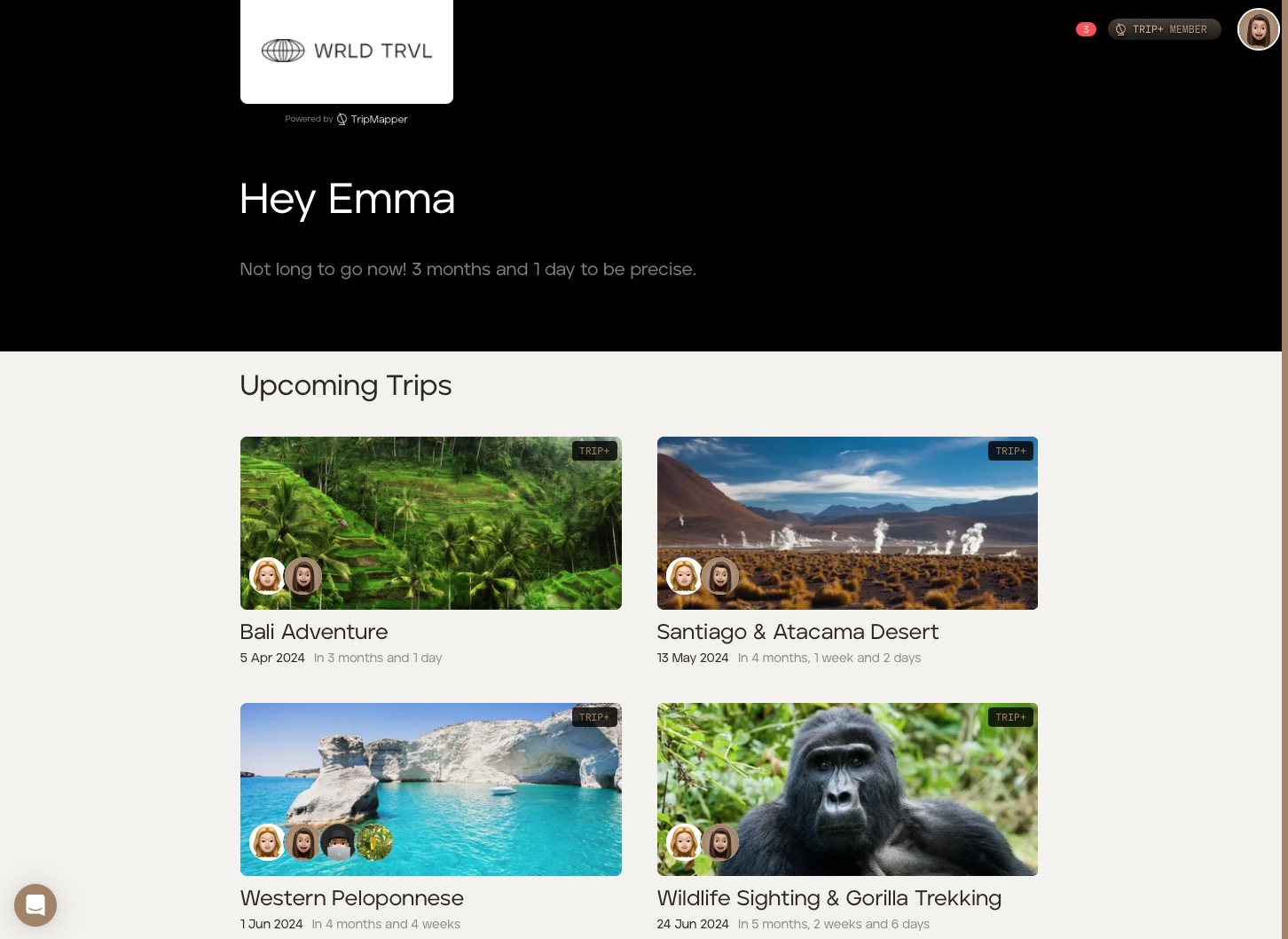
What do proposals and the upcoming itinerary on the app look like after adding company branding?
WRLD TRVL has added its business information in the 'Company Information' section in the 'Business' tab. It has:
added WRLD TRVL's contact details;
added the WRLD TRVL logo;
changed the default colours for the itinerary card types ('Accommodation', Activity', 'Food', 'Travel' and 'Other') to be more in line with the WRLD TRVL company branding; and
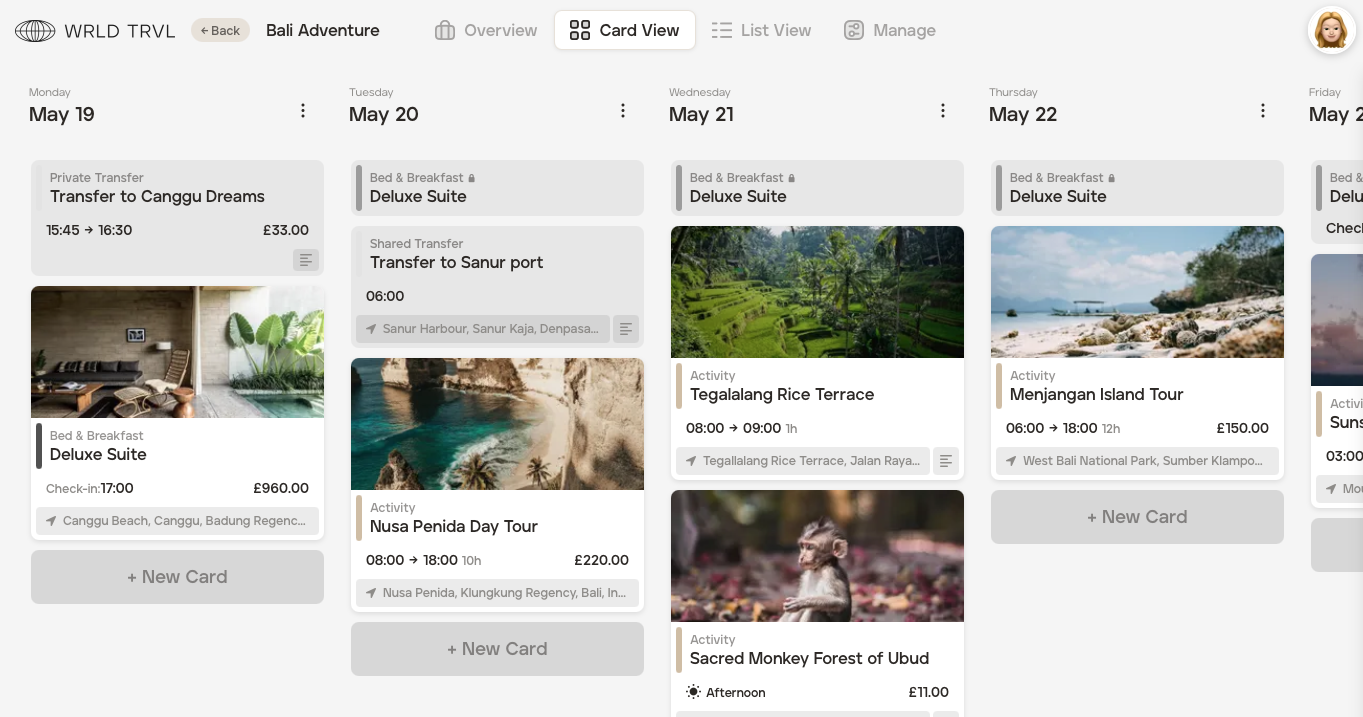
decided to use more 'subtle' colours on the 'Card View' itinerary layout.
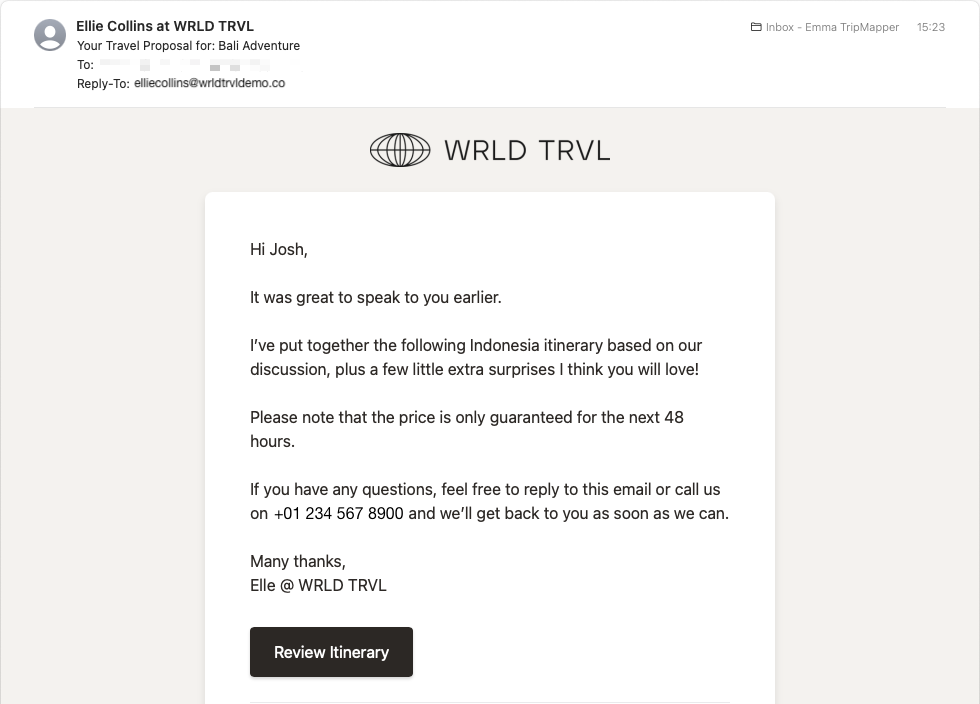
What does the branding look like when Elle sends a 'Proposal' to her client, Josh?
Proposal email from Ellie Collins to a client, Josh, via the platform:
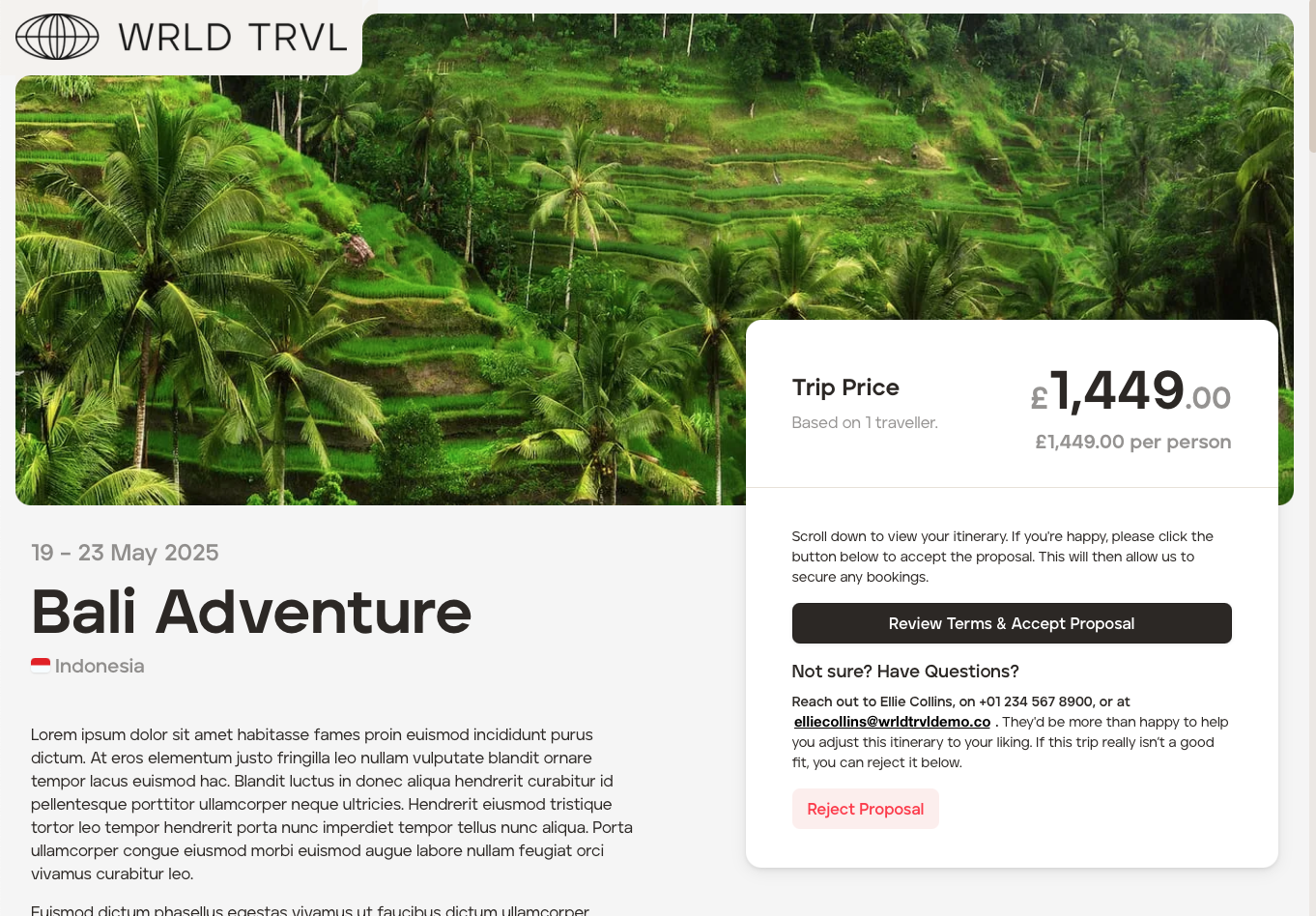
Client's view of the read-only proposal containing WRLD TRVL branding, agent contact details and terms
Web
'Overview' screen containing the WRLD TRVL logo, agent contact details and button to the WRLD TRVL terms (which can be reviewed and accepted by the client):
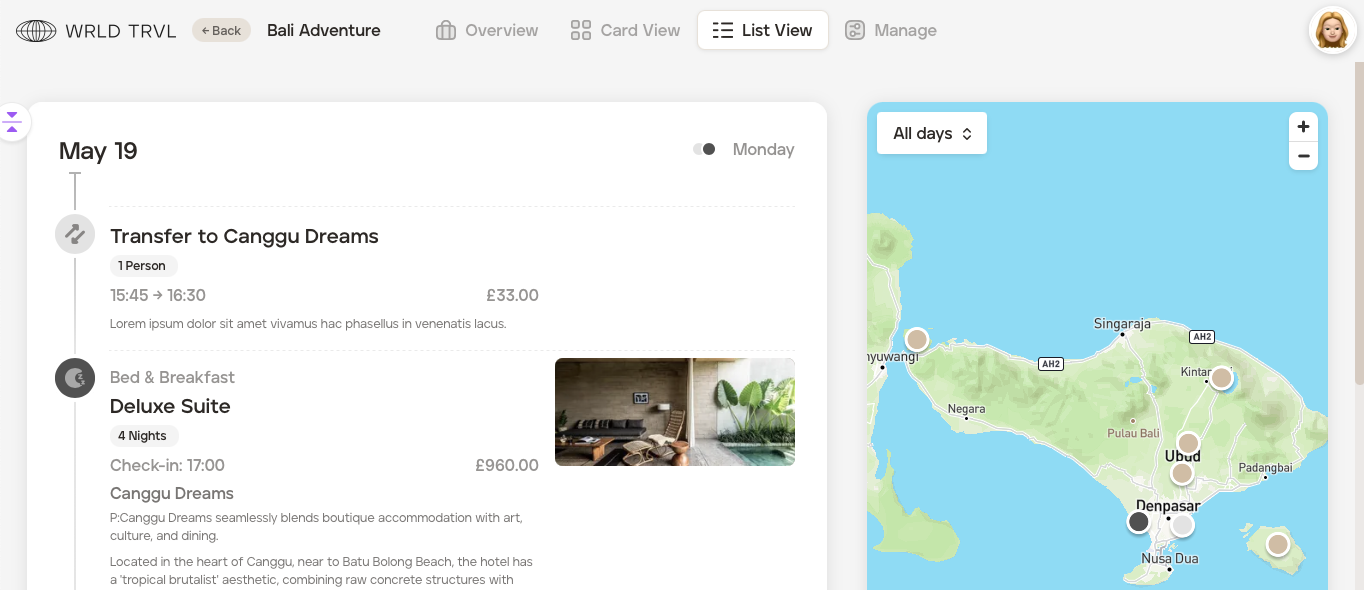
'List View' screen containing the WRLD TRVL logo and WRLD TRVL category colours on the icons (left) and map pins:
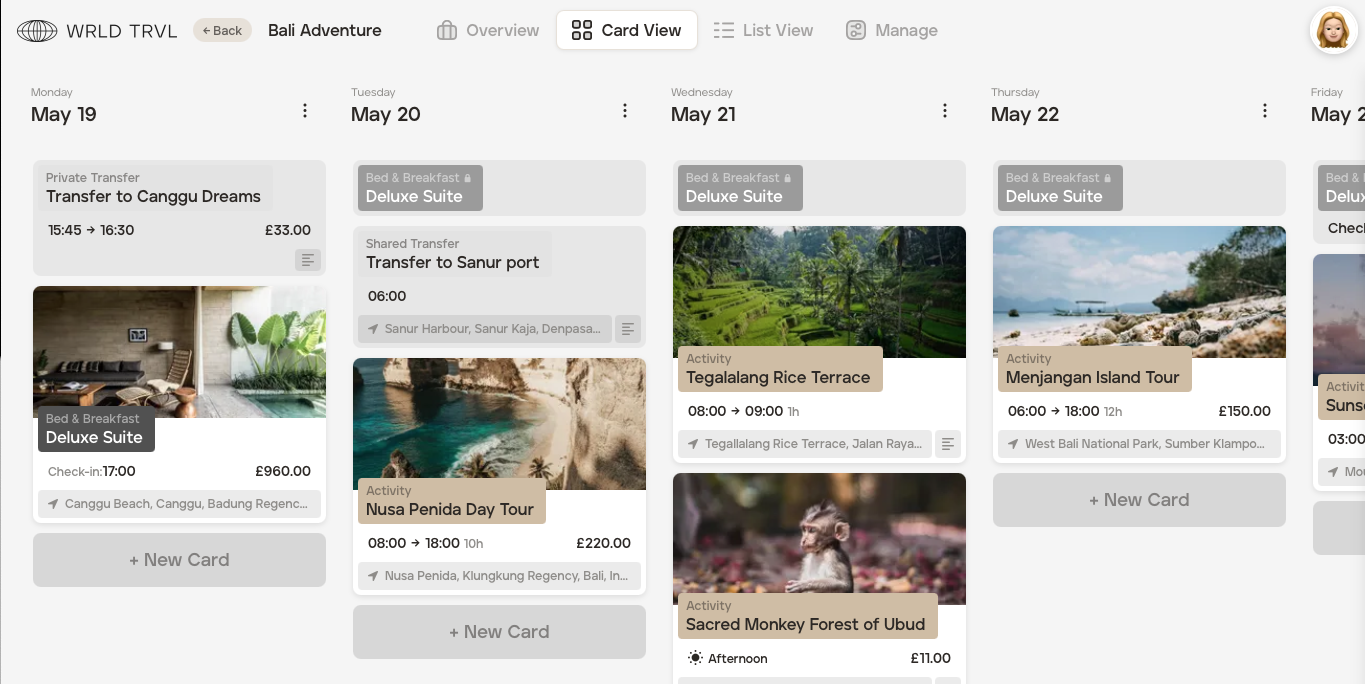
'Card View' screen containing the WRLD TRVL logo and WRLD TRVL category colours (shown in both bold and subtle layouts):
Bold colours:
Subtle colours:
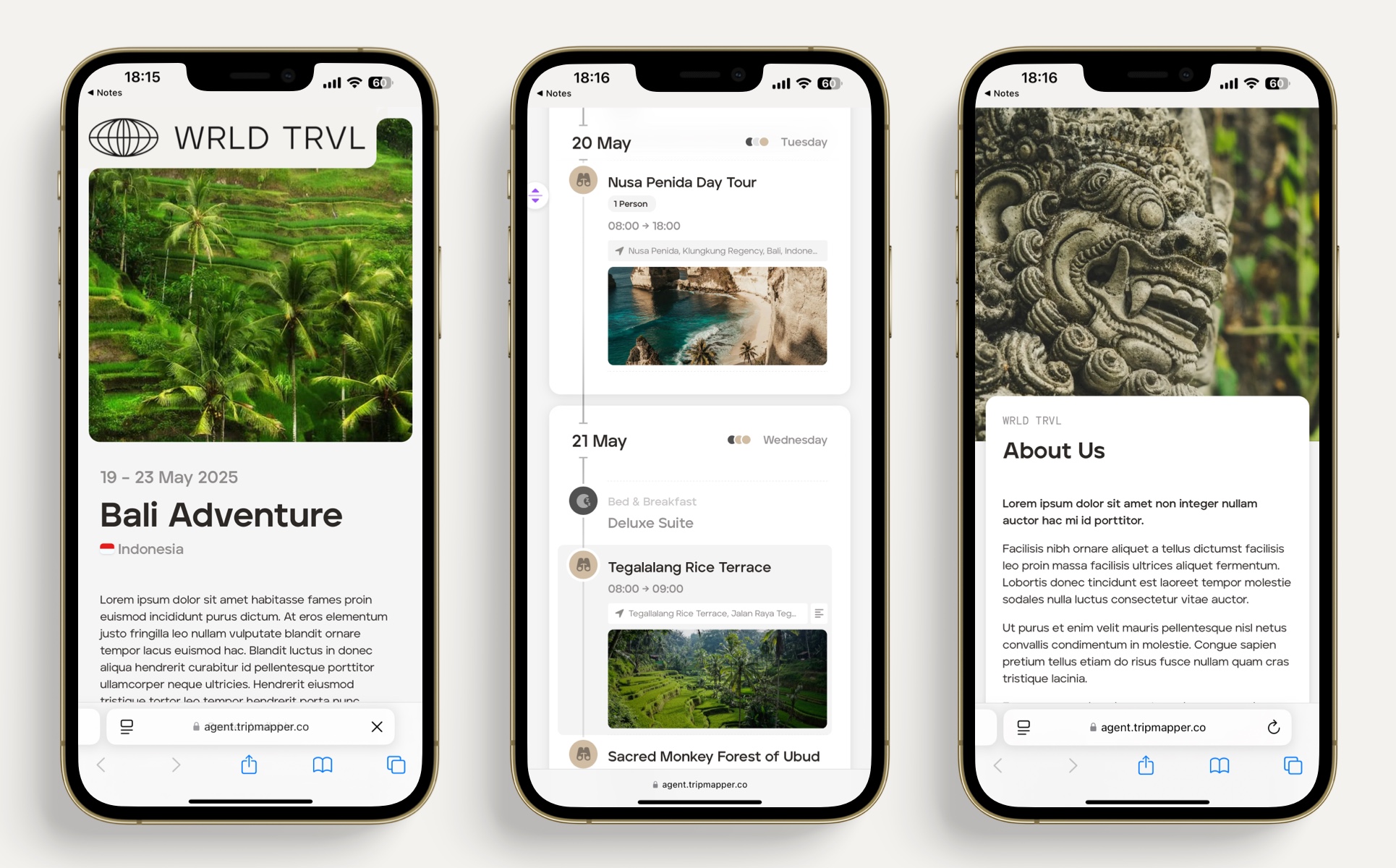
Mobile
The proposal is also mobile-friendly:
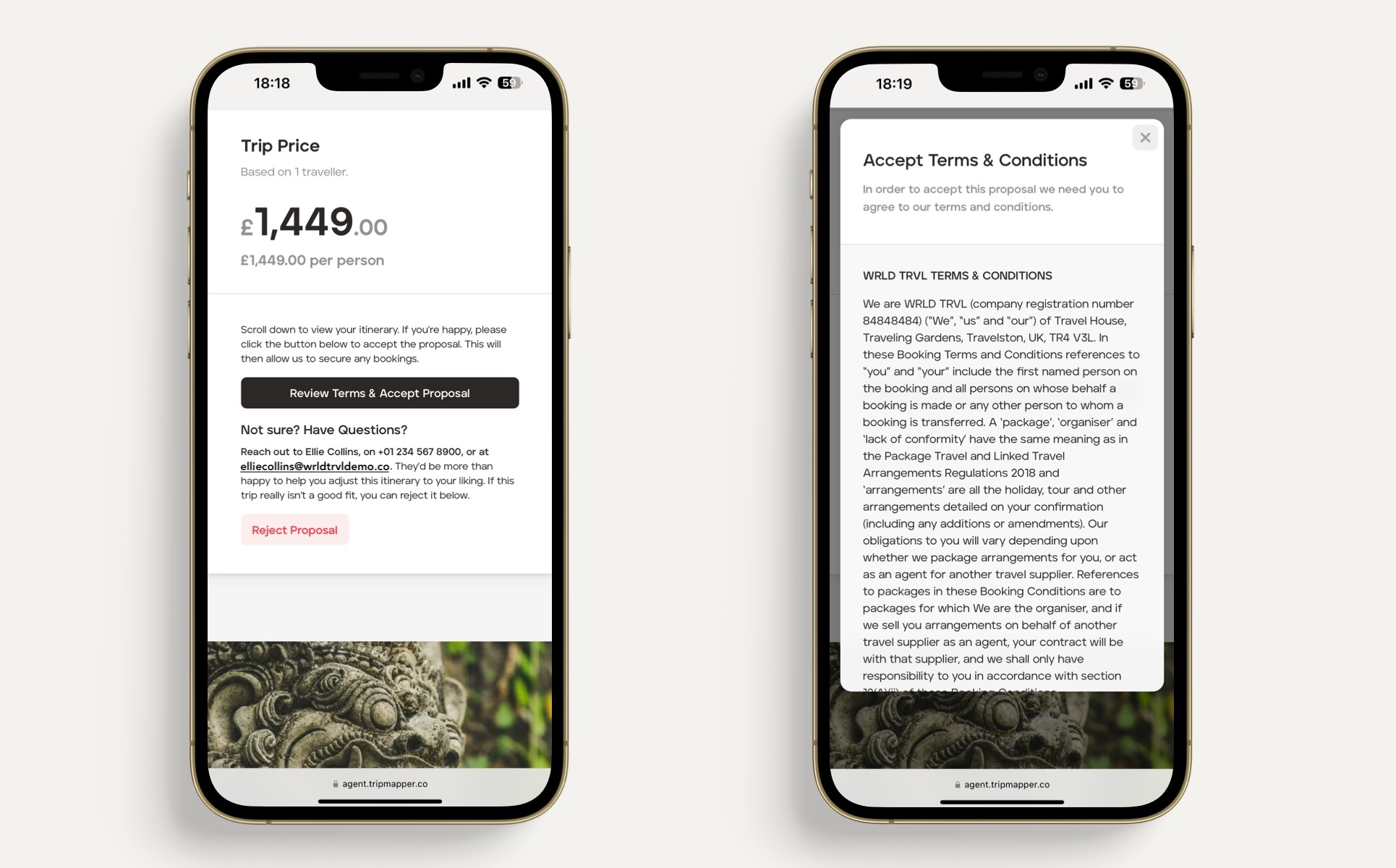
The client's proposal contains the WRLD TRVL terms and conditions, which can be reviewed and accepted on the client's mobile:
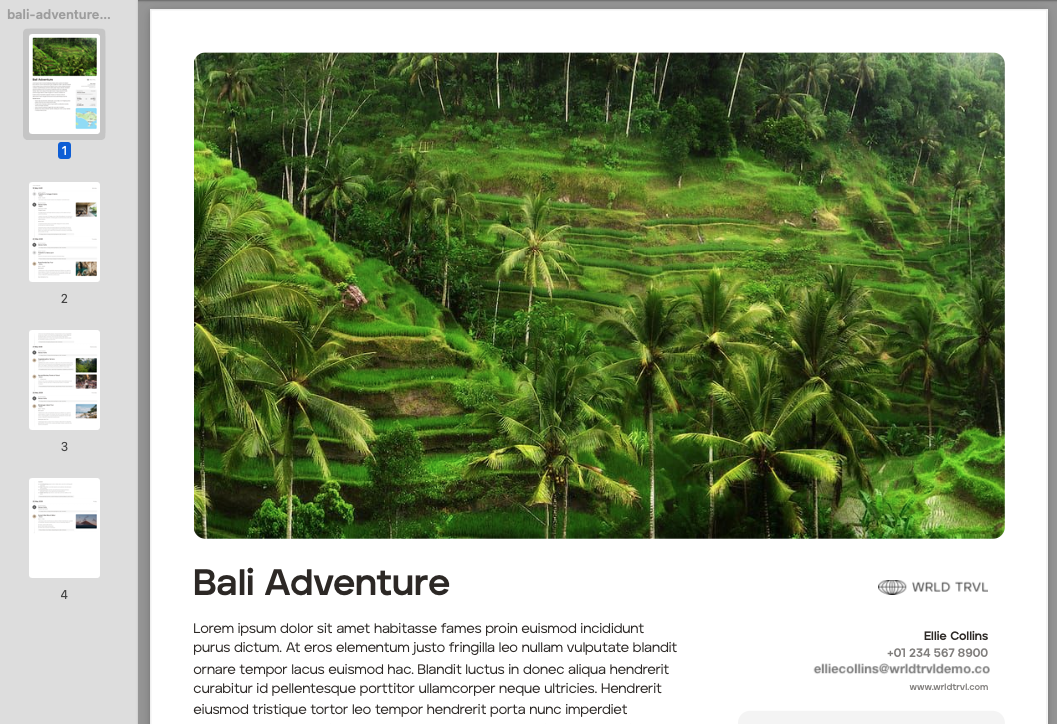
Example: PDF itinerary containing WRLD TRVL branding and agent contact details
'Upcoming' trip
After the 'Proposal' has been approved and you have finalised your client's 'Upcoming' itinerary, you can invite them to access their itinerary, tickets and flight information on the TripMapper Personal web and/or mobile app.
When you invite them, the client will receive an email informing them that you have invited them to view their itinerary and that after accepting the invite, they will be able to access their itinerary on the TripMapper Personal web and mobile app. If the client doesn't already have a TripMapper account, the email will inform the client about the account creation process.
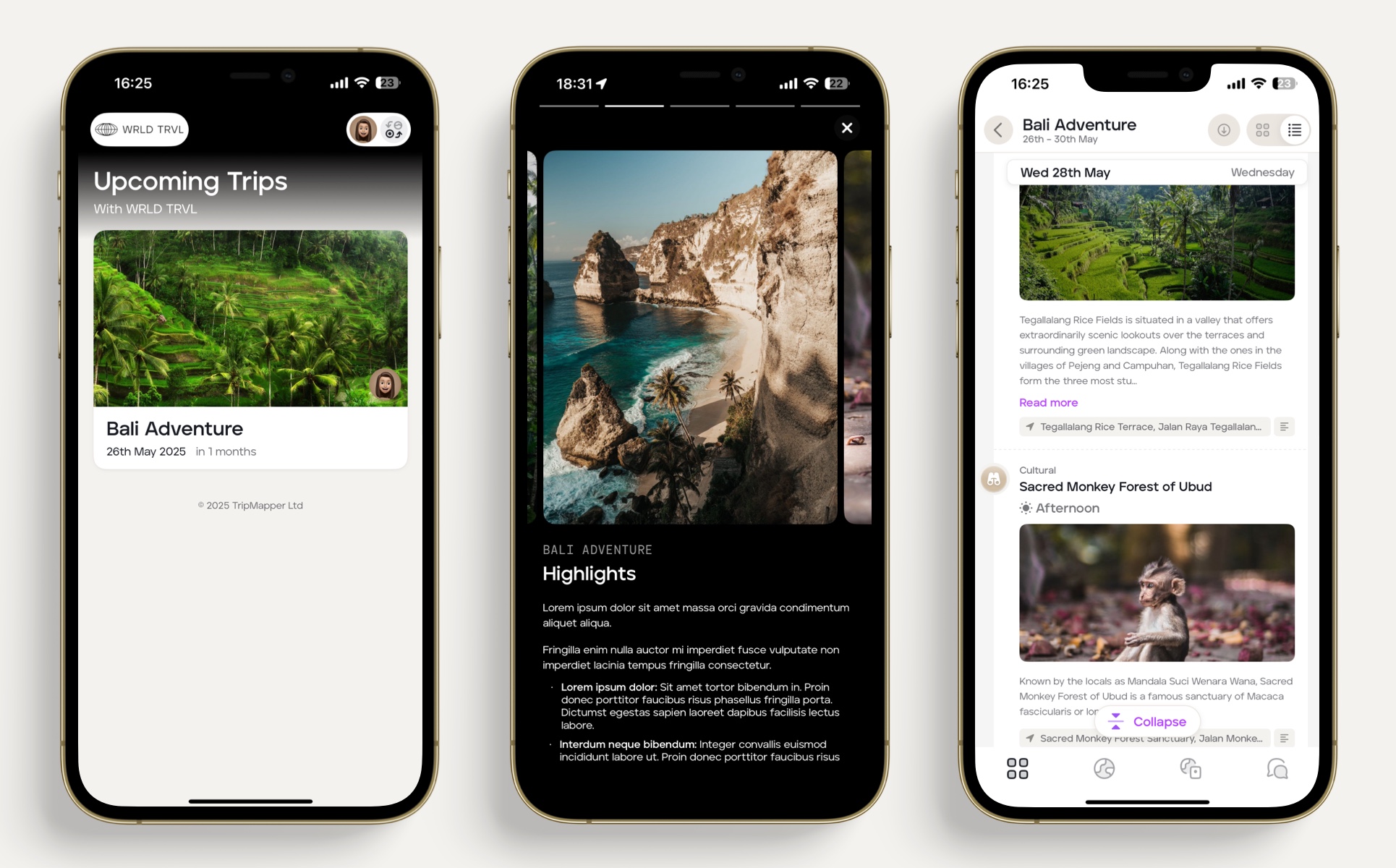
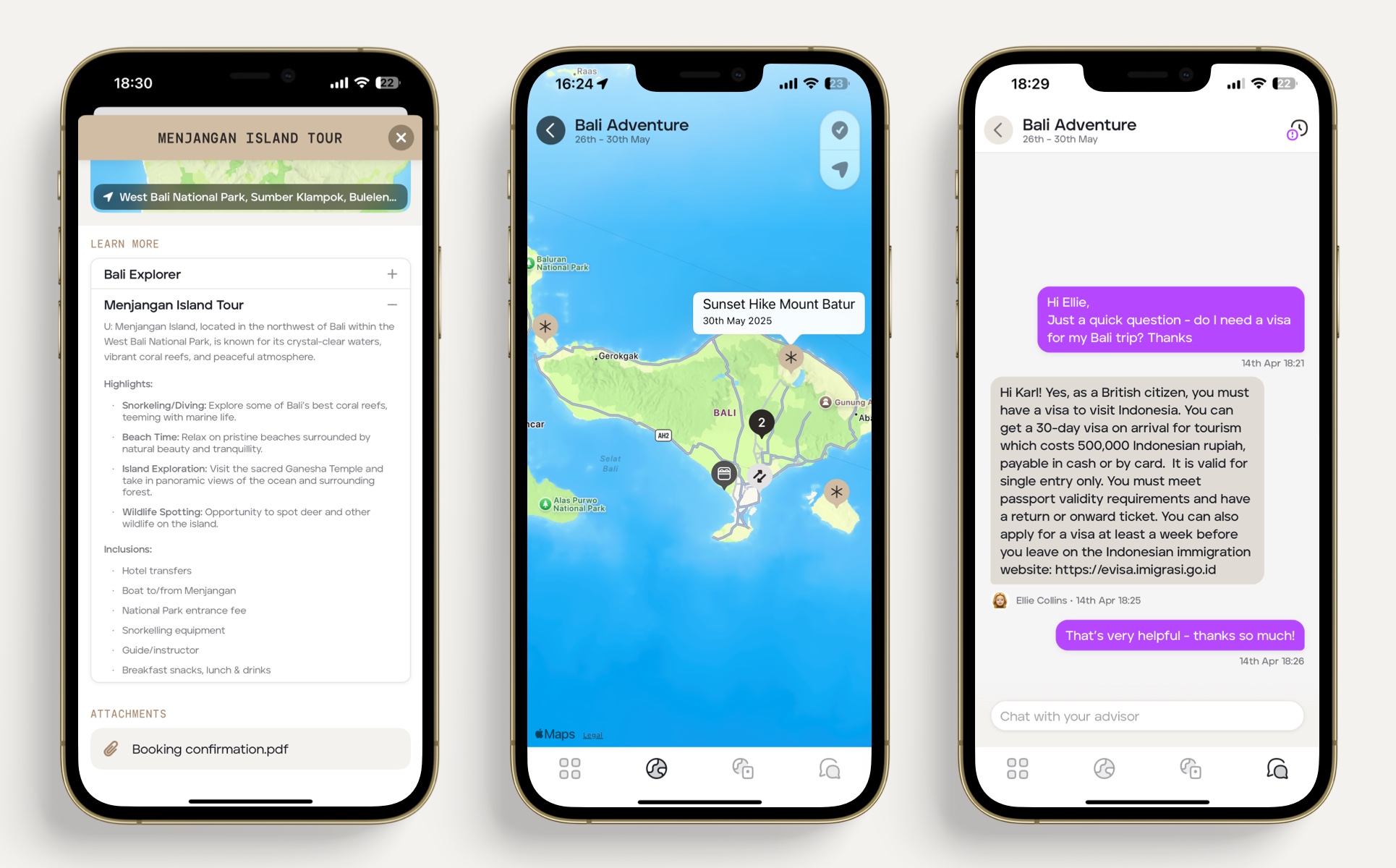
Example: Mobile app with WRDL TRVL branding and colour scheme
Example: Web app with WRDL TRVL branding