

What is the Dashboard?
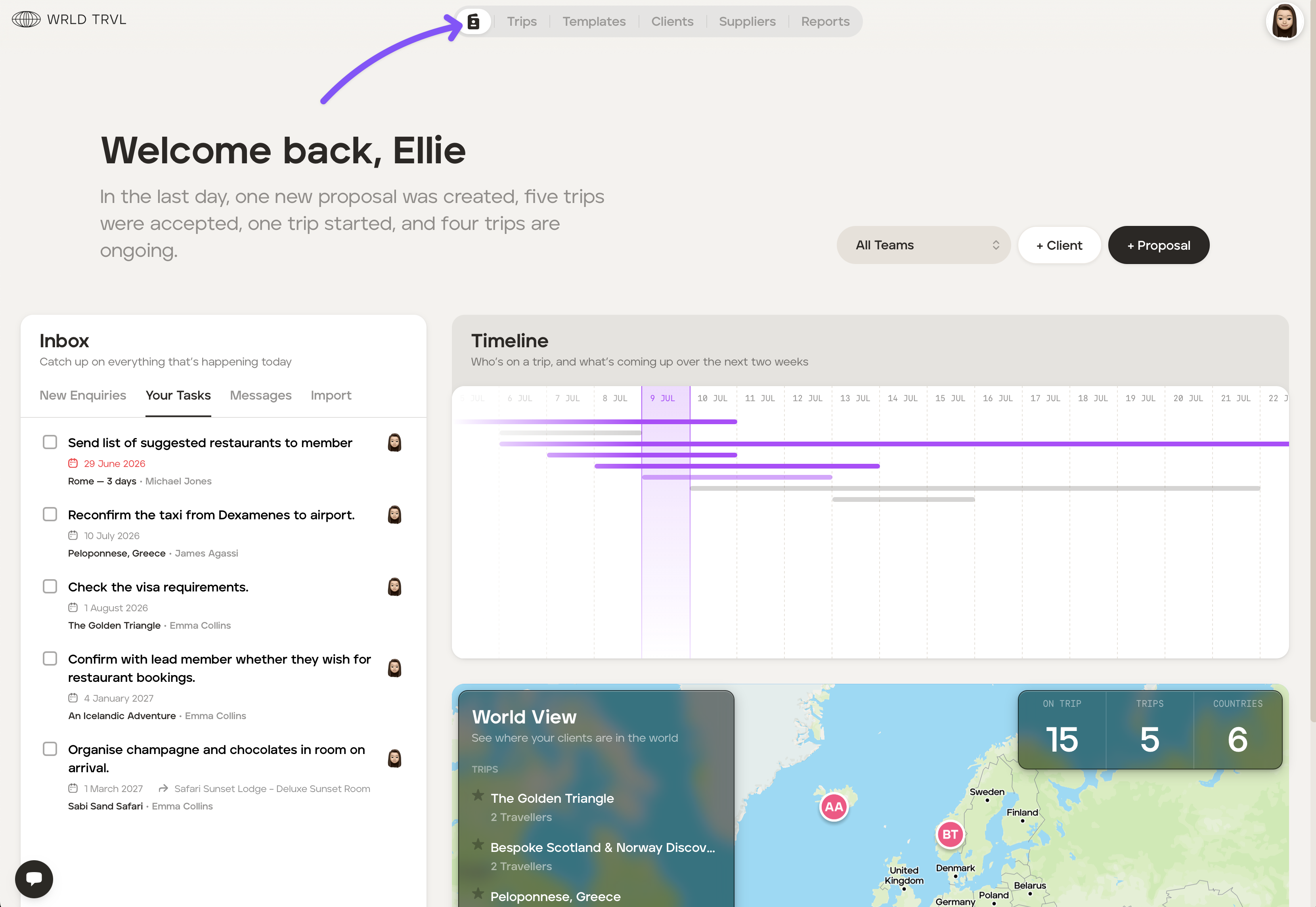
The Dashboard gives you an overview of key information in one place. From the Dashboard you can:
see all your tasks complete with due dates (click here for more information on tasks and lists);
view client messages sent via the in-app messaging;
email booking confirmations directly into TripMapper, eliminating manual entry;
see a two-week timeline of which clients are currently travelling; and
explore an interactive map showing your clients' trip destinations.
Everything you need is available at a glance, helping you stay organised.
To access the Dashboard click the Dashboard icon at the top of your screen as shown below:
Was this helpful?