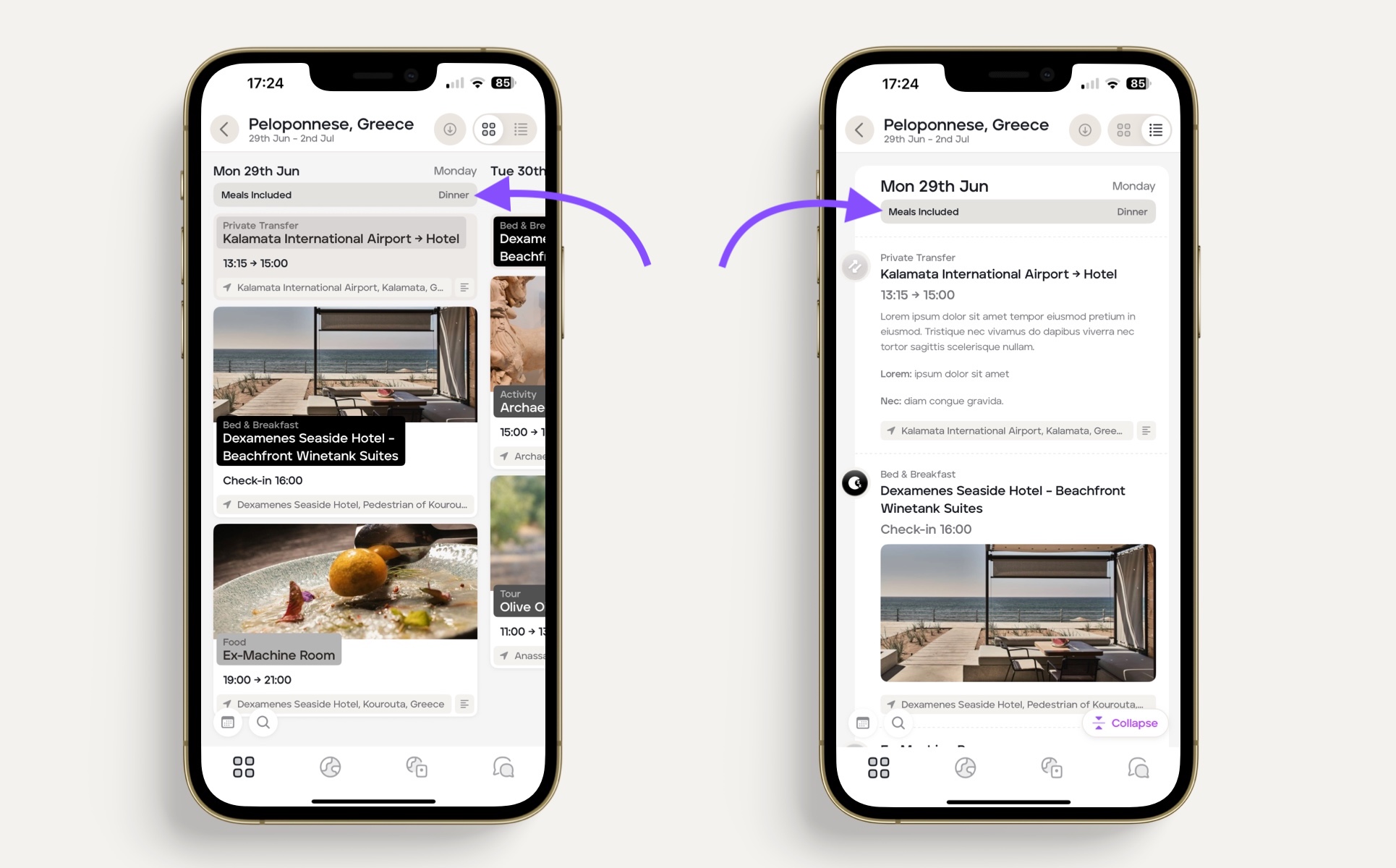
Adding meal inclusions
To provide your clients with a brief summary of daily inclusions or exclusions, for example, the meals included in the price of the trip, you can use the 'At A Glance' feature on 'Card View.'
To add inclusions and exclusions to the itinerary, follow the steps below:
Select the applicable itinerary.
Click on 'Card View.'
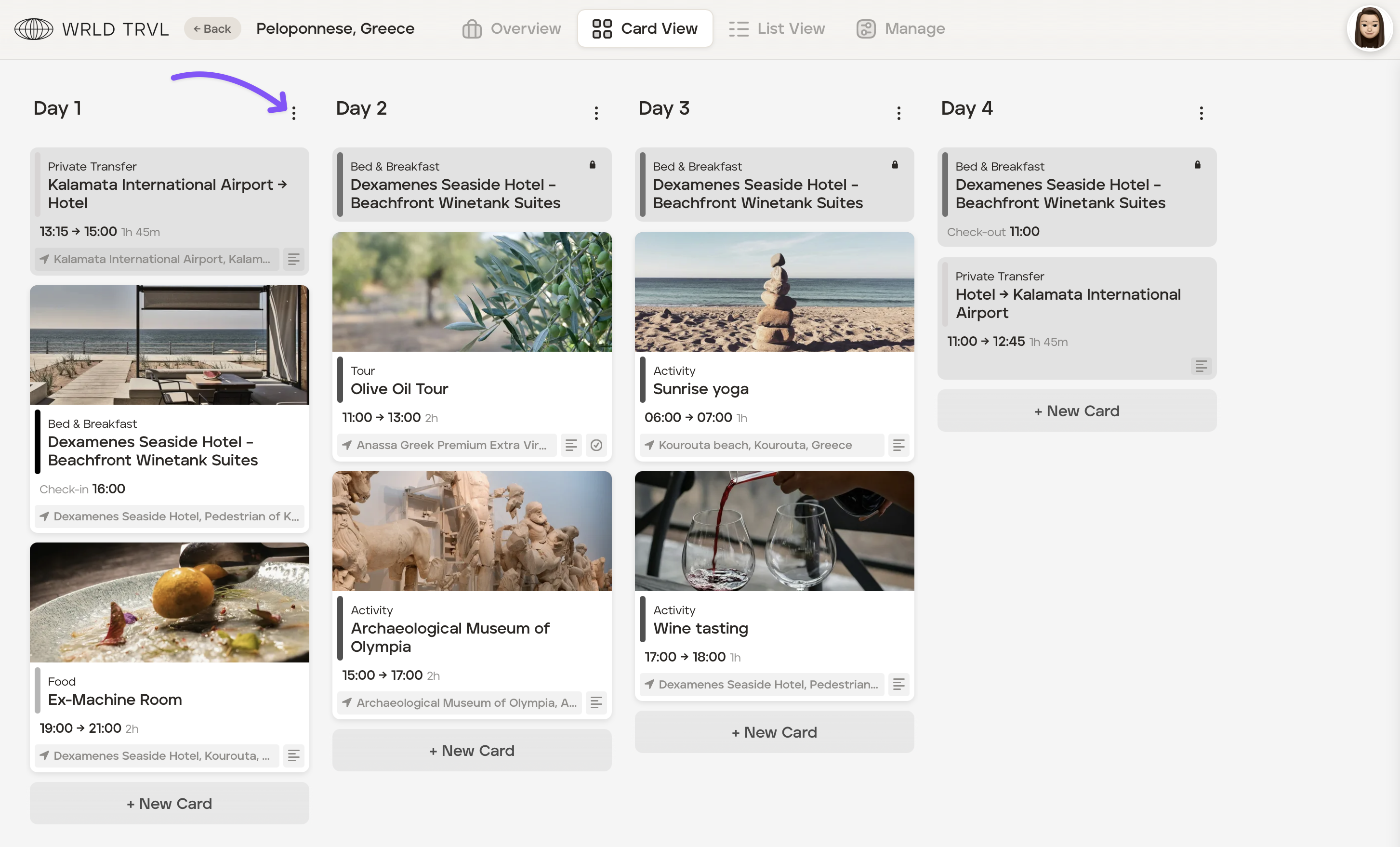
On the applicable column, click the vertical three dot menu icon,
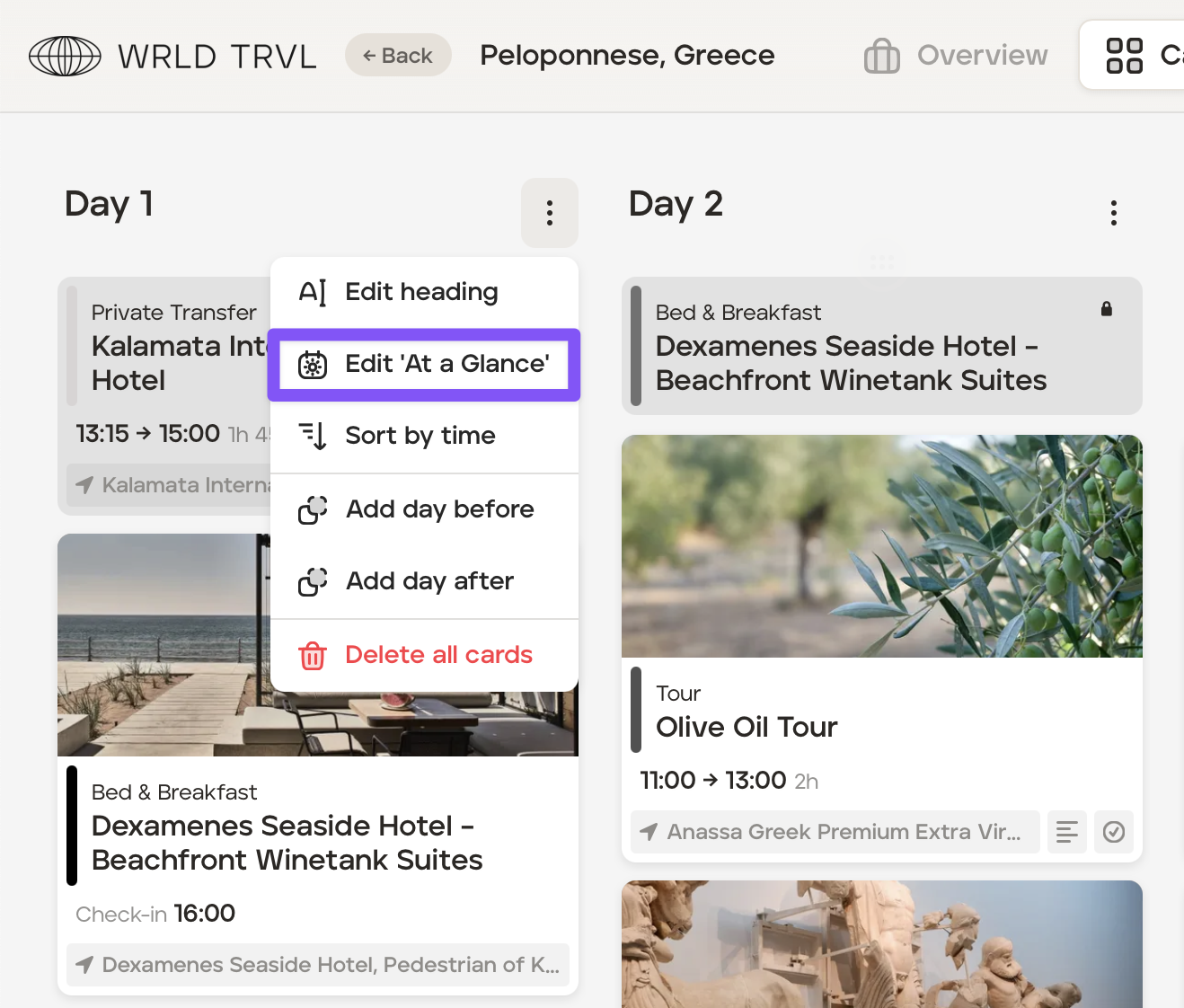
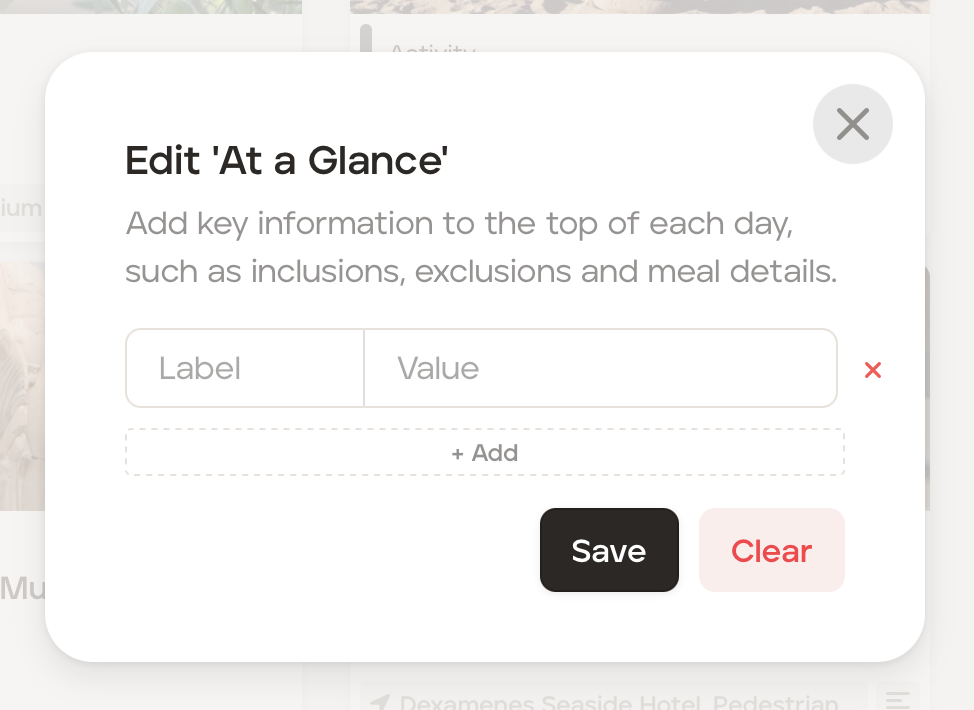
Click 'Edit At a Glance'.
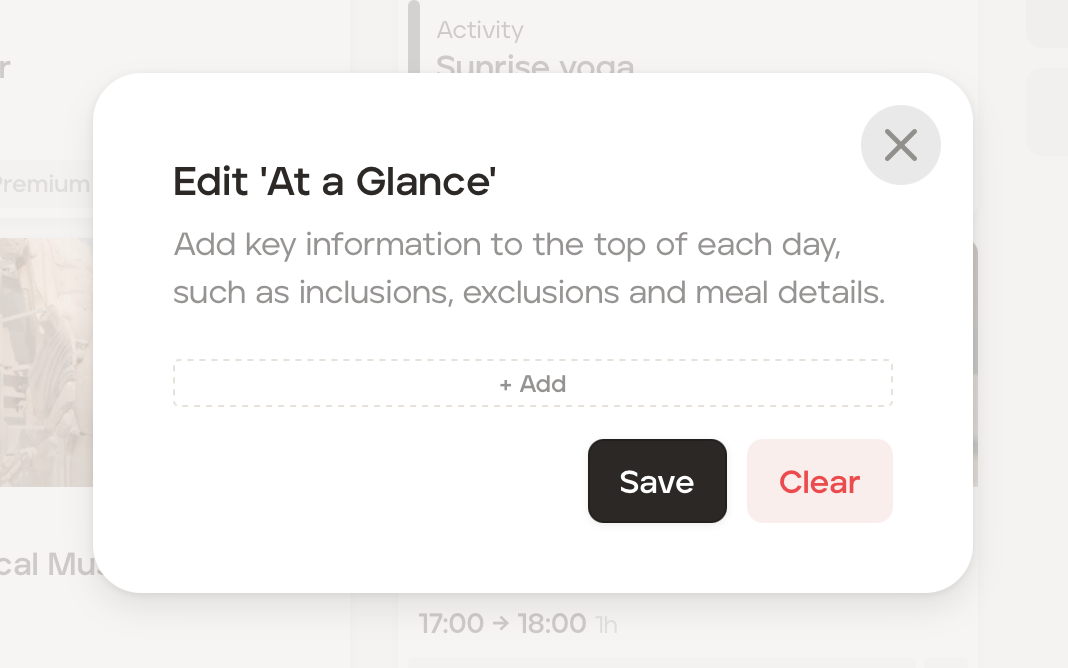
In the Edit 'At a Glance' box click '+ Add.'
In the 'Label' field type 'Meals Included', 'Meals Excluded' or 'Inclusions' for example.
In the 'Value' field type 'Breakfast and Dinner' or All tours and transportation for example.
Click the 'Save' button.
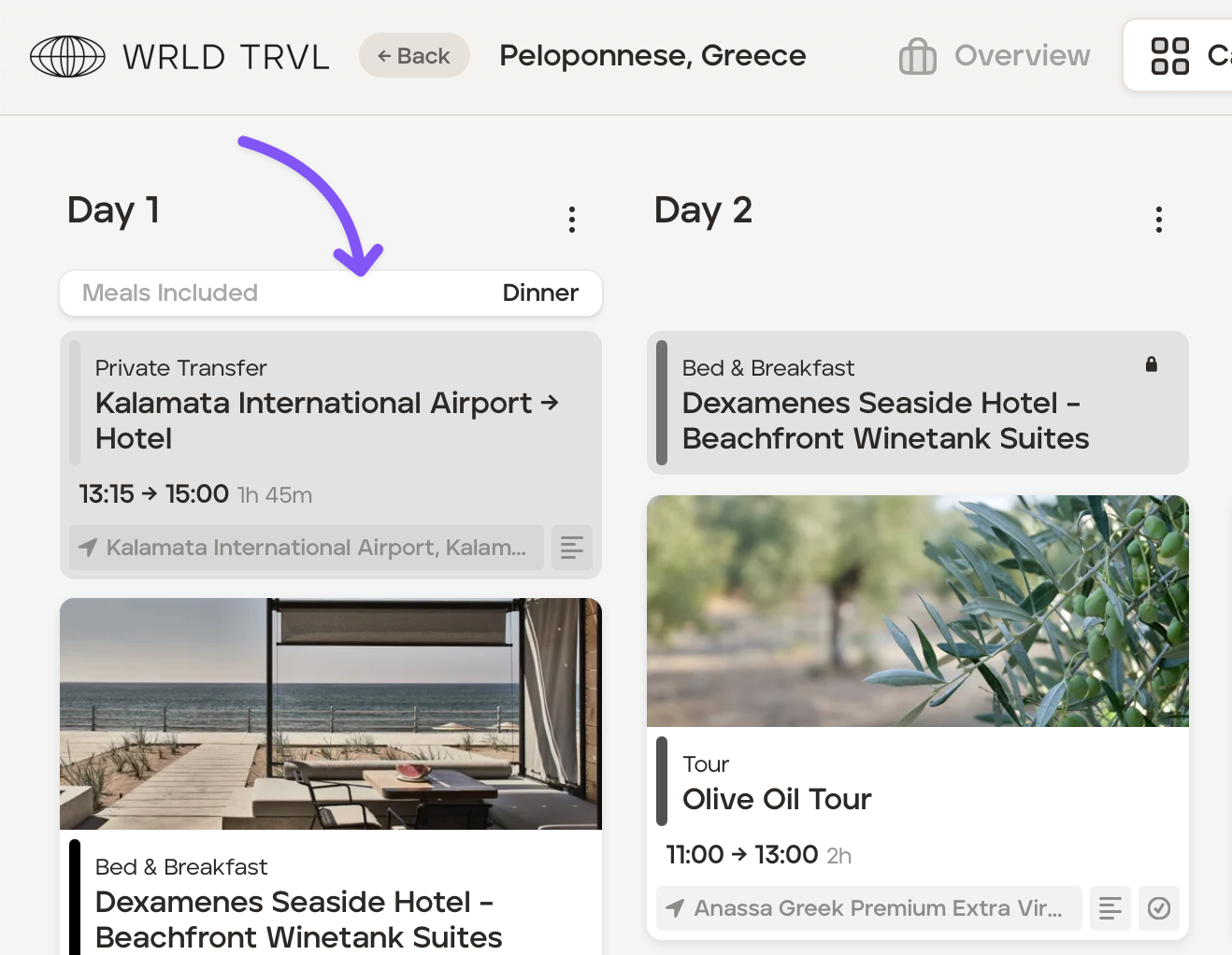
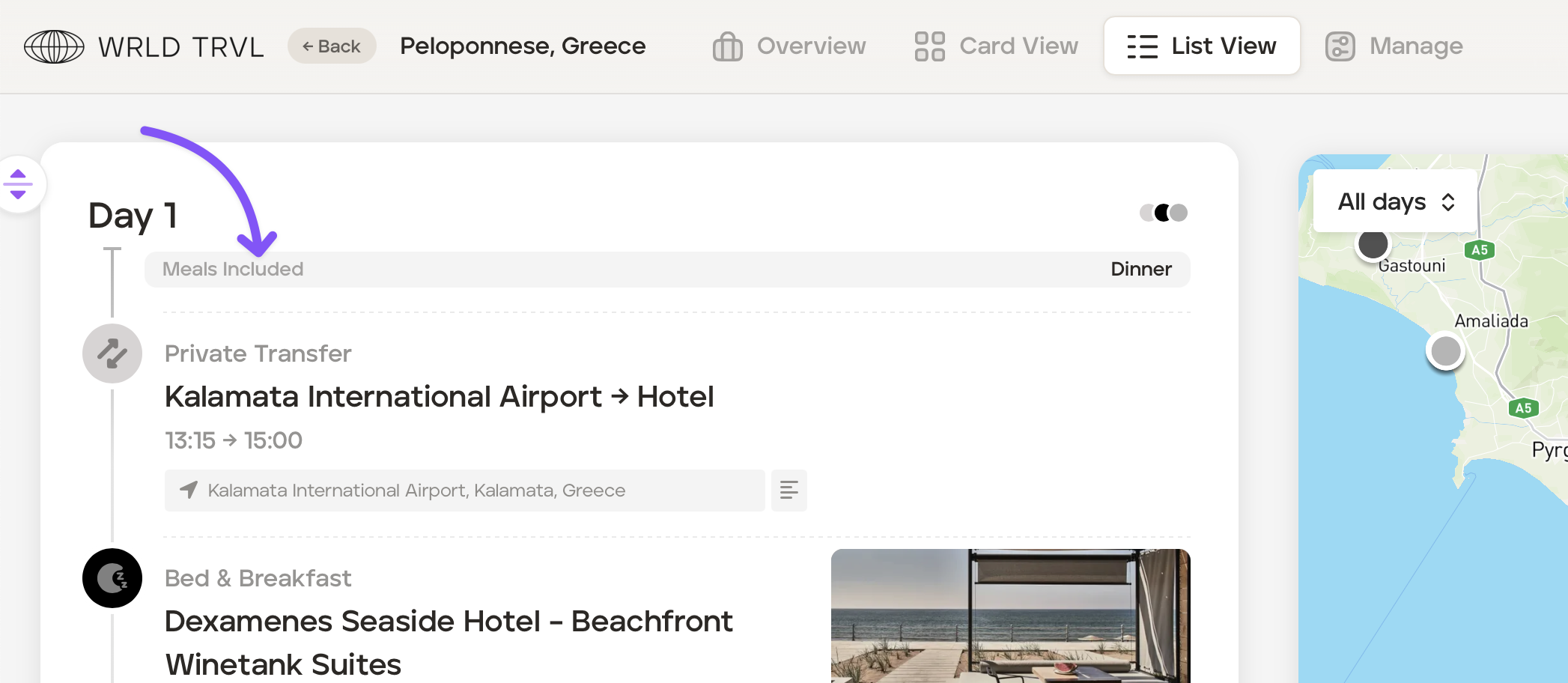
The entry will now be showing at the top of the column in 'Card View' and in 'List View' and will also show in the links and app shared with your client.
Card View:
List View:
Traveller app: