Create a template card
A card is an item on the template or trip itinerary. There are five card categories:
Travel
Accommodation
Activity
Food
Other
'Template cards' are cards which you create and then duplicate to add to itineraries. The primary purpose of template cards is to save you time!
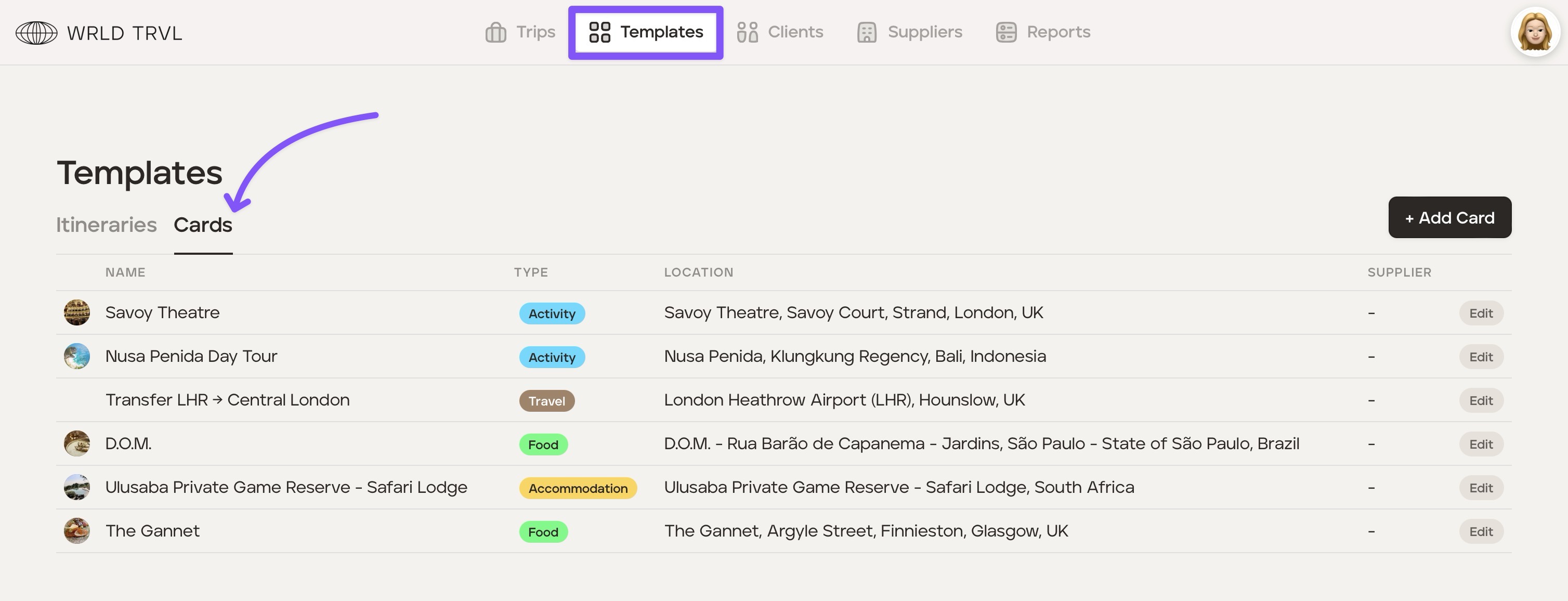
Head to the 'Templates' section and then click the 'Cards' tab.
Click the '+Add Card' button, which will bring up the launcher.
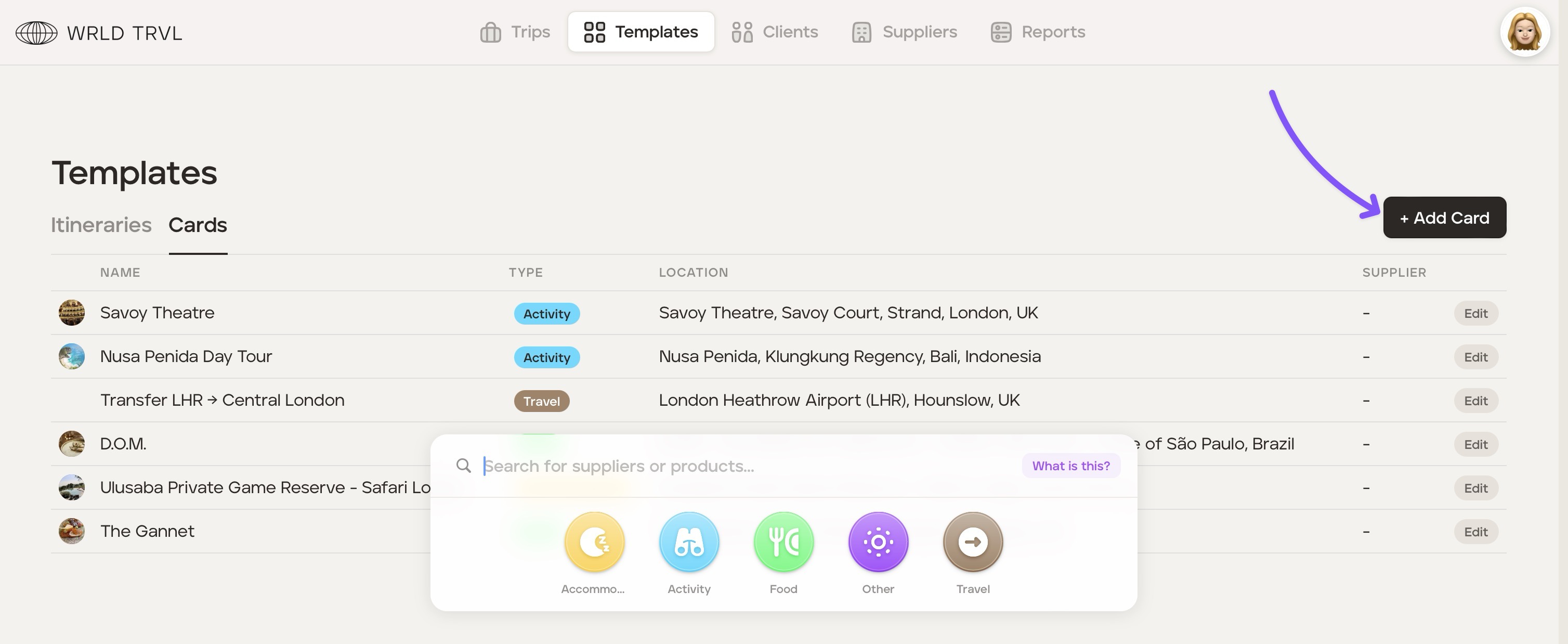
Click the relevant card category icon in the launcher (accommodation, activity, food, other or travel).
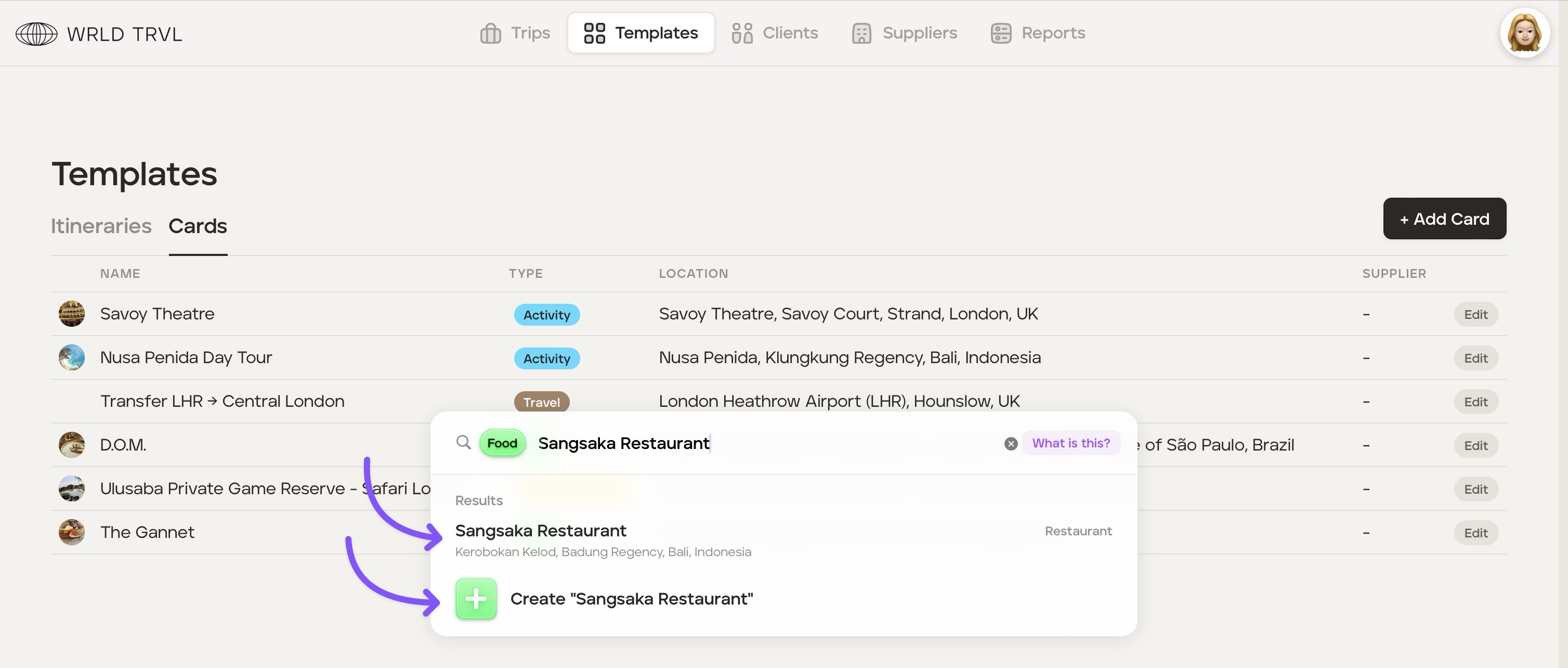
The search bar will show the card category chosen. Search for the location or add a card title. This will display:
Google location results; AND
the ability to simply create a card with the title typed in the search bar.
Click either:
the relevant Google location result (which will add the name of the result as the card title and add accompanying business data to the card); OR
'+ Create ''xxxx" which will add the card with the title typed in the search bar only.
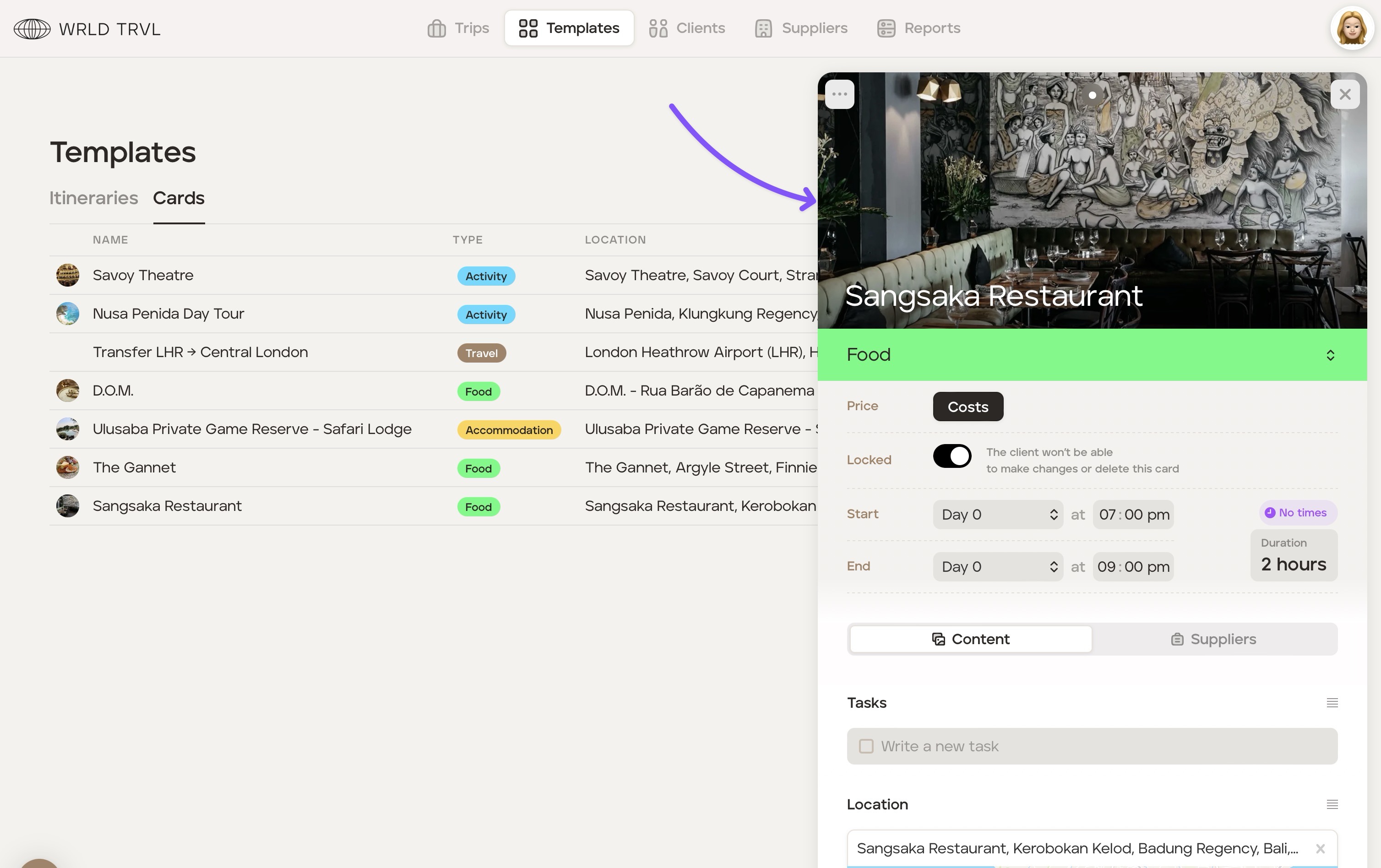
The card will then slide in from the right.
Add any additional information you wish to the card. The card is now saved in the card template list.