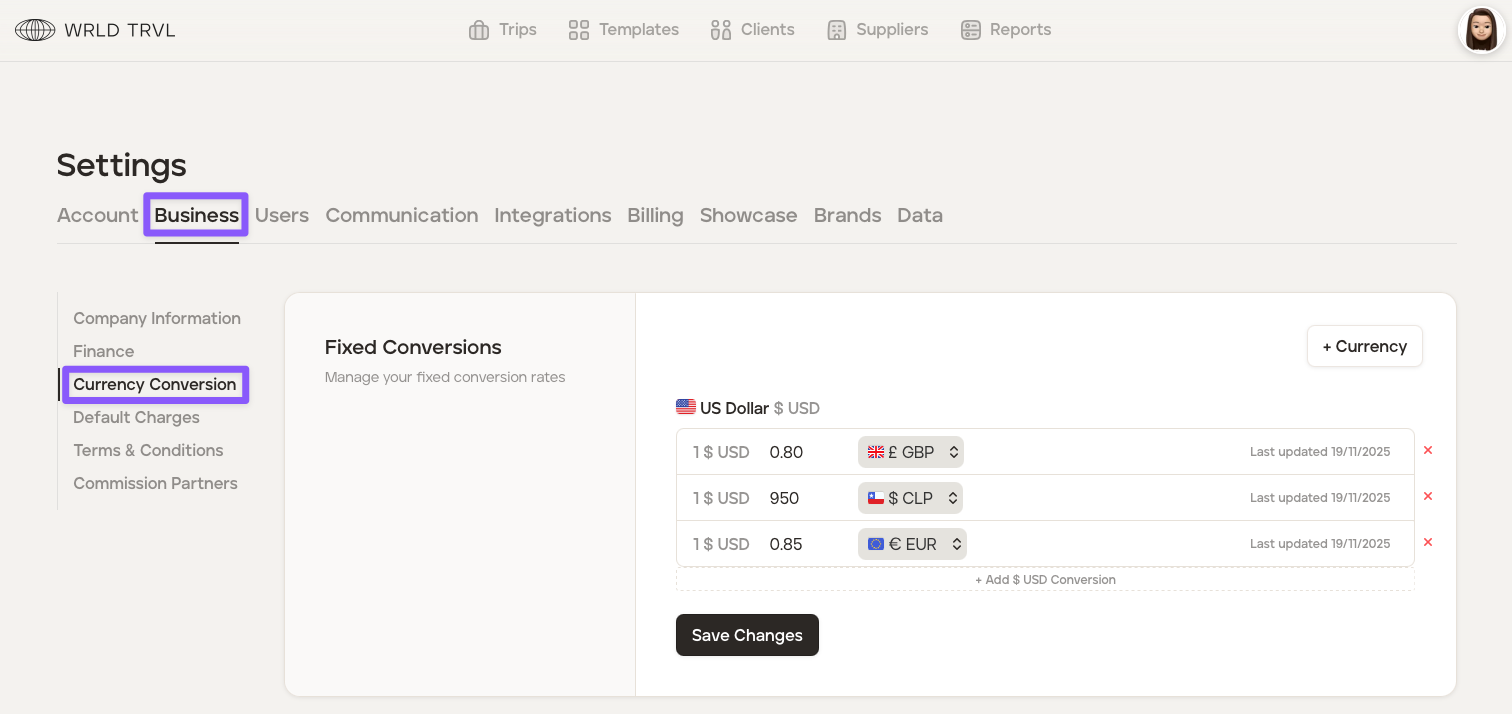
Create a fixed currency conversion
For businesses operating internationally, fixed currency conversion rates provide a stable foundation for financial planning and budgeting. This stability can help with better cost control.
Create a fixed currency conversion
To create a fixed currency conversion, follow the steps below:
Click the avatar in the top right of your screen and then click ‘Settings.’
Click the ‘Business’ tab.
Click the 'Currency Conversion' section.
Example: You want to add fixed conversions for 🇬🇧GBP(£), 🇨🇱CLP($) and 🇪🇺EUR(€) against $1 🇺🇸USD.
Click the '+Currency' button.
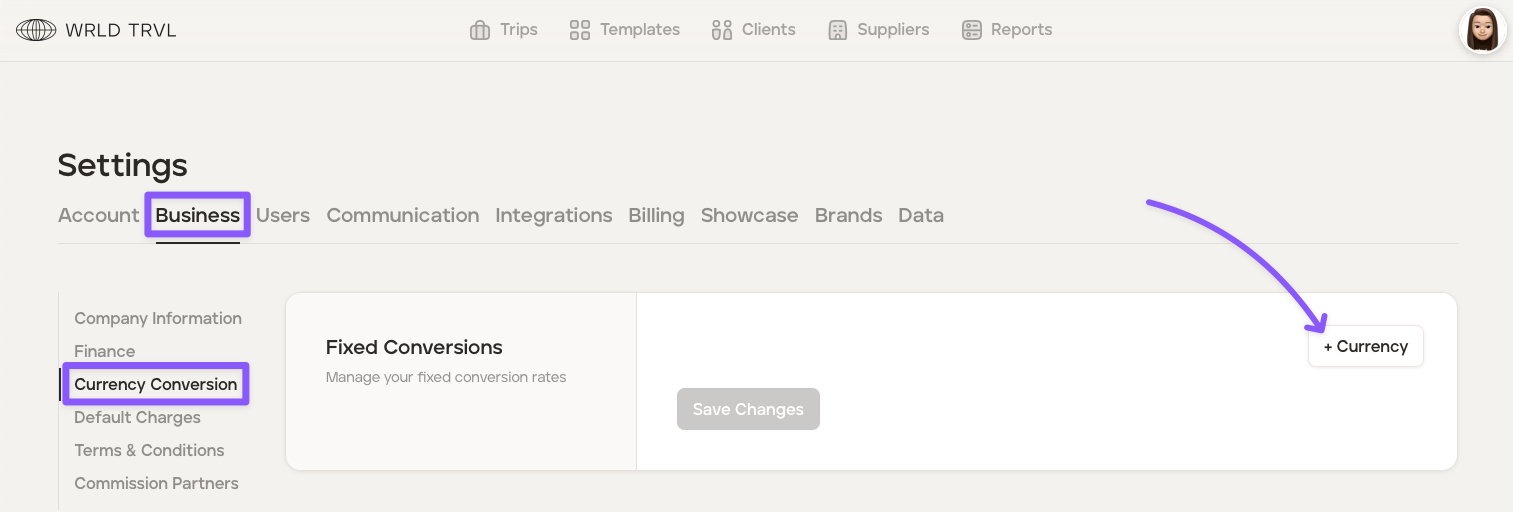
In the dropdown, select the currency you want (in the example above, this would be 🇺🇸USD). Once selected, click 'Add Currency.'
Click '+ Add [X XXX] Conversion'.
In the dropdown, select your chosen currency.
Click the '0.00' to add your conversion.
To add another conversion, follow steps (6)-(8).
Click the 'Save Changes' button.