

Edit your business partners' branding
Click the avatar in the top right-hand corner of the screen.
Click 'Settings'.
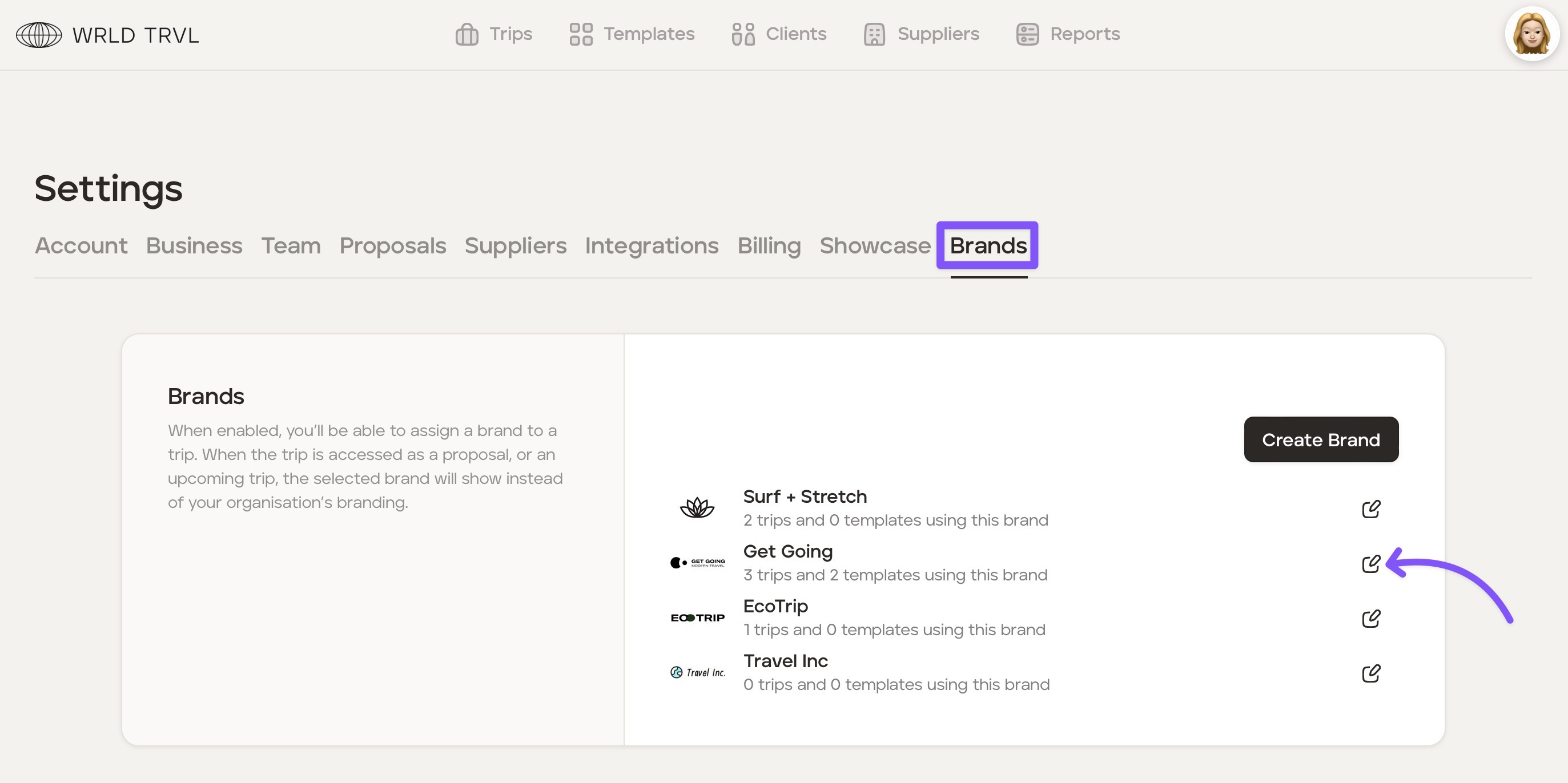
Click the 'Brands' tab.
Click the edit icon and make the relevant changes.
Click 'Save' to save the changes.
Was this helpful?
Click the avatar in the top right-hand corner of the screen.
Click 'Settings'.
Click the 'Brands' tab.
Click the edit icon and make the relevant changes.
Click 'Save' to save the changes.