

Add a template card group to a template itinerary or trip itinerary
To add a template card group (from your template card group database) to a template itinerary or trip itinerary, follow the steps below.
Go to the relevant template itinerary or trip itinerary.
Click '+ New Card' on the chosen day on either Card View or List View. The launcher will open.
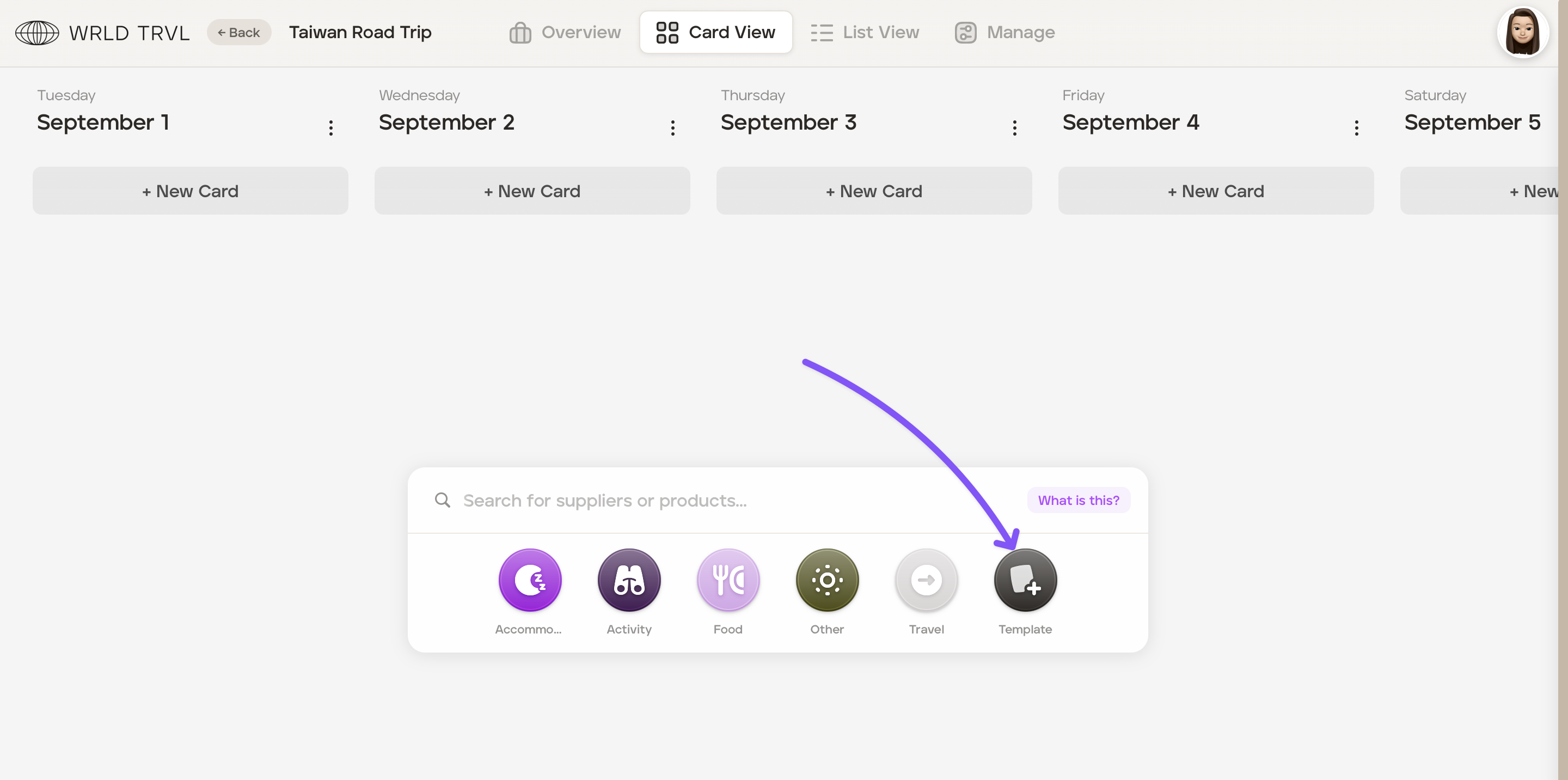
Click the 'Template' icon on the launcher.
Enter the title of the template card group in the launcher search bar and click the result, which will be shown below.
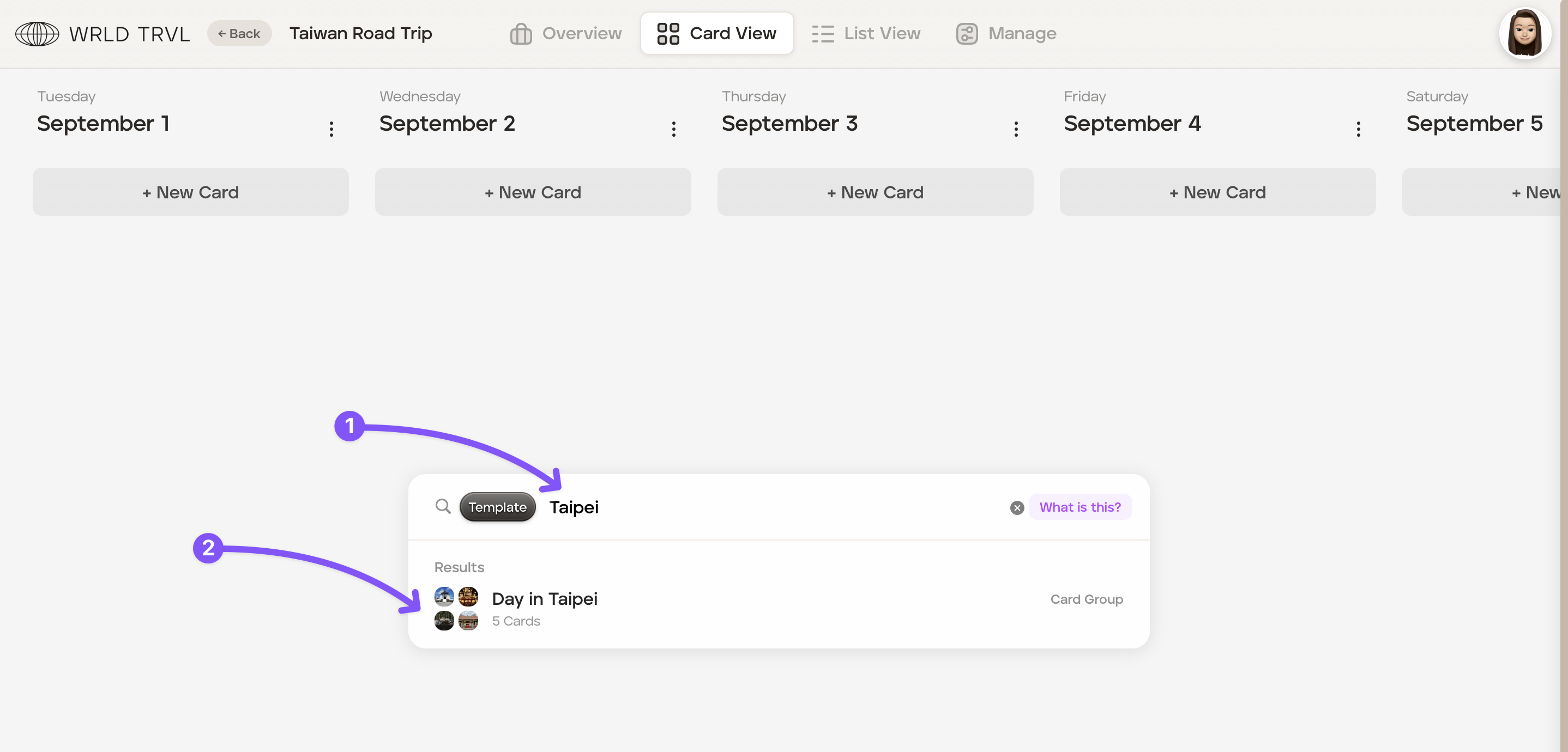
Once clicked, the card group will be added to the day selected in step 2. You can drag and drop cards and edit cards within the itinerary as required.
Was this helpful?