

Add a template document to the Overview of a template itinerary or a trip itinerary
To add a template document to the 'Overview' of an itinerary, follow the steps below:
Select the applicable itinerary.
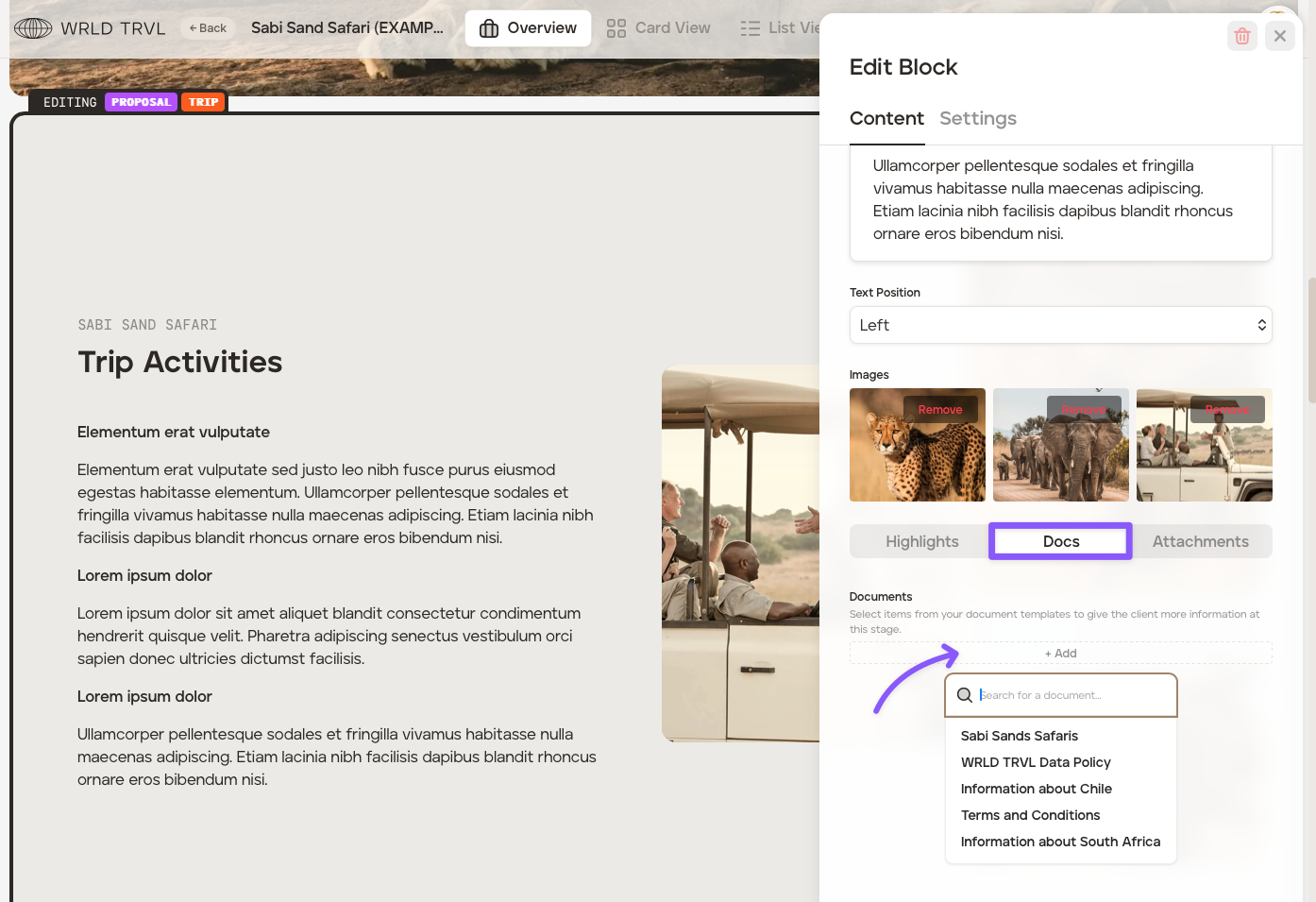
In the 'Overview' select the block you wish to add the document to.
Click 'Docs' and then '+Add' and then select the applicable document.
The document will then show on the block.
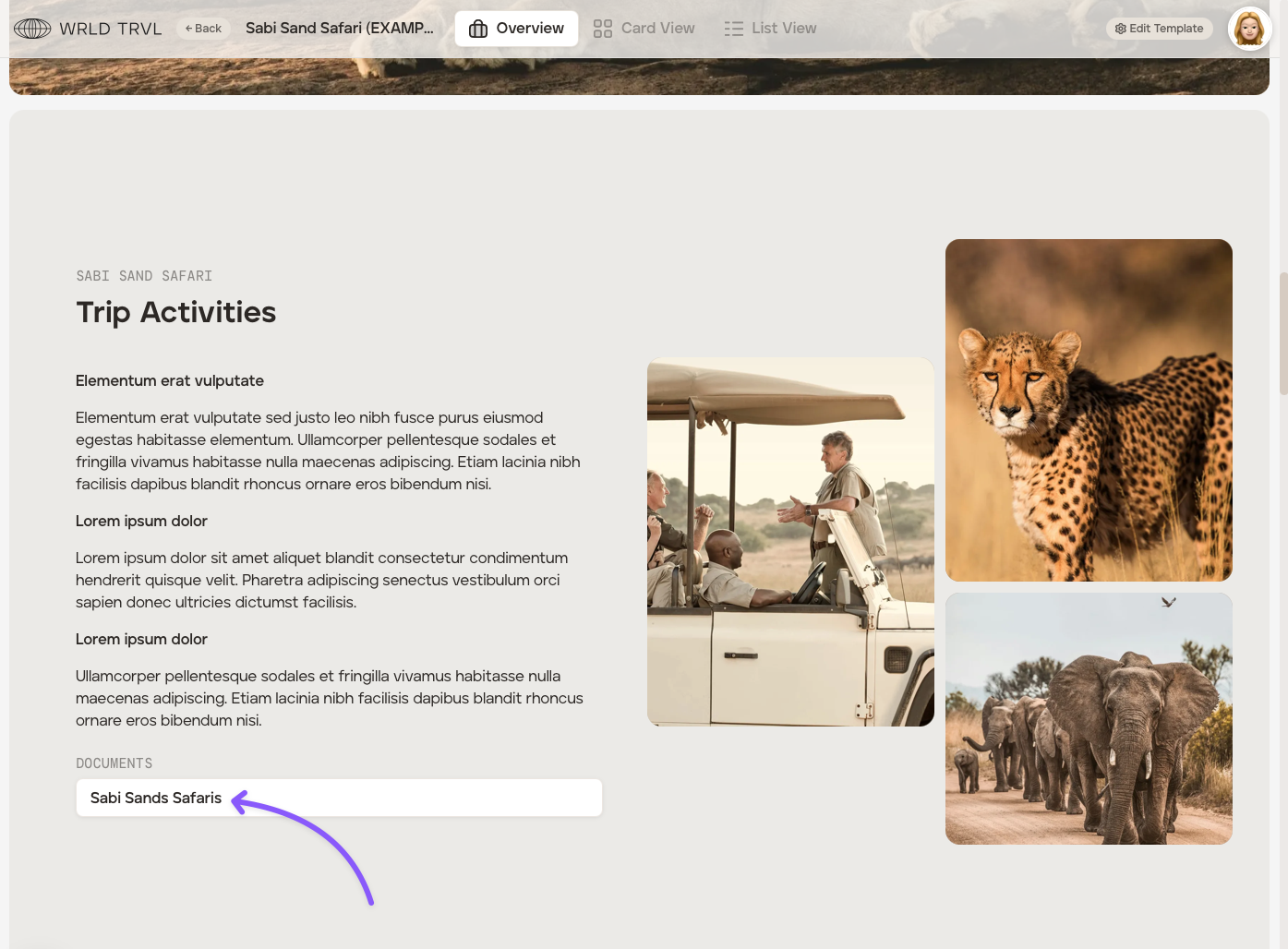
Once shared with your client, either as a proposal or when viewed as an itinerary on the app, your client will simply click the document to reveal the text.
Was this helpful?